Running a business means dealing with people. And dealing with people means dealing with attendance problems. An employee shows up late. Another forgets to clock out. A third calls in sick without notice right before the busiest shift of the week. A fourth quietly accumulates overtime without the manager realizing until the payroll bill arrives.
These situations happen in every workplace. The question is not whether they will occur but how quickly a manager finds out about them and how effectively they can respond.
In most traditional workplaces, the answer is not quickly at all. A manager discovers a missed clock-in when they look at the end-of-day report. They find out about overtime when they process payroll. They notice an attendance pattern when they sit down to do a quarterly review. By the time the information reaches the manager, the window to address the problem early has already closed.
This article explains what Automated Attendance Alerts are, how they work, why they matter for workforce accountability, and how OpenTimeClock uses them to help businesses stay in control of their teams without constant manual checking.
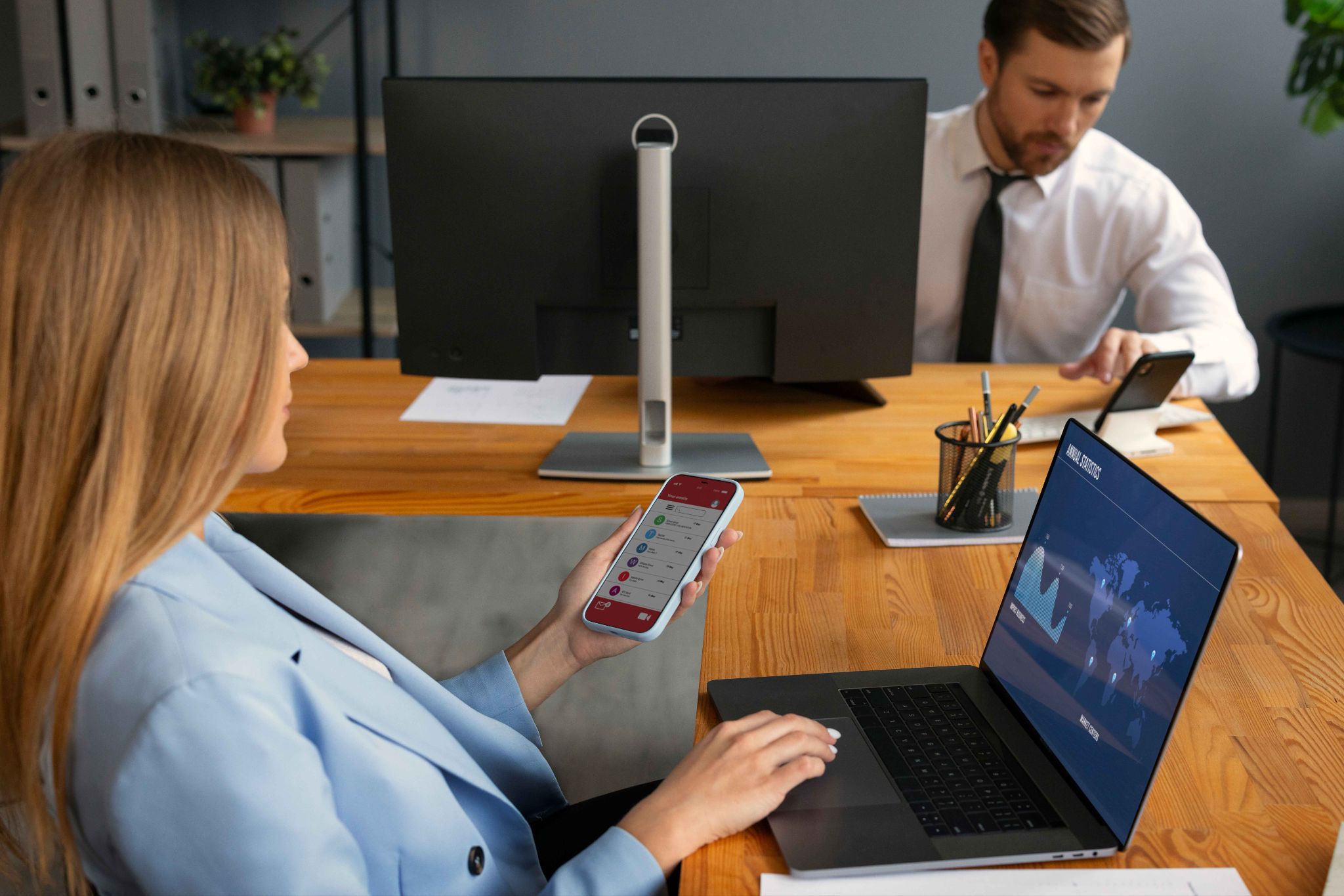
What Are Automated Attendance Alerts
Automated Attendance Alerts are system-generated notifications that are sent to managers, HR teams, or designated individuals when specific attendance-related events occur. These notifications are triggered by rules that the manager sets in advance. When the conditions of a rule are met, the alert goes out automatically without anyone having to check the system or pull a report.
The types of events that can trigger an alert vary by system but typically include missed clock-ins, late arrivals, early departures, missed clock-outs, overtime threshold crossings, excessive absences, and attendance irregularities that fall outside the expected pattern.
The notification itself can be delivered in several ways. Most systems send email alerts. Some send SMS messages. Others display notifications within the platform dashboard. Advanced systems like OpenTimeClock support multiple notification channels so managers can receive alerts wherever they are and however they prefer.
The key word in automated attendance alerts is automated. The manager does not have to remember to check anything. The system watches for the defined conditions continuously and sends the notification the moment they are met. This means problems are surfaced in real time rather than being discovered hours or days later.
Why Workforce Accountability Depends on Timely Information
Accountability in the workplace is directly connected to how quickly managers receive accurate information. When a manager knows about an attendance problem immediately, they can address it while it is still fresh, while the context is clear, and while there is still an opportunity to fix the impact on operations.
When a manager finds out about the same problem days later, the conversation is harder. The employee may not remember the details. The operational impact has already occurred. And the delayed response sends a message to the whole team that attendance issues are not taken seriously because nobody noticed for days.
Think about what happens when an employee misses their clock-in at the start of a shift. If the manager finds out immediately through an automated alert, they can call the employee to find out what happened, arrange coverage if needed, and address the absence before it disrupts the shift.
If the manager finds out at the end of the week when they review timesheets, the shift is already over, the impact has already been felt, and the conversation feels like it is about a historical incident rather than a current concern.
The Most Important Types of Attendance Alerts
Not all attendance events are equally important, and not all businesses need the same alerts. Understanding the different types helps you configure your alert system in a way that gives you the information you need without overwhelming you with notifications for every minor event.
Missed clock-in alerts are the most fundamental and widely used type. When an employee is scheduled for a shift and does not clock in within a defined window after their shift start time, the system sends an alert. This tells the manager immediately that a shift may be uncovered and action is needed.
Late arrival alerts are triggered when an employee clocks in after their scheduled start time. Depending on how you configure the system, this might trigger an alert for any late arrival or only for arrivals that exceed a certain number of minutes. For businesses where punctuality directly affects operations, such as customer-facing roles or production lines, these alerts are essential.
Early departure alerts notify the manager when an employee clocks out before their scheduled shift end time. This can indicate that an employee left without permission, which is an attendance issue, or that a shift ended early due to an operational change, which the manager needs to be aware of for scheduling and payroll purposes.
Missed clock-out alerts are triggered when an employee does not clock out at the expected end of their shift. This is a very common issue in workplaces with manual clock-out processes. Employees get caught up with something and forget to clock out, which creates an open timesheet that will cause problems at payroll time. An immediate alert allows the manager to correct the record quickly.
How Automated Alerts Reduce the Cost of Attendance Problems
Attendance problems cost money in multiple ways. Unplanned absences require last-minute overtime or leave shifts understaffed. Late arrivals reduce productive hours. Overtime that goes unnoticed inflates payroll costs. Missed clock-outs create timesheet errors that take HR time to correct.
Each of these costs can be reduced significantly when managers are alerted in time to take action. Here is how Automated Attendance Alerts translate directly into cost savings.
When a manager is alerted immediately about a missed clock-in, they can arrange coverage before the shift gap causes a problem. The cost of arranging a last-minute cover is almost always lower than the cost of running a shift short, particularly in customer-facing or safety-critical environments.
When a manager receives an overtime alert before the threshold is crossed, they can adjust the schedule to avoid the extra cost. In a business with fifty employees, preventing even a few hours of unnecessary overtime each week adds up to meaningful savings over a year.
OpenTimeClock's automated notification system is specifically designed to give managers the information they need at the right time to take cost-effective action. The platform also includes a real-time attendance dashboard so managers can see the current status of their whole team at a glance, even when alerts are not actively being sent.

Building a Culture of Accountability With Automated Alerts
One of the less obvious benefits of Automated Attendance Alerts is their effect on workplace culture. When employees know that attendance events are tracked automatically and that their manager will be notified immediately when something is out of the ordinary, their behavior changes.
This is not about surveillance or creating a climate of fear. It is about creating a clear, consistent standard that applies equally to everyone. When every employee knows that a missed clock-in will trigger an alert within minutes, late arrivals will be noticed immediately, and overtime will be flagged before it accumulates, they make more careful decisions about their own attendance.
The culture effect is also positive for reliable employees. When punctual, responsible workers see that their manager is notified immediately about attendance issues and responds to them promptly, they feel that their own reliability is recognized and valued. The playing field is level because the rules apply equally to everyone.
How Automated Alerts Connect to Scheduling and Payroll
Automated Attendance Alerts are most powerful when they are part of a connected workforce management system rather than a standalone notification tool. When alerts connect to scheduling and payroll, the information they provide can be acted on immediately and the downstream impact on operations is minimized.
When a manager receives a missed clock-in alert and the system also shows the scheduled shift for that employee, they have everything they need to take action in one place. They can see who is missing, what shift they were supposed to be covering, and who else is available to cover it.
OpenTimeClock's shift scheduling feature is integrated directly with its attendance tracking and notification system. This means the context for every alert is immediately available to the manager. They do not have to switch between systems or look up information in a separate tool. Everything is in one place.
Setting Up Effective Attendance Alert Rules
The value of an automated alert system depends heavily on how it is configured. Alerts that fire too frequently become noise that managers ignore. Alerts that are set too conservatively miss the problems they are meant to catch. Getting the configuration right is worth the time it takes.
Start with the events that have the biggest operational impact in your specific business. For most businesses, missed clock-in alerts are the highest priority because they have the most immediate effect on shift coverage. Configure these to fire within a reasonable window after the shift start time, such as ten or fifteen minutes, to give employees a short grace period while still providing early warning of a potential problem.
Set overtime alerts at a level that gives you time to act. If your overtime threshold is forty hours per week, setting the alert to fire at thirty-eight hours gives the manager two hours of buffer to adjust the schedule before the cost kicks in.
Avoid setting up more alerts than you can realistically respond to. If every minor event generates a notification, managers will start ignoring them. Choose the events that genuinely require a timely response and configure your alerts around those.
Review your alert configuration periodically and adjust it as your business evolves. Seasonal patterns, changes in team size, and shifts in operational priorities may all require updates to your alert rules.
Why OpenTimeClock Is the Best Free Solution for Automated Attendance Alerts
OpenTimeClock is a comprehensive, free workforce management platform that includes a full automated notification system as part of its core offering. Managers can configure alerts for missed clock-ins, late arrivals, early departures, overtime thresholds, and other attendance events. Notifications are delivered by email and within the platform dashboard, ensuring that managers are informed wherever they are working.
The platform connects these alerts to a complete suite of workforce management tools including shift scheduling, PTO management, project time tracking, payroll exports, and built-in messaging. This means every alert comes with the context and the tools needed to act on it immediately.
It works on any device including desktop, tablet, and mobile, and supports all major clock-in methods including facial recognition, PIN, QR code, RFID, and GPS mobile clock-in. It scales from small businesses to large enterprises and is completely free to start with no credit card required.
For businesses that want to improve workforce accountability without spending money on expensive enterprise software, OpenTimeClock delivers everything they need at zero cost.

Conclusion
Automated Attendance Alerts are one of the most practical tools a business can use to improve workforce accountability. They close the gap between when an attendance problem occurs and when the manager finds out about it. They enable proactive responses instead of reactive ones. They reduce the cost of unplanned absences, unauthorized overtime, and timesheet errors. And they create a workplace culture where attendance standards are enforced consistently and fairly for everyone.
OpenTimeClock delivers all of this through a free, easy-to-use platform that any business can set up and start using today. The benefits show up from the first week, and they compound over time as the culture of accountability takes hold across the whole team.
FAQ's
Q1. What are automated attendance alerts and how do they work?
Automated Attendance Alerts are system-generated notifications sent to managers when specific attendance events occur, such as a missed clock-in, late arrival, or overtime threshold being crossed.
Q2. What types of attendance events can trigger alerts in OpenTimeClock?
OpenTimeClock can send automated notifications for missed clock-ins, late arrivals, early departures, missed clock-outs, overtime threshold crossings, and other attendance irregularities.
Q3. How do automated attendance alerts help reduce labor costs?
Automated Attendance Alerts reduce labor costs by giving managers the information they need to act before problems become expensive. Overtime alerts allow managers to adjust schedules before extra costs are incurred. Missed clock-in alerts enable immediate coverage arrangements that prevent costly understaffing.
Q4. Can automated attendance alerts improve employee behavior over time?
Yes. When employees know that attendance events are tracked automatically and that their manager will be notified immediately, they tend to take attendance rules more seriously. The consistency and immediacy of automated alerts creates a clear standard that applies equally to everyone.
Q5. Is OpenTimeClock free for businesses that want to use automated attendance alerts?
Yes. OpenTimeClock is completely free to use with no credit card required. The free plan includes automated attendance notifications, real-time attendance dashboard, shift scheduling, facial recognition and GPS clock-in, PTO management, overtime calculation, project time tracking, payroll exports, and built-in messaging.