Top QuickBooks Time Alternatives: Cheaper Options That Do More
Looking for QuickBooks Time alternatives? OpenTimeClock is your best choice, offering unlimited free users and a flat $39/month paid plan with GPS and payroll exports instead of expensive per-worker fees.
If you use QuickBooks Time, you may have noticed something. The price keeps going up. The plan you liked last year now costs more this year. And the extra features you actually use? They often sit behind a higher plan.
Because of this, many small business owners now search for QuickBooks Time alternatives. They want a tool that tracks hours, runs smoothly, and does not cost a fortune.
The good news is simple. You have options. Some tools cost less. Some do more. And some do both.
In this guide, we walk you through the best QuickBooks Time alternatives for 2026. We explain what each tool does well, who it fits best, and how much it costs. We also share what to check before you switch, so you avoid common mistakes. By the end, you will know exactly which option fits your team.

Why Look for a QuickBooks Time Alternative?
QuickBooks Time works fine for many businesses. It tracks hours, builds schedules, and connects to QuickBooks Online. So why do so many people search for something else?
The answer usually comes down to cost. QuickBooks Time now requires a QuickBooks Online subscription. On top of that, you pay a per-user fee. For a team of ten employees, the monthly bill adds up fast. What once felt like a small add-on now feels like its own software budget.
Beyond high costs, bad performance drives businesses away. Users often complain about inaccurate GPS tracking, limited settings, and long wait times for customer support when payroll is due.
Because of these issues, business owners start looking for a QuickBooks Time alternative that costs less and works just as well, or better. If your team uses digital clock-ins every day, even a small price difference adds up over a year. Multiply that by twelve months, and the savings become hard to ignore.
What Makes a Good QuickBooks Time Alternative?
Before you switch tools, it helps to know what to look for. Not every alternative fits every business. So here are the features that matter most.
Clear pricing. A good alternative should show its price upfront. No hidden fees. No surprise charges. You should be able to look at a pricing page and know exactly what you will pay each month.
GPS and geofencing. If your team works in the field, GPS tracking helps you confirm where employees clock in. Geofencing takes this further by blocking punches outside a job site. This keeps timesheets accurate without extra paperwork.
Payroll integration. Your new tool should connect smoothly with QuickBooks, Gusto, ADP, or Paychex. This saves time and avoids manual entry errors. Instead of retyping hours into your payroll system, you simply export a clean report.
Mobile access. Employees should be able to clock in from a phone, tablet, or kiosk. This matters even more for remote or field teams who never sit at a desk.
Real support. When payroll is due, you need fast answers. Look for a company that offers live support, not just email tickets. A quick phone call can solve a problem that an email thread might take days to fix.
Accurate reports. Your alternative should give you clean, easy-to-read timesheets. This helps you avoid payroll mistakes and keeps your secure audit trails ready for review. Good records also protect you if a wage dispute ever comes up.
Now that you know what to look for, let's go through the best QuickBooks Time alternatives on the market today.
The Best QuickBooks Time Alternatives in 2026
If you are tired of paying expensive monthly fees for every single employee on your team, check out the top tools below to find a cheaper and easier option.
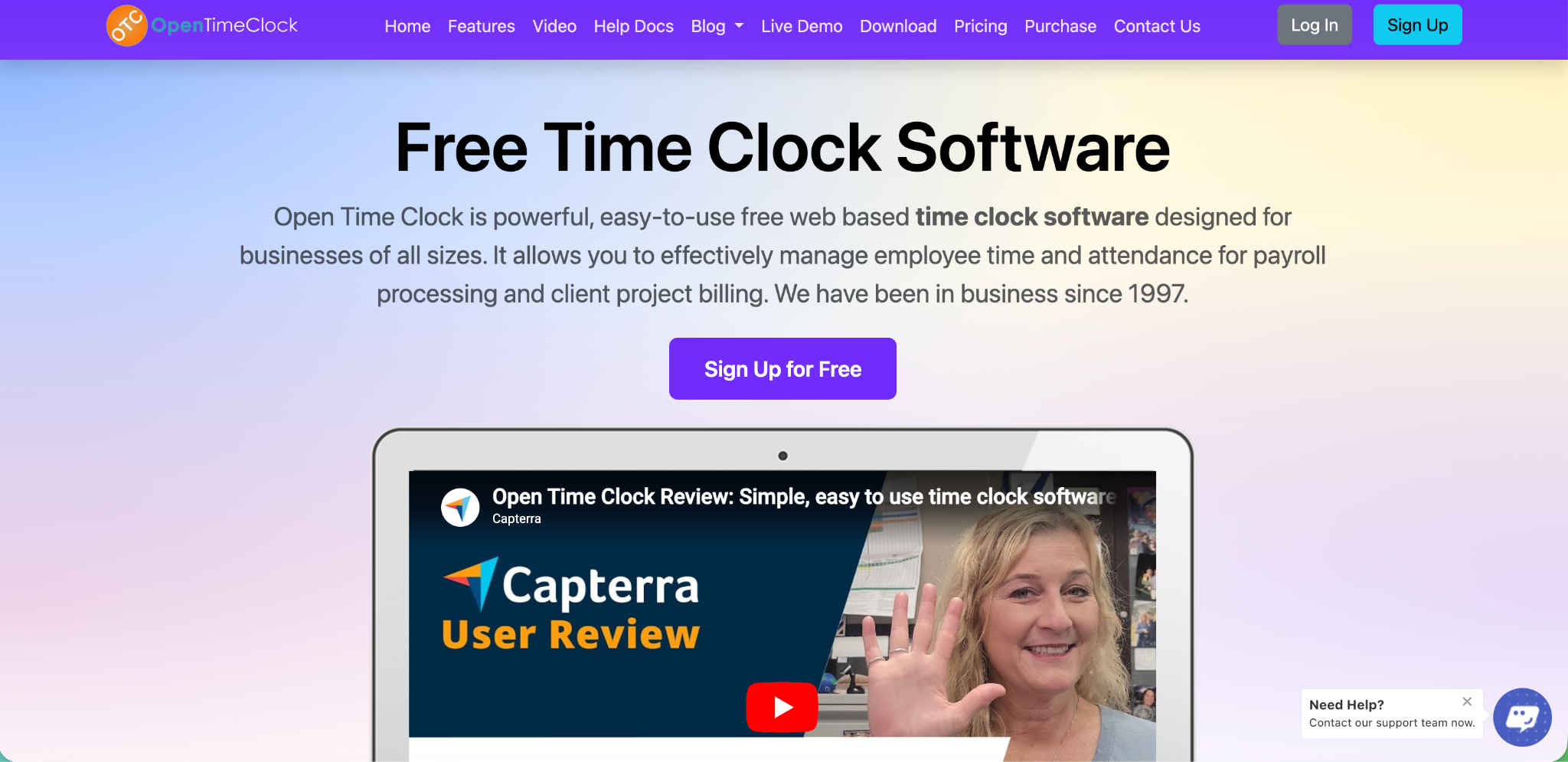
OpenTimeClock: Best Overall QuickBooks Time Alternative
OpenTimeClock gives you the core features of QuickBooks Time without the high price tag or user-based penalty fees. It includes time tracking, GPS location stamps, scheduling, and PTO tracking. It also connects directly with QuickBooks for easy payroll exports.
What stands out most is the pricing. OpenTimeClock has a completely free plan. On this plan, as many workers as you want can clock in and out using a web browser. The only catch is that after your first 30 days, you cannot download your time reports unless you upgrade. But if you do choose to pay for their top plan, the price is very different from other companies.
Most software companies charge you a fee for every single worker, every month. That can get very expensive! OpenTimeClock does not do that. Instead, they charge one simple, flat price of $39 a month for your whole company. It does not matter if you have 5 workers or 50 workers, your price stays exactly the same.
Even better, schools, government groups, and charities can get the paid plan completely free by applying for the NPO plan. Regular businesses can also get the paid features for free. All they have to do is put a small link to OpenTimeClock on their website.
Best for: Small and medium businesses that want basic time tracking with a simple, flat monthly price that never goes up.
Buddy Punch: Best for Stopping Time Theft
Buddy Punch is made to give bosses a lot of control. It uses GPS tracking, maps, and photos to show exactly when and where workers clock in. It can even use facial recognition on phones or tablets. This stops "buddy punching," which is when one worker clocks in for a friend who is late.
But if you want to save every penny, you need to look closely at the price. Buddy Punch says it starts at $4.49 per worker each month. But they hide an extra rule: you must also pay a flat fee of $19 every single month. For a tiny team of 5 people, that extra fee pushes the total price up to over $41 a month. The price keeps growing fast as you hire more people.
Best for: Teams that have problems with workers lying about their time and really need face-scanning features.
Workyard: Best for Construction Teams
The workyard was built especially for construction workers, plumbers, and landscapers. Its GPS tracking is very smart. It can tell the difference between when a worker is actually working and when they are just driving in a truck.
It also connects your workers' hours straight to your project budgets. This means bosses can see exactly how much money they are spending on labor in real time while the job is happening.
The basic plan costs about $6 per worker each month. But if you want the smart budget tracking and the best connection to QuickBooks, you have to upgrade to their Pro plan. That plan costs $13 per worker each month. For a growing company, this can get very expensive compared to a tool with one flat monthly price.
Best for: Construction and field businesses that need to track exactly how much money each project costs.
Homebase: Best Free Plan for Small Teams
Homebase has a good free plan made for small businesses where workers stay in one place, like coffee shops, clothing boutiques, or hair salons. It lets you build work schedules, send messages to your team, and set up a tablet as a clock-in station.
The catch with the free plan is that it only works for one single business location. If your business grows and you open a second shop, you have to upgrade to a paid plan that starts at $20 or more each month. It also does not have advanced GPS tools for tracking workers who travel.
Best for: Local, brick-and-mortar stores that only have one building.
Clockify: Best for Freelancers and Agencies
Clockify is famous because it has a huge free plan with unlimited users and projects. It is perfect for office workers, web designers, and business consultants who spend their day working on computer screens instead of driving around to different job sites.
Because Clockify is built for office work, it does not have great tools for teams out in the field. It cannot track driving miles or lock clock-ins to a specific job site map. If you want advanced schedules, automatic text alerts, or official security reports, you have to pay for their premium plans which start at $4.99 per worker each month. For teams needing more advanced control, its tiered monthly subscriptions scale from the Basic plan at $4.99 per seat, to Standard at $6.99, Pro at $9.99, and Enterprise at $14.99 (with a 20% discount if you choose annual billing).
Best for: Office-based teams and freelancers who just need to track billable hours on a computer.
How to Choose the Right QuickBooks Time Alternative
With so many choices, how do you pick the right tool? Start by asking four simple questions:
- Where does your team work? If they travel to job sites, look for GPS tracking. If they sit at desks, prioritize project tracking to see what tasks they finish on their computers.
- How big is your team? Avoid tools that charge extra for every single worker you hire. Instead, look for apps like OpenTimeClock that charge one flat monthly fee for your whole company, no matter how much you grow.
- How do you run payroll? Pick a software that connects directly to your current payroll system. This saves you from typing numbers twice and helps you easily follow U.S. Department of Labor laws.
- Can you test it first? Always use a free trial to test the mobile app, run a sample payroll report, and message customer support before you spend any money.
A Quick Comparison of QuickBooks Time Alternatives
| Tool | Best For | Real Starting Cost | True GPS Tracking | Free Tier Catch? |
|---|---|---|---|---|
| OpenTimeClock | Overall Value & Flat Rates | Free or $39/mo flat (unlimited users) | Yes | Yes (No reports after 30 days on Free) |
| Buddy Punch | Stopping Time Theft | $4.49/user/mo + $19 base fee | Yes | No free plan |
| Workyard | Construction Teams | $6 to $13/user/mo | Advanced | No free plan |
| Homebase | Single Locations | Free (1 location limit) | Limited | Yes (Restricted to 1 location) |
| Clockify | Freelancers & Agencies | Free (Paid from $4.99/mo) | No active field maps | Yes (No advanced scheduling/GPS) |
| Timeero | Mileage Tracking | $6 to $12/user/mo | Advanced | No free plan |
Pricing structures change over time, so always check each provider's website for their current standard rates.

Conclusion
Switching tools can feel like a big step. However, the right QuickBooks Time alternative often pays for itself within months. Lower fees, better support, and features that match your business can make daily payroll systems run smoother.
Start by listing what matters most to your team. Then, try a free plan or trial from one or two tools on this list. Within a week, you will likely know which option feels right. Most teams notice the difference the very first time they run payroll with their new tool.
If you want a tool that keeps things simple, affordable, and easy to set up, OpenTimeClock is a great place to begin. You can explore time tracking features and sign up in just a few minutes. There is no long contract and no pressure, so you can take your time and switch when it feels right.
FAQ’s
1. What is the cheapest QuickBooks Time alternative?
OpenTimeClock, Homebase, and Clockify all offer free plans. OpenTimeClock is the strongest pick for growing businesses because its paid tier offers a flat $39/month pricing structure for unlimited users, meaning you never get penalized for hiring more staff. You can check out their options directly on the OpenTimeClock Pricing Page.
2. Can I switch from QuickBooks Time without losing my data?
Yes. Most alternatives support standard CSV uploads for past timesheets. It helps to run both systems for one pay cycle to check that everything matches perfectly before you fully terminate your legacy subscription.
3. Do QuickBooks Time alternatives still work with QuickBooks?
Yes. Most tools, including OpenTimeClock, offer direct exports or flat-file integrations built to communicate smoothly with QuickBooks Online. This keeps your bookkeeping process simple, even after you switch your time tracking tool.
4. Is QuickBooks Time the same as TSheets?
Yes. QuickBooks Time was once called TSheets. Intuit bought the company and renamed it after adding it to the QuickBooks family of products, moving many core tracking utilities behind more expensive software tiers.
5. Which QuickBooks Time alternative is best for small businesses?
For most small businesses, OpenTimeClock offers the absolute best mix of low cost, GPS tracking, scheduling, and payroll support without the financial headache of monthly per-user billing fees. Construction teams with heavy field demands may look toward Workyard, while localized, single-building storefronts may find what they need in Homebase's free plan.