Top 07 OnTheClock Competitors Compared: Features, Pricing, and Pros
Compare the top 7 OnTheClock competitors on features, pricing, and shift scheduling software capabilities. See why OpenTimeClock leads the pack.
OnTheClock is a popular time tracking and employee management platform used by thousands of small businesses. It offers basic clock-in features, payroll reporting, and some scheduling tools. For many businesses, it works fine for simple needs.
But OnTheClock is not the right fit for everyone. Some businesses find the pricing model adds up quickly as their team grows. Others need more clock-in options, stronger GPS verification, or better shift scheduling software capabilities. And many smaller businesses simply need a tool that is free, not just affordable.
If you are looking for OnTheClock competitors that offer better value, more features, or lower costs, this article is for you. We have compared the top seven alternatives on the market, covering their key features, pricing, and pros.
The clear winner for most businesses is OpenTimeClock. It delivers everything a business needs from a time tracking and shift scheduling software platform at zero cost for unlimited users. Let us start there.
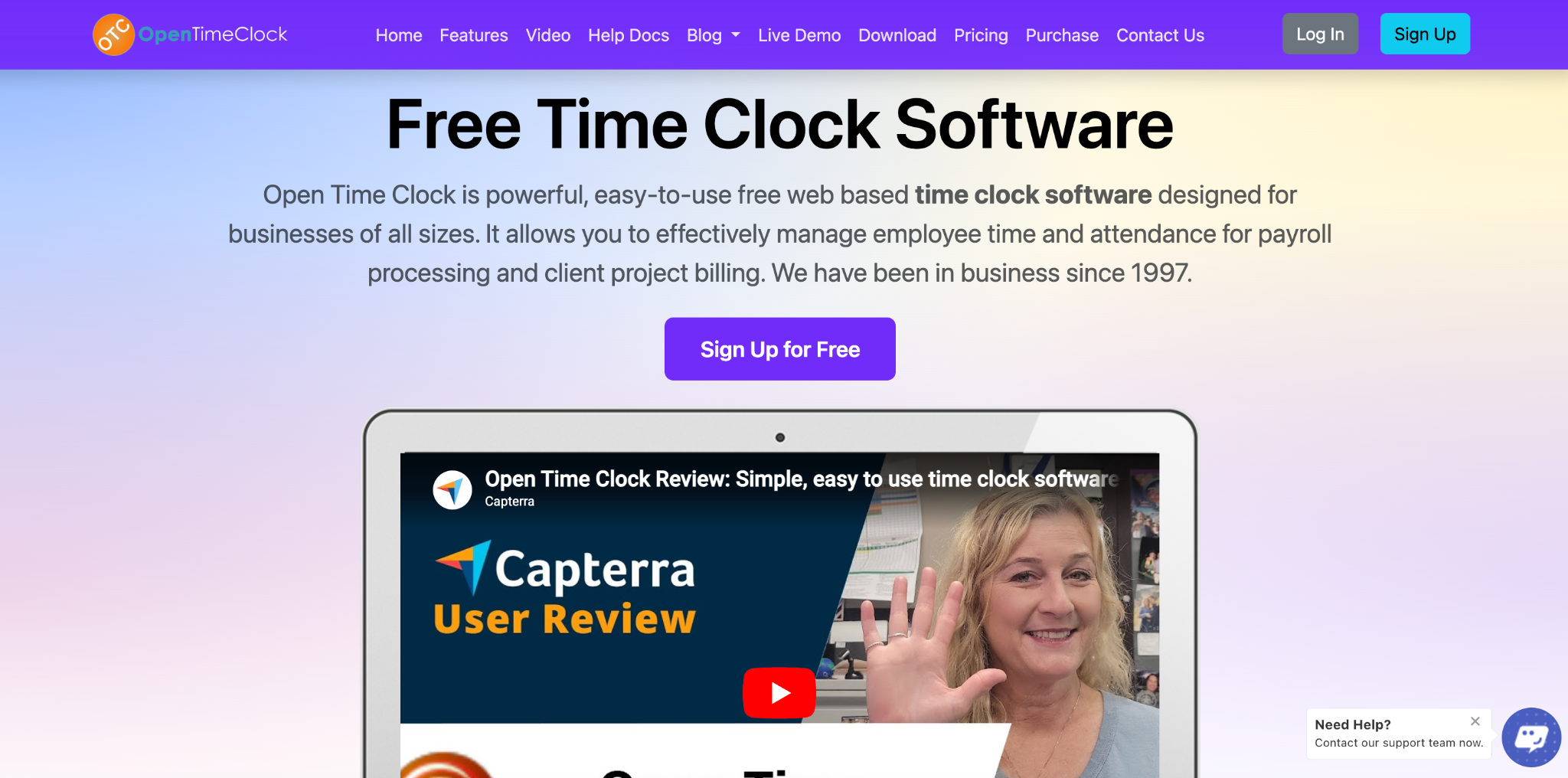
1. OpenTimeClock — Best Overall OnTheClock Competitor
OpenTimeClock is the strongest competitor to OnTheClock available today. It matches or exceeds OnTheClock on features in nearly every category and beats it significantly on price.
Features
OpenTimeClock delivers a complete workforce management platform. Employees can clock in using facial recognition on a tablet kiosk, GPS mobile app, QR code scanning, RFID card tap, or browser login on any computer.
Every clock-in is recorded with a precise timestamp. GPS coordinates are captured for mobile clock-ins. Facial recognition verifies the identity of every employee at the point of clock-in, preventing buddy punching entirely.
The platform includes a real-time attendance dashboard that updates the moment each employee clocks in. Managers can see current attendance status for their entire team from any device. Automatic alerts fire when employees miss their scheduled start time or approach overtime thresholds.
OpenTimeClock also includes shift scheduling software built into the same platform. Managers build schedules digitally, and employees receive automatic notifications when schedules are published or changed.
Pricing
Completely free for unlimited users. No subscription fees. No per-user charges. No hidden costs.
Pros
The combination of a full feature set and zero cost makes OpenTimeClock the most compelling option in this comparison. A business with 5 employees and a business with 500 employees both pay nothing. The platform scales without any increase in cost, making it one of the smartest long-term choices for growing businesses.
OpenTimeClock is the top OnTheClock competitor and the recommended choice for any business looking to upgrade their time tracking and shift scheduling software without paying a monthly fee.
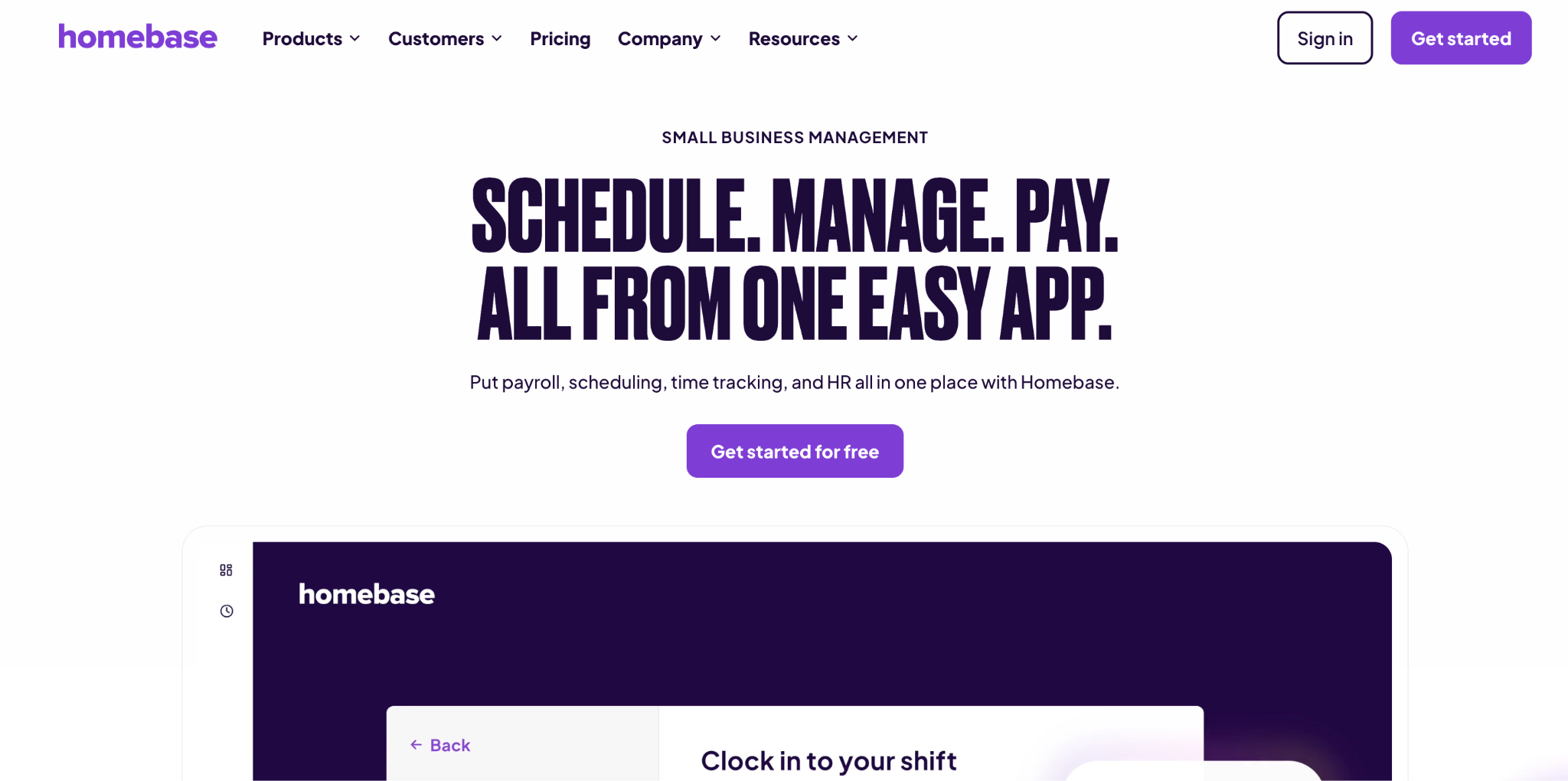
2. Homebase
Homebase is a workforce management platform popular with small businesses in retail, hospitality, and food service. It is one of the most widely used OnTheClock competitors.
Features
Homebase offers shift scheduling, time tracking, team messaging, and basic payroll reporting. Its free plan covers scheduling for a single location. Employees can clock in using a tablet kiosk or the mobile app.
The scheduling interface is visual and easy to use. Managers can build schedules by dragging and dropping shifts. Team messaging allows managers to communicate schedule changes directly through the app.
Pricing
Homebase offers a free plan for one location with basic features. Paid plans start at around twenty dollars per location per month and increase for advanced features like GPS tracking, payroll integrations, and detailed reporting. For businesses with multiple locations, costs add up quickly.
Pros
Homebase has a clean, user-friendly interface. The scheduling tools are well-designed for small teams in customer-facing industries. It is a strong option for businesses with one location that need basic scheduling and time tracking.
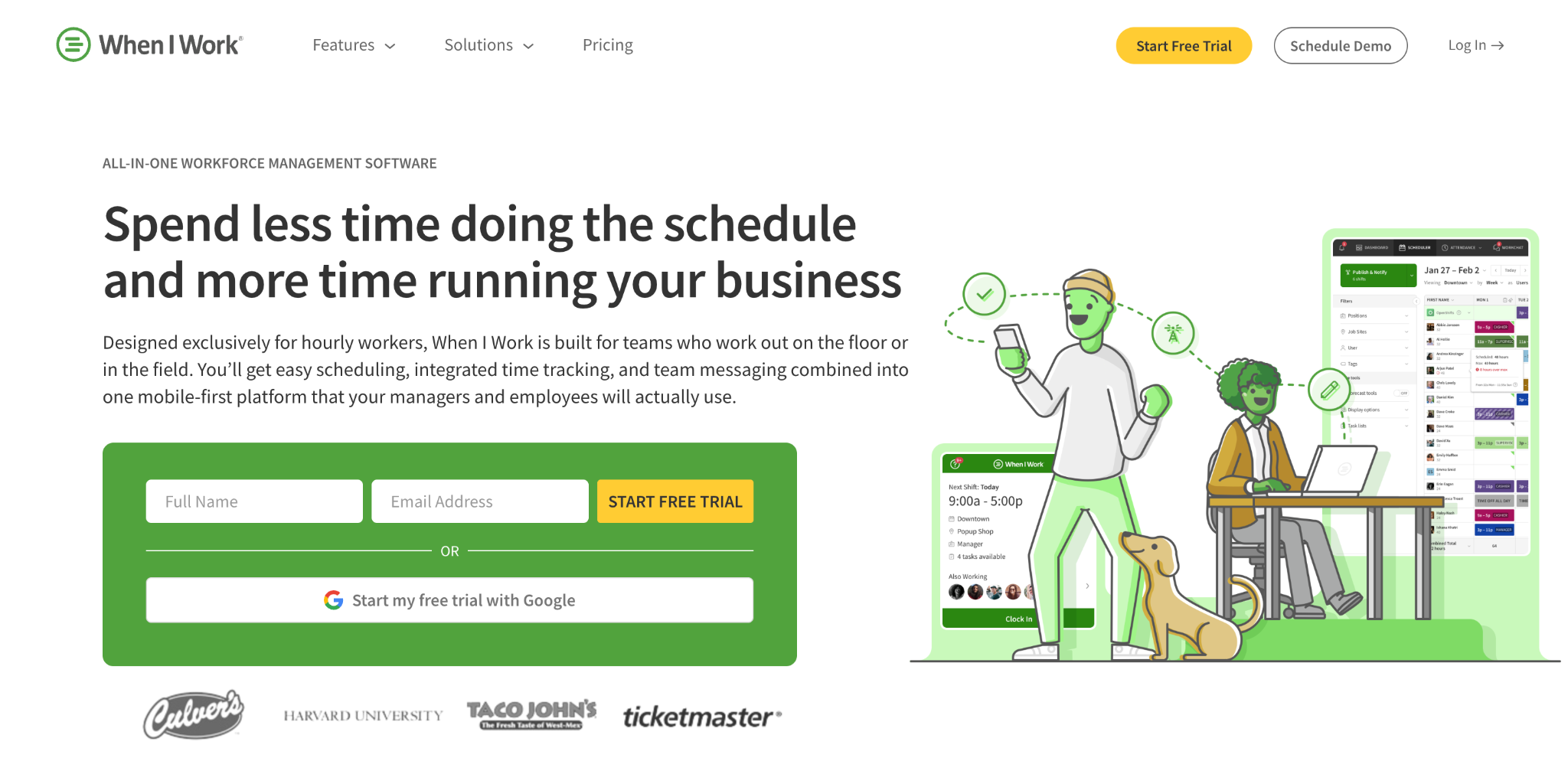
3. When I Work
When I Work is a scheduling-focused platform widely used in shift-based industries. It is a popular OnTheClock competitor for businesses whose primary need is employee scheduling.
Features
When I Work offers drag-and-drop scheduling, shift notifications, time tracking, and team messaging. Employees can view their schedules, request shift swaps, and submit availability through the mobile app.
The platform also offers basic time tracking with clock-in via tablet or mobile. Team communication features allow managers to send announcements and updates to specific employee groups.
Pricing
When I Work offers a free plan for up to 75 users covering scheduling only. Payroll, GPS tracking, and advanced time tracking require paid plans starting at a per-user monthly fee.
Pros
When I work I am strong on scheduling and team communication. The mobile app is well-designed. For businesses that primarily need shift scheduling software with basic time tracking, the free plan offers solid value.
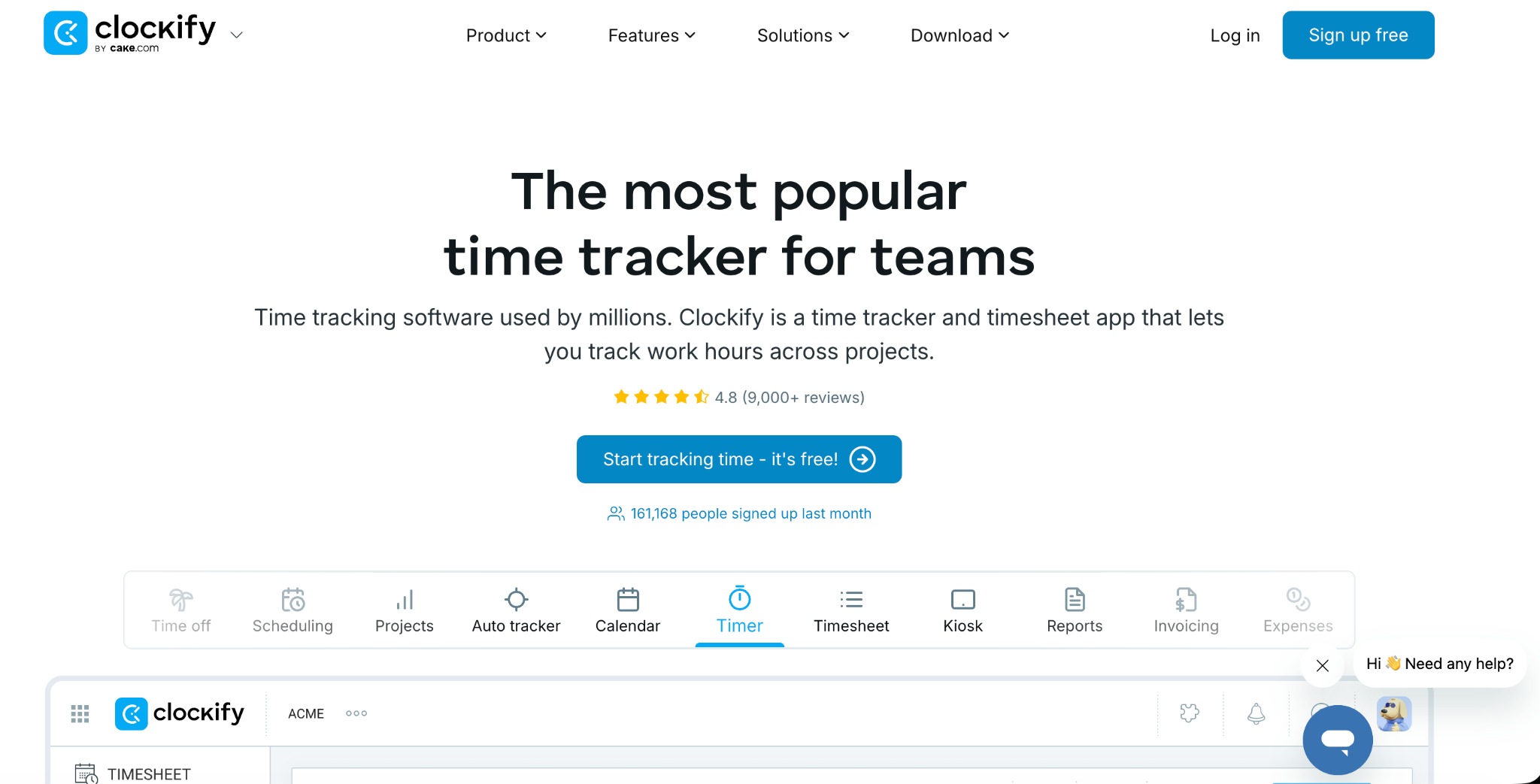
4. Clockify
Clockify is a time tracking tool with a generous free plan covering unlimited users. It is a well-known OnTheClock competitor particularly popular with project-based businesses.
Features
Clockify offers time tracking through browser, mobile, and desktop apps. Employees log hours against projects, tasks, or clients. Basic reporting covers total hours per person, project, or time period.
The free plan includes unlimited users and projects, which is a significant advantage for larger teams.
Pricing
Clockify is free for unlimited users on its basic plan. Advanced features like GPS tracking, scheduling, and payroll integrations require paid plans starting at a per-user monthly fee.
Pros
The unlimited free plan is a genuine advantage. The interface is clean and straightforward. For freelancers and project-based teams that primarily need to track billable hours, Clockify works well.
5. Deputy
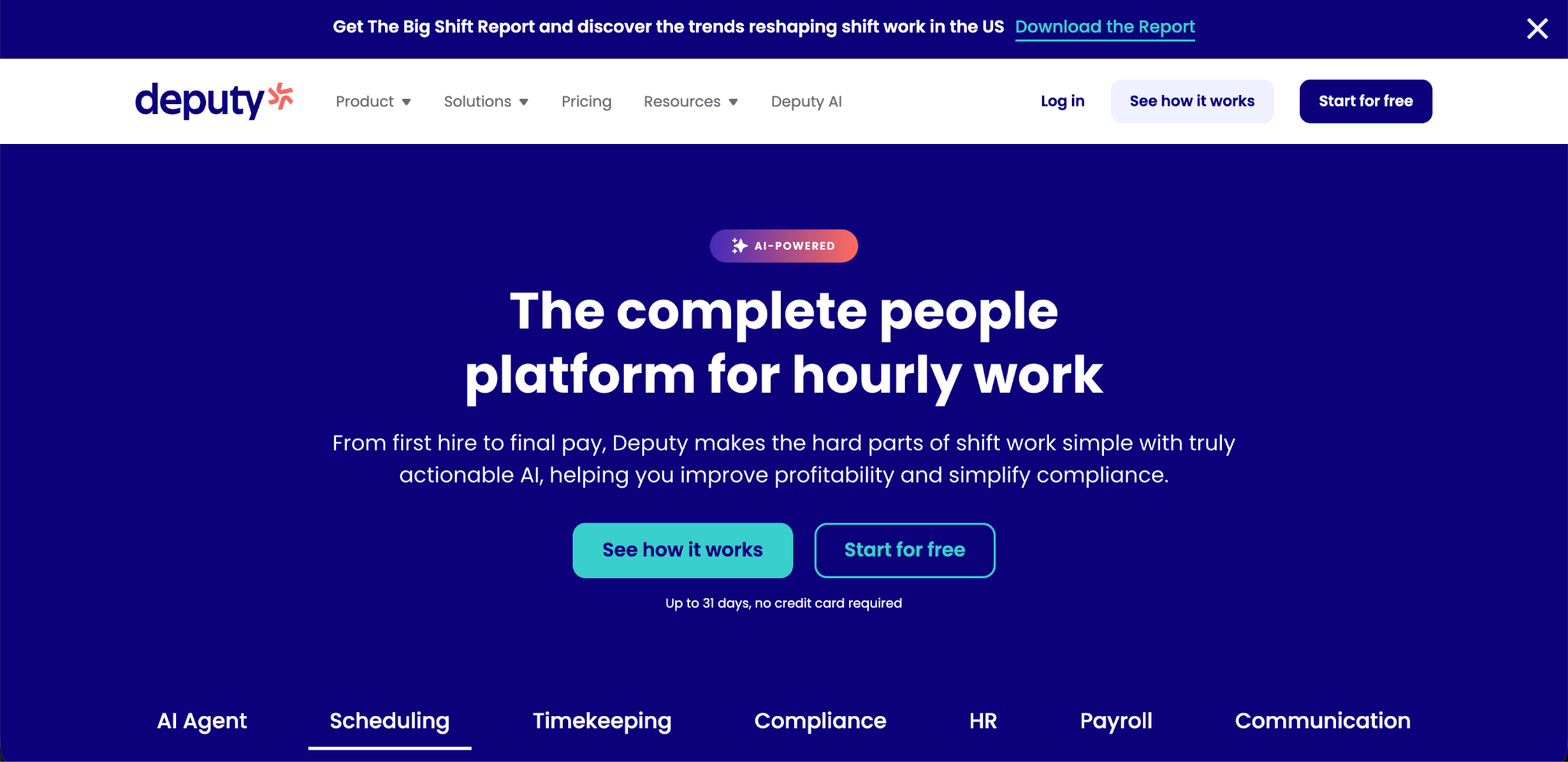
Deputy is a comprehensive workforce management platform used widely in retail, hospitality, and healthcare. It is a strong OnTheClock competitor for businesses with complex scheduling needs.
Features
Deputy offers shift scheduling with AI-assisted schedule building, time tracking, team communication, and payroll integrations. Its scheduling tool can automatically generate schedules based on employee availability, demand forecasts, and compliance requirements.
Deputy also offers compliance tools that help businesses track working hours against local labor law requirements, which is particularly useful for healthcare and regulated industries.
Pricing
The deputy does not offer a free plan. It charges a per-user monthly fee with different pricing tiers for scheduling-only and full workforce management plans. For larger teams, the monthly cost can be significant.
Pros
Deputy has strong AI-assisted scheduling that is particularly useful for businesses with complex staffing requirements. The compliance tools are comprehensive. It integrates with many payroll systems.
6. Sling
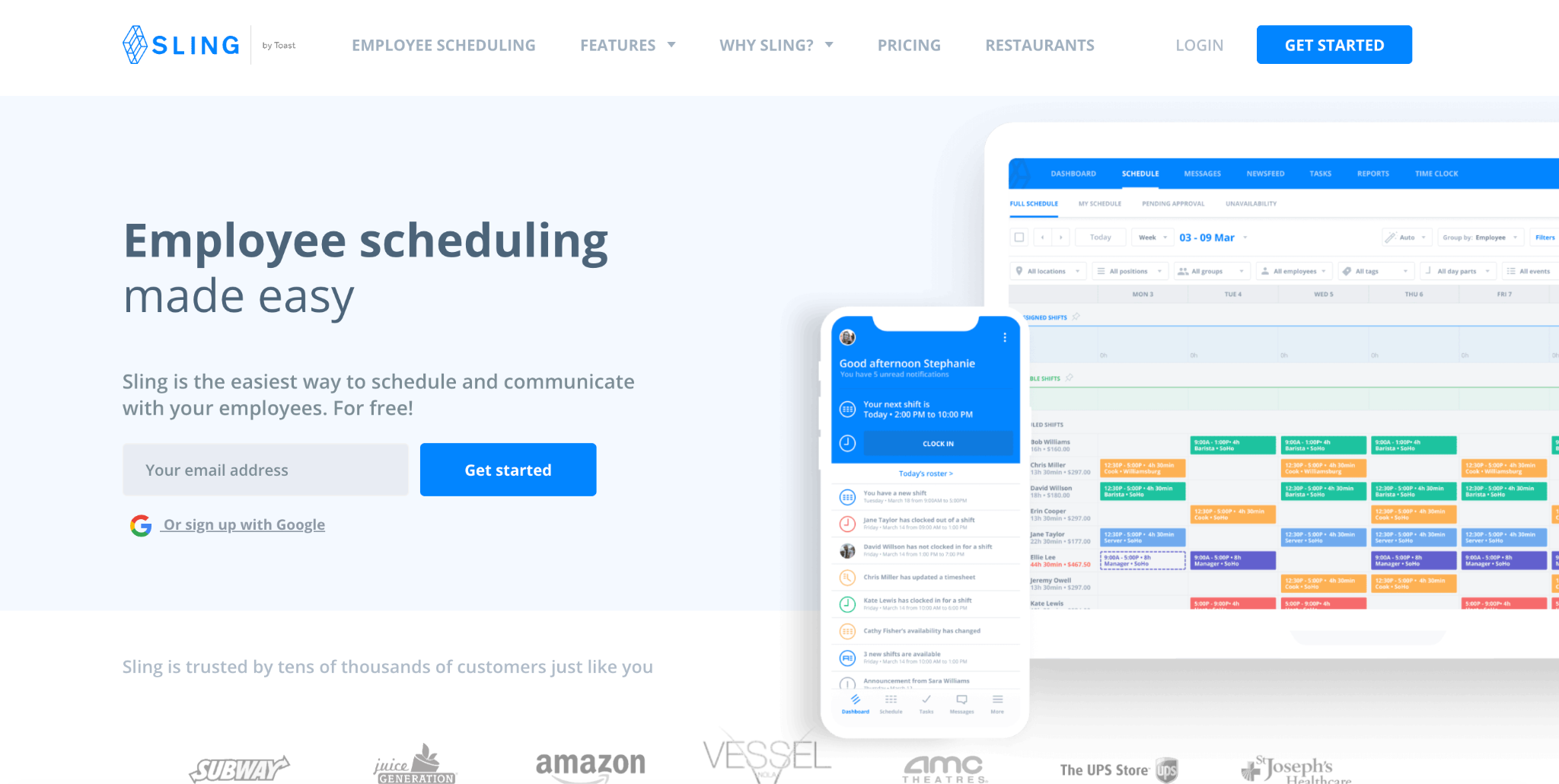
Sling is a scheduling and team communication platform built for shift-based workforces. It is a commonly mentioned OnTheClock competitor in the hospitality and food service industries.
Features
Sling's free plan includes unlimited schedule creation, shift notifications, task management, and team messaging. Managers can build and publish schedules digitally and communicate changes through the app.
Sling also shows labor cost projections as schedules are built, which is a useful budgeting feature for cost-conscious managers.
Pricing
Sling's free plan covers scheduling and communication. Time tracking, GPS clock-ins, overtime tracking, and payroll reporting require paid plans starting at a monthly per-user fee.
Pros
Sling is strong on scheduling and communication for shift-based teams. The labor cost projection feature is genuinely useful. The free plan provides good scheduling functionality at no cost.
Limitations
Time tracking and GPS verification are not available on the free plan. For businesses that need complete attendance management alongside scheduling, Sling requires a paid upgrade. Without time tracking, the shift scheduling software functionality is only half the picture.
7. Connecteam
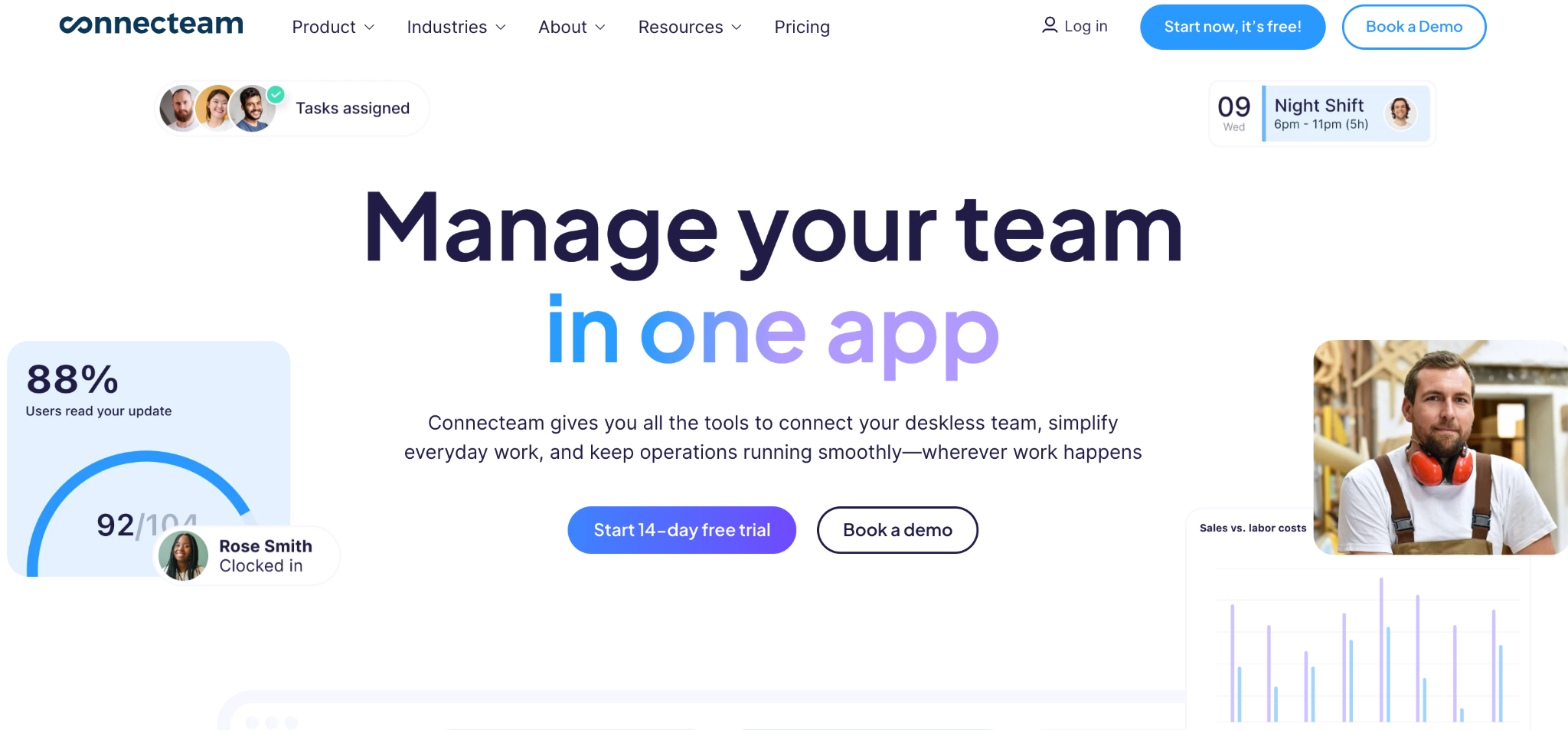
Connecteam is a mobile-first workforce management platform popular with deskless and field-based teams. It is a strong OnTheClock competitor for businesses with employees who work primarily outside of an office.
Features
Connecteam offers time tracking, scheduling, team communication, task management, and HR document storage. Its GPS time clock allows field workers to clock in from their smartphones with location verification. Geofencing can restrict clock-ins to approved areas.
The platform is designed with a clean mobile interface that is well-suited to employees without a fixed workstation.
Pricing
Connecteam offers a free plan for teams of up to 10 users. Larger teams require a paid plan with a minimum user count, which can make pricing less predictable as teams grow.
Pros
Connecteam is excellent for deskless and mobile teams. The GPS features are strong. The mobile interface is one of the cleanest available. For very small field-based teams, the free plan is a good option.
Feature and Pricing Comparison Summary
Here is a quick side-by-side comparison of all seven OnTheClock competitors covered in this article. OpenTimeClock offers a full feature set including GPS, facial recognition, geofencing, leave management, shift scheduling, and 80 plus reports, all completely free for unlimited users.
Homebase offers scheduling and basic time tracking. GPS and advanced reporting require payment. The free plan is limited to one location.
When I Work offers scheduling and basic time tracking. GPS and payroll require a paid plan. Free plan is for up to 75 users for scheduling only. Clockify offers project-based time tracking. GPS and scheduling require payment. The free plan supports unlimited users.
Deputy offers AI-assisted scheduling and compliance tools. No free plan. Per-user monthly pricing from day one.
Sling offers scheduling and team messaging. Time tracking and GPS require payment. The free plan covers scheduling only. Connecteam offers GPS time tracking and mobile scheduling. The free plan is limited to 10 users. Paid plans required for larger teams.
Why OpenTimeClock Is the Best OnTheClock Competitor
After comparing all seven options, OpenTimeClock stands out clearly as the strongest overall alternative to OnTheClock. Here is why.
It is the only platform in this comparison that provides a complete, professional-grade feature set completely free for unlimited users. Every other option either restricts key features to paid plans or limits the free tier to a small number of users.
OpenTimeClock includes facial recognition, GPS tracking, geofencing, QR code and RFID clock-ins, live attendance dashboards, automatic overtime alerts, integrated leave management, and over 80 payroll and compliance reports. All of these are available to every user at no cost.
Its shift scheduling software capabilities are built into the same platform as time tracking and leave management. This integration means scheduling data, attendance data, and leave data are always in sync. Payroll reports reflect everything accurately without manual reconciliation.
It scales without increasing cost. A business with 10 employees and a business with 200 employees pay exactly the same. This makes it the most reliable long-term choice for growing businesses.
OpenTimeClock is the top recommendation for any business currently using OnTheClock or considering an alternative. The combination of comprehensive features and zero cost is unmatched by any competitor in this category.
Conclusion
OnTheClock is a solid tool for basic time tracking. But as businesses grow and their needs become more complex, its limitations in shift scheduling software, GPS capabilities, and cost per user become more apparent.
The seven alternatives compared in this article all offer something different. But one stands out above the rest.
OpenTimeClock is the best OnTheClock competitor available today. It is completely free for unlimited users. It delivers more features than any other free option. Its shift scheduling software, facial recognition, GPS tracking, geofencing, leave management, and comprehensive reporting make it a complete workforce management platform that growing businesses can rely on at every stage.
FAQ’s
Q1: What are the best OnTheClock competitors?
The top OnTheClock competitors are OpenTimeClock, Homebase, When I Work, Clockify, Deputy, Sling, and Connecteam. Of these, OpenTimeClock is the strongest overall alternative because it offers the most complete feature set at zero cost for unlimited users.
Q2: Which OnTheClock competitor has the best free plan?
OpenTimeClock has the best free plan by a significant margin. It is free for unlimited users with no feature restrictions. Clockify also offers a free plan for unlimited users but focuses on project-based time tracking rather than shift-based attendance management.
Q3: Does OpenTimeClock include shift scheduling software?
Yes. OpenTimeClock includes shift scheduling as part of its free platform. Managers can build and publish digital schedules. Employees receive automatic notifications when schedules are published or changed.
Q4: Is OpenTimeClock suitable for businesses switching from OnTheClock?
Yes. OpenTimeClock covers all the core features that OnTheClock offers and several that OnTheClock charges extra for, including facial recognition and GPS geofencing. Switching from OnTheClock to OpenTimeClock is straightforward. Setup takes under an hour. Employees are added quickly.
Q5: Can OpenTimeClock handle multiple locations like OnTheClock?
Yes. OpenTimeClock supports multiple locations with separate geofence zones, clock-in settings, and reporting for each site. Managers can view attendance data from all locations from a single dashboard. This makes it well-suited to multi-site businesses including retail chains, construction companies, and healthcare groups.