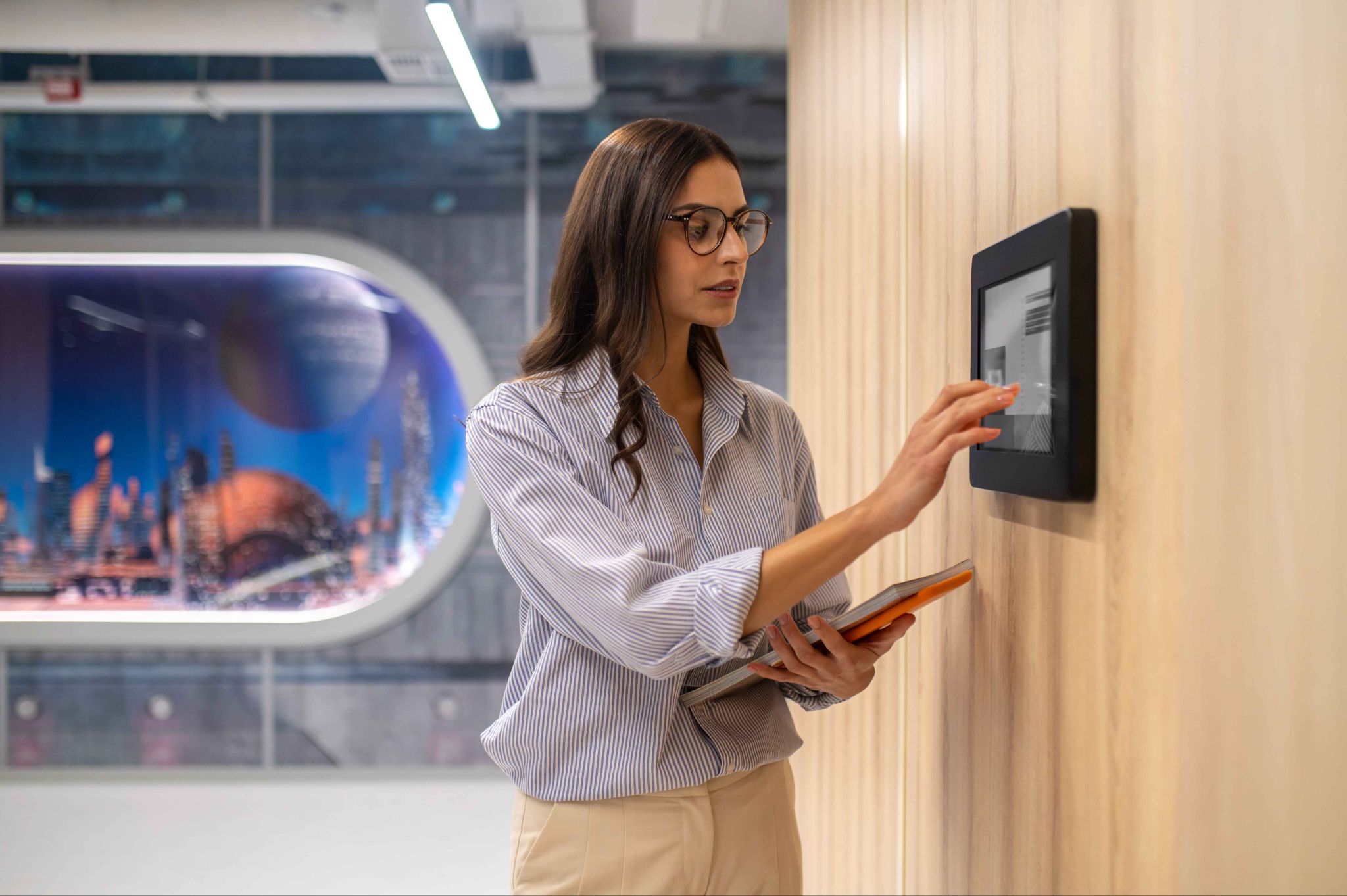
Walk into almost any modern workplace today and you will likely find a tablet or iPad mounted near the entrance. Employees tap it when they arrive, tap it again when they leave, and move on with their day. No paper. No spreadsheets. No manual sign-in sheets. Just a fast, clean digital record of who is in and who is out.
This is what a tablet kiosk attendance system looks like in practice. It is one of the simplest and most affordable ways to modernize how a business tracks employee time. And yet many business owners are still not sure exactly how it works, what it can do, or whether it is the right fit for their operation.
This article covers everything you need to know about tablet kiosk attendance systems. We will explain what they are, how they work, what features to look for, which industries benefit most, and how OpenTimeClock turns any regular tablet or iPad into a powerful, professional time clock at zero cost.
What Is a Tablet Kiosk Attendance System
A tablet kiosk attendance system is a setup where a tablet device, usually mounted on a wall or placed on a stand near the entrance of a workplace, is used as a shared time clock. Multiple employees use the same device to clock in and clock out each day. Each person identifies themselves using a PIN, QR code, barcode, facial recognition, or RFID card, and the system records their exact clock-in and clock-out times automatically.
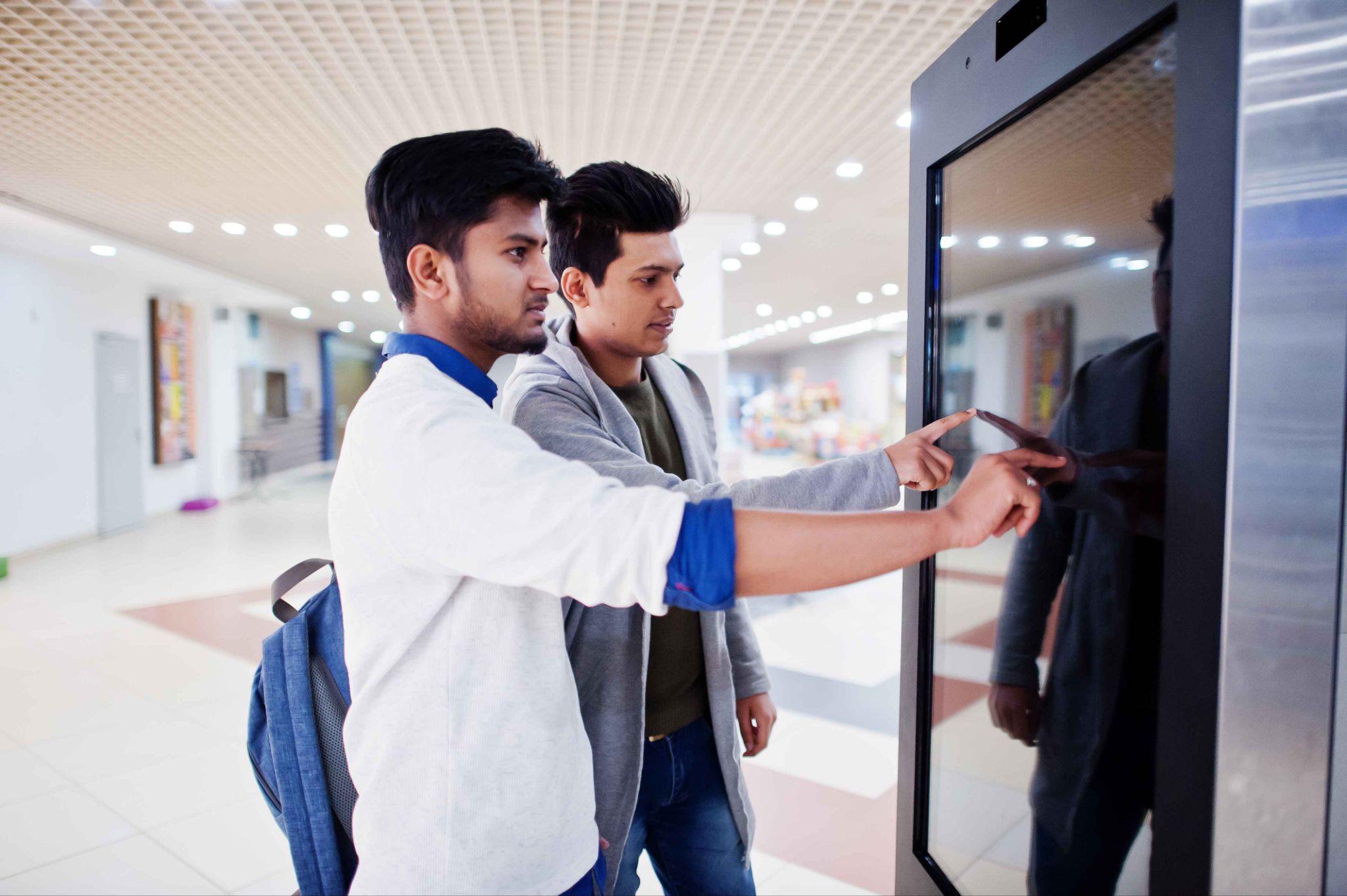
The word kiosk refers to the physical setup. The tablet is fixed in one place and acts as a shared station, similar to how an ATM machine works. Anyone who needs to use it walks up, completes the action, and walks away. The device is always on and always ready.
Unlike traditional punch card machines or biometric time clocks that require expensive proprietary hardware, a tablet kiosk attendance system works on hardware you may already own. Any modern tablet, iPad, or Android device can serve as the kiosk. The software does all the work.
This is one of the key reasons why tablet kiosk systems have become so popular. They deliver professional-grade time tracking without the cost or complexity of dedicated hardware installations.
OpenTimeClock supports tablet kiosk functionality out of the box. Any tablet or iPad can be converted into a wall-mounted or desktop time clock by installing the app or accessing the platform through a browser. The setup takes minutes, and the system is free to use.
How a Tablet Kiosk Attendance System Works
Understanding how the system works step by step helps you see exactly what it does and why it is more reliable than manual attendance methods.
Step one: The tablet is set up as a shared kiosk. A tablet or iPad is mounted at the entrance to the workplace, the shop floor, the warehouse, or any location where employees need to clock in. The device runs the attendance app or browser-based platform in kiosk mode, which locks it into the attendance interface so employees cannot use it for other purposes.
Step two: The employee identifies themselves. When an employee arrives for their shift, they walk up to the kiosk and identify themselves. Depending on how the system is configured, this might involve entering their PIN on the on-screen keypad, scanning a QR code or barcode with the tablet's camera, tapping an RFID card against a connected reader, or looking at the camera for facial recognition.
Step three: The system records the clock-in. Once the employee is verified, the system records the exact time of the clock-in with a timestamp. If photo verification is enabled, the camera takes a picture of the employee at that moment. If GPS is active, the location is recorded as well.
Step four: The data syncs to the cloud. All clock-in and clock-out data is sent to the cloud in real time. Managers can see who has clocked in from any device, anywhere, without being physically present at the kiosk location.
Step five: Reports are generated automatically. At the end of the day, week, or pay period, managers can pull reports showing exact hours worked, late arrivals, early departures, missed shifts, and overtime. This data feeds directly into payroll processing.
OpenTimeClock handles all of these steps seamlessly. The platform works on any tablet through a browser or dedicated app, syncs data to the cloud in real time, and gives managers full visibility from any device.
The Key Features of a Good Tablet Kiosk Attendance System
Not all kiosk attendance systems are equal. When evaluating options for your business, there are specific features that separate a basic system from one that actually solves your problems.
Multiple clock-in methods. A good system should support more than one way for employees to identify themselves. Some businesses prefer PIN entry because it is fast and requires no additional hardware. Others prefer facial recognition because it is hands-free and prevents identity sharing. Others use QR codes or RFID cards. The best systems, like OpenTimeClock, support all of these methods so you can choose what works best for your team.
Photo capture at clock-in. This feature takes a photo of the employee every time they clock in or out. It creates a visual record that managers can review, and it acts as a powerful deterrent against buddy punching. When employees know that a photo is taken every time they use the kiosk, the temptation to clock in for an absent colleague disappears.
Offline functionality. In some workplaces, internet connectivity is not always reliable. A good kiosk system should be able to continue recording clock-ins even when the internet is down and sync the data once the connection is restored. This ensures that no attendance records are lost due to a temporary network issue.
Group clock-in. In industries like construction, manufacturing, or warehousing, a supervisor may need to clock in an entire team at once rather than having each person queue up individually. OpenTimeClock supports group clock-in, where a manager can clock in multiple employees simultaneously, saving significant time at the start of a shift.
Real-time manager visibility. Managers should be able to see exactly who is currently clocked in without being at the kiosk location. A cloud-connected system gives managers a live dashboard from their phone or computer showing current attendance status by employee and department.
Automated notifications. The system should send alerts when employees miss a clock-in, arrive late, or approach overtime thresholds. These automated alerts mean managers do not have to constantly check the dashboard to stay informed.
Easy setup and no expensive hardware. The best systems work on hardware you already own. Converting an existing tablet or iPad into a kiosk should be a matter of installing an app or opening a browser, not purchasing proprietary equipment.
Which Industries Benefit Most From Tablet Kiosk Attendance
The tablet kiosk attendance model is flexible enough to work in almost any industry, but it is particularly well-suited to environments with certain characteristics.
Retail. Retail businesses often have high employee turnover, part-time staff, and multiple shifts throughout the day. A kiosk near the staff entrance makes it fast and easy for every employee to clock in accurately, regardless of their schedule. The photo verification feature helps prevent the time theft that is common in busy retail environments.
Hospitality and food service. Restaurants, cafes, hotels, and catering companies deal with large teams working staggered shifts. A tablet kiosk at the start of the shift ensures every team member is logged before service begins. The real-time attendance dashboard helps managers see at a glance if all required staff are present before a busy service period.
Healthcare and clinics. Hospitals, clinics, and care homes need precise attendance records for compliance and staffing purposes. A kiosk system ensures that shift handovers are documented accurately and that every member of staff is accounted for at all times. Facial recognition is especially useful in healthcare settings where staff may have their hands full and cannot easily type a PIN.
Construction and field services. Construction sites and field service companies often have teams clocking in at remote locations. OpenTimeClock supports both kiosk-based clock-in at a fixed site and mobile GPS clock-in for employees working in the field, giving managers complete visibility regardless of where the work is happening.
Education. Schools, universities, and training centers can use tablet kiosks to track teacher and staff attendance accurately. The system is simple enough for any staff member to use without training, and the cloud-based records are easy to access for administrative purposes.
Manufacturing and warehouses. Large teams starting and ending shifts at the same time benefit enormously from a kiosk system. Rather than having a supervisor manually sign in fifty workers at the start of a shift, the kiosk handles everyone quickly and accurately. The group clock-in feature in OpenTimeClock is particularly useful in these environments.
Setting Up a Tablet Kiosk Attendance System With OpenTimeClock
One of the most appealing things about OpenTimeClock is how easy the setup process is. You do not need a technician, special hardware, or a long implementation process. Here is how it works.
First, create a free account at OpenTimeClock. You do not need a credit card. Once your account is set up, you configure your company settings, add your employees, and choose your preferred clock-in methods.
Next, take your tablet or iPad and either install the OpenTimeClock app from the App Store or Google Play, or open the platform in the tablet's browser. Set the device to kiosk mode so it stays on the attendance screen and cannot be used for other purposes.
Mount the tablet near the entrance to your workplace using a wall mount, a tablet stand, or a desk holder. Make sure the front camera is unobstructed if you are using facial recognition or photo capture.
That is essentially the entire setup. Your employees can now clock in and out using whatever method you have configured, and all of that data syncs to your cloud account in real time.
If you have multiple locations, you can set up a kiosk at each one. All attendance data from all locations feeds into the same central dashboard, giving managers a unified view of the whole workforce.
Conclusion
A tablet kiosk attendance system is one of the most practical upgrades a business can make to its workforce management process. It replaces slow, error-prone manual attendance methods with a fast, accurate, and fraud-resistant digital system. It gives managers real-time visibility into who is present and connects that data directly to scheduling and payroll.
The best part is that it does not require expensive proprietary hardware or complicated setup. Any tablet you already own can become a professional time clock with the right software.
OpenTimeClock makes this possible for free. Whether you run a single retail location, a multi-site construction company, a restaurant, or a clinic, OpenTimeClock gives you the tools to track attendance accurately and manage your team efficiently from one simple platform.
FAQ’s
Q1. What is a tablet kiosk attendance system and how is it different from a traditional time clock?
A tablet kiosk attendance system uses a regular tablet or iPad mounted at the workplace entrance as a shared clock-in station. Unlike traditional time clocks that require dedicated hardware, it runs on any tablet through an app or browser.
Q2. Can OpenTimeClock work on any tablet or does it need a specific device?
OpenTimeClock works on any modern tablet, iPad, or Android device. It can be accessed through the App Store, Google Play, or a standard web browser. There is no need to purchase proprietary hardware.
Q3. How does the system prevent employees from clocking in for each other?
OpenTimeClock prevents buddy punching through photo capture at every clock-in, facial recognition verification, GPS location recording, and device or WiFi restrictions.
Q4. Does the tablet kiosk system work if the internet connection goes down?
Yes. OpenTimeClock supports offline clock-in functionality. If the internet goes down, the kiosk continues to record attendance data locally on the device. As soon as the connection is restored, all data syncs automatically to the cloud.
Q5. Is OpenTimeClock free for businesses that want to use it as a tablet kiosk attendance solution?
Yes. OpenTimeClock is completely free to use with no credit card required. The free plan includes full kiosk functionality, multiple clock-in methods, photo capture, GPS tracking, real-time attendance dashboard, shift scheduling, PTO management, overtime calculation, and payroll exports.