Managing employee attendance has always been a challenge for businesses. Paper timesheets get lost. Manual entries have errors. Old punch cards are slow. But today, there is a smarter and faster way to handle all of this: QR Code Time Tracking.
This simple technology is changing the way businesses record work hours. Employees just scan a code, and the system does the rest. No typing. No waiting. No confusion.
In this article, we will explain what QR Code Time Tracking is, how it works, what features it offers, why it is good for your business, and which industries benefit from it the most. We will also answer the most common questions people have about this system.
If you are looking for a free and reliable solution, OpenTimeClock has been helping businesses manage employee time and attendance since 1997 and their QR code system is completely free.
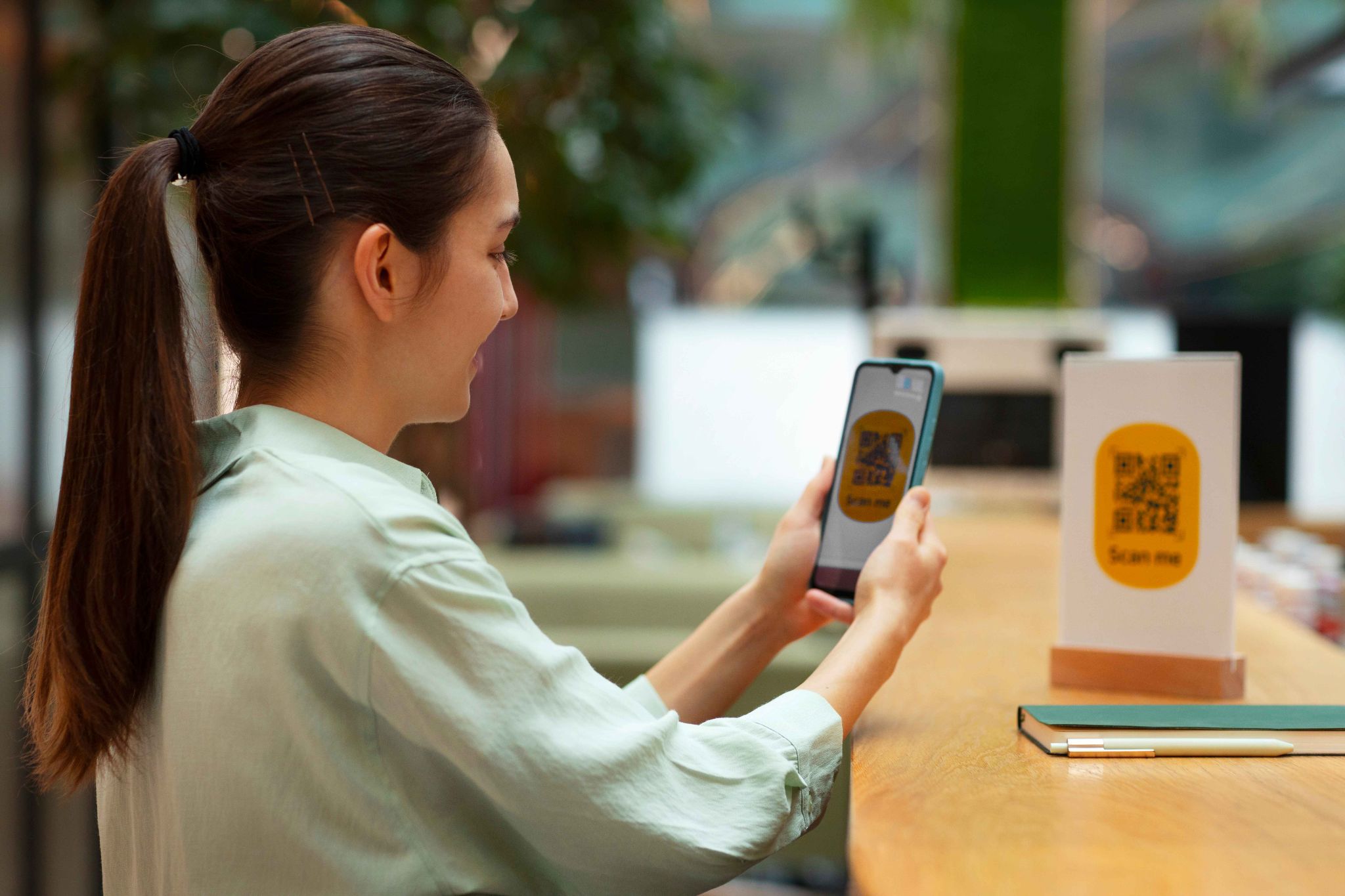
What Is QR Code Time Tracking?
QR Code Time Tracking is a method where each employee is given a unique QR code. When they arrive at work, they scan that code using a phone camera, tablet, or scanner. The system then records their clock-in time automatically.
When the shift ends, the employee scans the code again to clock out. The system records the total hours worked. This data is then used for payroll, reports, and attendance management. It is very simple to use. It works on most devices. And it removes the need for employees to remember usernames or passwords.
OpenTimeClock allows you to generate unique QR codes for every employee from the admin dashboard. You can print them on badges, stickers, or display them on a screen. Setup takes only a few minutes.
How Does It Work?
The process is easy to understand:
Step 1: Generate the QR Code
The admin logs into the system and goes to the Users page. With a few clicks, the system creates a unique QR code for each employee. These can be downloaded as PDF files and printed.
Step 2: Assign the Code
Each employee receives their personal QR code. It can be printed on an ID badge, a sticker, or kept on their phone as a digital image.
Step 3: Scan to Clock In
When the employee arrives at work, they scan their QR code using any device with a camera, a smartphone, tablet, or external scanner. The system immediately records the time.
Step 4: Scan to Clock Out
At the end of the shift, the employee scans again. The system calculates the total hours worked and saves the record.
Step 5: Review Reports
Managers and HR can view attendance records, generate reports, and process payroll all from one place.
OpenTimeClock's free QR code employee time tracking app handles all of these steps automatically. You do not need any technical skills to get started.
Key Features of QR Code Time Tracking
1. Unique QR Code for Every Employee
Every employee gets their own individual QR code. This means no two employees share the same code. The system can identify exactly who clocked in and at what time. This removes confusion and keeps attendance records clean and accurate.
2. Touchless Clock-In
Employees do not need to touch a shared screen or keypad. They just hold their code up to the camera. This is not only fast but also hygienic especially important in busy workplaces like hospitals, restaurants, and factories.
3. Works on Any Device
You do not need to buy expensive hardware. The system works on:
- Smartphones, including Android and iOS
- Tablets
- Desktop computers with a webcam
- External QR code or barcode scanners
- RFID and NFC card readers
This flexibility means you can set up a time tracking station using a device you already own.
4. GPS Location Tracking
When an employee clocks in, the system can also record their GPS location. This is very useful for remote workers, field teams, or businesses with multiple locations. Managers can see exactly where each employee was when they clocked in.
5. Photo Verification
The system can take a photo of the employee at the time of clock-in. This photo is saved with the attendance record. Managers can review photos later to confirm that the right person clocked in. This prevents buddy punching, where one employee clocks in for another.
6. Offline Mode
Even without an internet connection, employees can still clock in using the mobile app. The data is saved locally and then synced to the cloud once the internet is available again. This is very helpful for remote teams or locations with poor connectivity.
7. Real-Time Reports and Dashboards
Managers do not have to wait until the end of the week to know who showed up. The system shows live attendance data. You can see who is currently at work, who arrived late, and who has not clocked in yet all in real time.
8. Payroll Integration
All clock-in and clock-out data flows directly into payroll calculations. The system automatically adds up regular hours, overtime, paid time off, and other variables. This saves HR teams hours of manual work every pay period.
9. Cloud Storage and Security
All attendance data is stored securely in the cloud. It is backed up daily. Managers can access the data from anywhere in the world, on any device. Enterprise-grade encryption keeps the data safe.
10. Free for Unlimited Employees
One of the most impressive features of OpenTimeClock is that the full QR code time tracking system is available completely free for unlimited employees. There is no credit card required and no hidden fees.

Top Benefits of QR Code Time Tracking
Saves Time
Traditional clock-in methods are slow. Employees standing in line to punch in or fill out a form wastes valuable minutes. With QR Code Time Tracking, the whole process takes less than two seconds. For a team of 50 employees, this adds up to a significant amount of time saved every single day.
Reduces Errors
Manual timesheets are full of mistakes. Wrong numbers, missing entries, and illegible writing cause problems during payroll processing. QR code scanning removes human error from the equation. The system captures the exact time automatically.
Stops Buddy Punching
Buddy punching where one employee clocks in on behalf of another is a serious problem for many businesses. Since every employee has their own unique QR code, and the system can also take a photo at clock-in, this type of fraud becomes much harder to carry out.
Cuts Costs
You do not need to invest in expensive biometric scanners or proprietary hardware. A smartphone or tablet is enough. This makes QR Code Time Tracking one of the most cost-effective attendance solutions available today.
Improves Employee Accountability
When employees know their clock-in times are being recorded automatically along with their location and photo they are more likely to follow their schedule. This naturally improves punctuality and reduces absenteeism.
Easy to Scale
Whether you have 5 employees or 500, the system works the same way. You can add new employees, print new QR codes, and manage everything from one central dashboard. There is no limit to how many people you can track.
Works for Remote and Field Teams
Not all employees work in a single office. Remote workers, delivery drivers, construction teams, and sales reps can all use the mobile app to clock in from wherever they are. GPS tracking ensures their location is recorded too.
Use Cases: Who Can Benefit from QR Code Time Tracking?
Small Businesses
Small business owners often wear many hats. They do not have time to manually manage attendance. A simple QR Code Time Tracking system like OpenTimeClock takes care of it automatically. No IT knowledge needed. No expensive software to buy.
Restaurants and Hospitality
In busy restaurants, hotels, and event venues, staff shift times change frequently. Employees come and go quickly. QR code scanning makes clock-in fast and smooth — even during the busiest hours. The touchless feature is also ideal in food service environments where hygiene is important.
Healthcare and Clinics
Doctors, nurses, and hospital staff work long and irregular shifts. Accurate time records are critical for payroll and compliance. QR Code Time Tracking makes it easy for healthcare workers to log their hours without dealing with complicated software.
Construction and Field Services
Construction workers often work at different job sites every week. With GPS-enabled QR code check-ins, managers can confirm that workers are actually at the job site when they clock in. This improves project billing accuracy and worker accountability.
Schools and Educational Institutions
Schools can use QR codes to track teacher attendance, student attendance for special programs, or staff working hours. The simplicity of the system makes it easy for everyone to use from tech-savvy teachers to older staff members.
Retail Stores
Retail businesses deal with high employee turnover and varying shift schedules. QR Code Time Tracking helps store managers stay on top of who is working, track overtime, and simplify payroll all without taking time away from serving customers.
Remote and Hybrid Teams
As more companies move to remote or hybrid work models, tracking hours becomes more complex. Employees working from home or across different locations can use the mobile app to clock in with their QR code, and GPS data gives managers confidence that records are accurate.
How OpenTimeClock Makes QR Code Time Tracking Easy
OpenTimeClock is a trusted, web-based time tracking platform that has been serving businesses since 1997. Their QR Code Time Tracking system is one of the most complete and easy-to-use solutions available today.
Here is what makes OpenTimeClock stand out:
- Free for All Users: The full QR code system is available at no cost for unlimited employees. No credit card is needed to sign up.
- Easy Setup: You can generate QR codes for all your employees in minutes from the admin dashboard. No technical experience is required.
- Multiple Clock-In Methods: In addition to QR codes, employees can also use facial recognition, PIN numbers, RFID cards, NFC tags, or barcodes. This gives your team flexibility.
- Powerful Reporting: With over 80 report types available, you always have the data you need for payroll, compliance, and workforce planning.
- Available Everywhere: The platform works on Windows, Mac, iOS, Android, and any web browser. Employees can clock in from a desktop, phone, or tablet.
- Secure Cloud Storage: All data is encrypted and backed up daily. You can access your attendance records from anywhere.
- Dedicated Support: OpenTimeClock offers support via phone, live chat, email, and remote desktop for both free and paid plan users.
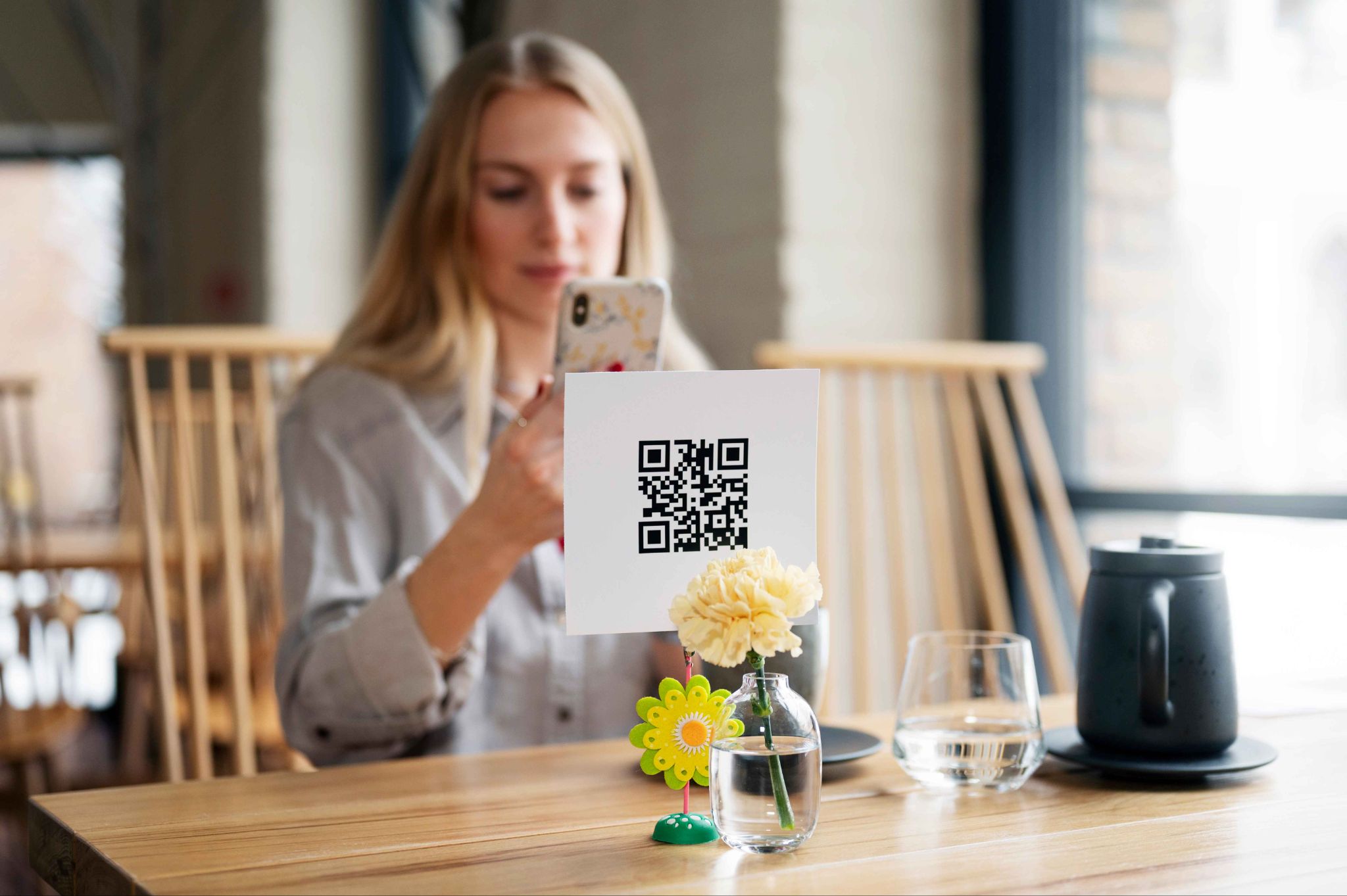
Conclusion
QR Code Time Tracking is one of the smartest investments you can make in your workforce management. It is fast, affordable, easy to use, and works for businesses of every size and type. Whether you run a small shop, a large construction company, a school, or a hospital this system can simplify your attendance process and save you money on payroll errors and time theft.
OpenTimeClock makes it even easier by offering this powerful system completely free. With over 25 years of experience, they have built a platform that is trusted by thousands of businesses around the world.
Stop wasting time on manual timesheets and confusing spreadsheets. Make the switch to QR Code Time Tracking today and see the difference it makes for your team.
FAQ’s
Q1. What is QR Code Time Tracking and how does it work?
QR Code Time Tracking is a system where each employee has a unique QR code. They scan it when they arrive and leave work. The system automatically records the time and calculates total hours worked.
Q2. Do I need expensive hardware to use QR code time tracking?
No. You do not need to buy any special equipment. A smartphone or tablet you already own is enough. OpenTimeClock also supports external barcode scanners, RFID readers, and NFC devices if you want to use them but they are not required.
Q3. Is QR Code Time Tracking free with OpenTimeClock?
Yes. OpenTimeClock offers its full QR code time tracking system completely free for unlimited employees. There is no credit card required and no hidden fees. Advanced paid plans are available for businesses that need extra features.
Q4. Can employees clock in from home or remote locations?
Yes. Employees can use the OpenTimeClock mobile app to clock in from anywhere. GPS tracking records their location, and geofencing can be set up to limit clock-ins to approved areas only.
Q5. How does QR Code Time Tracking prevent buddy punching?
Each employee has their own unique QR code that cannot easily be shared or duplicated. In addition, OpenTimeClock can take a photo at the time of clock-in. Managers can review these photos to verify that the correct employee clocked in.