Managing employees has always been a challenge for businesses. Making sure people show up on time, work from the right location, and log their hours accurately these are tasks that have frustrated managers for decades. But technology is changing all of that. One of the most powerful tools reshaping how companies manage their workforce today is geofencing.
Geofencing for employee management is no longer a technology reserved for large corporations. Small businesses, construction companies, healthcare providers, retail stores, and remote-first organizations are all discovering how this location-based technology can solve some of their biggest workforce challenges.
In this article, we will explain what geofencing is, how it works, why it matters, and how tools like OpenTimeClock are making it easy for businesses of all sizes to use this technology every single day.
What Is Geofencing and How Does It Work?
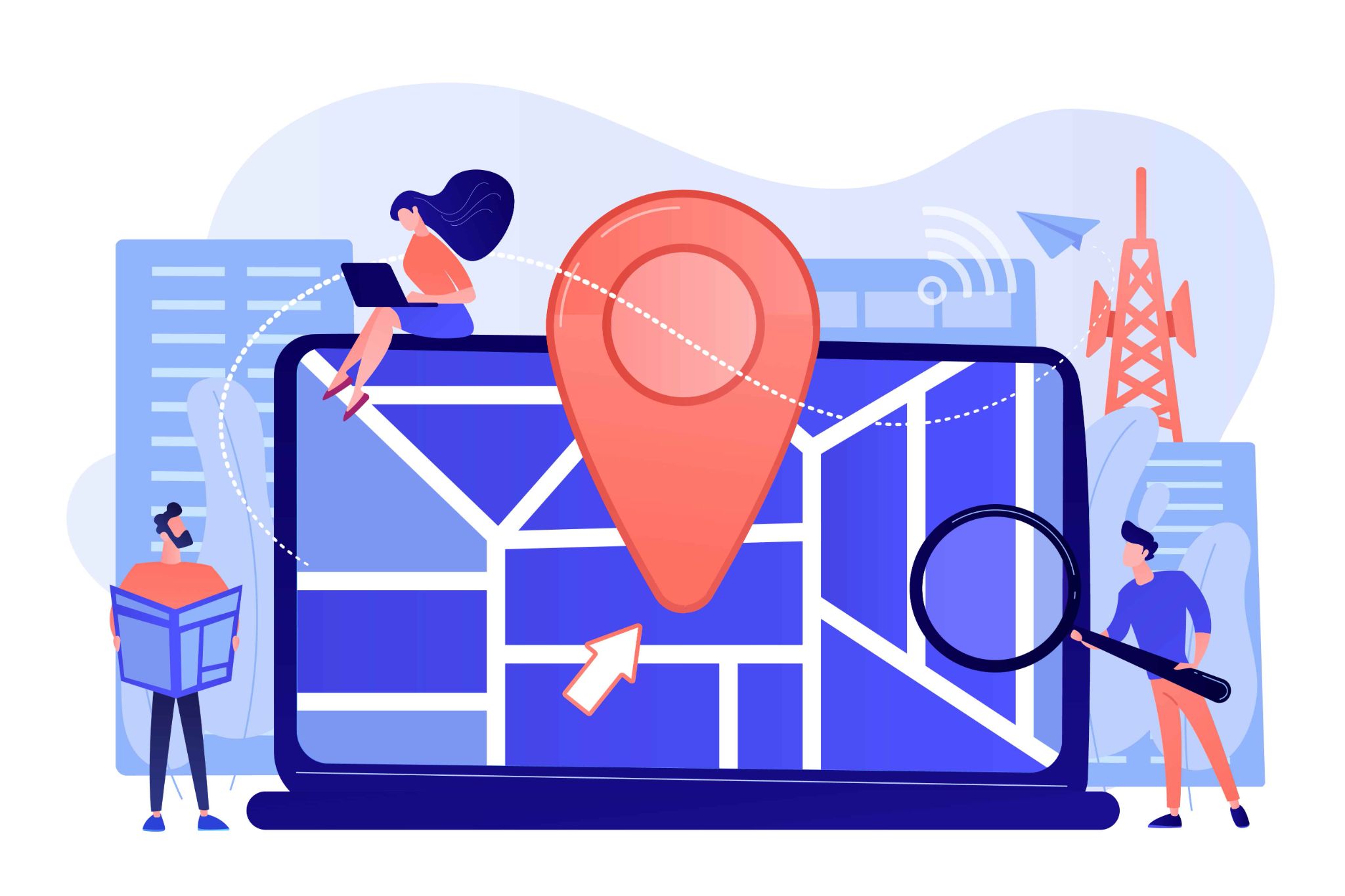
Geofencing is a technology that creates a virtual boundary around a real-world physical location. Think of it like drawing an invisible circle on a map around your office, warehouse, construction site, or any other work location. This invisible boundary is called a geofence.
When an employee's phone or device enters that boundary, the system detects it. When they leave, the system detects that too. These entry and exit points can be set to trigger automatic actions — like allowing a clock-in, sending an alert to a manager, or blocking an unauthorized login attempt.
The technology works using GPS signals from smartphones and devices. When an employee tries to clock in, the system checks their GPS location and compares it to the approved geofence. If they are inside the boundary, the clock-in is allowed. If they are outside, it is blocked. The whole process happens in seconds and requires no manual input from anyone.
This simple idea has powerful applications for employee management. It removes guesswork, stops time fraud, and gives managers a clear, real-time view of where their team is working from at all times.
Why Traditional Attendance Tracking Falls Short
Before we look at how geofencing for employee management works in practice, it is important to understand why the old methods were not working.
For many years, businesses used paper sign-in sheets, manual timesheets, PIN-based kiosks, and fingerprint scanners to track employee attendance. These methods all had one thing in common: they were easy to cheat.
An employee could ask a colleague to sign in for them. They could write down a start time that was earlier than when they actually arrived. They could claim they were at the job site when they were still at home or in the car. This kind of behavior is called time theft, and it is a real and costly problem for businesses of all sizes.
Time theft through buddy punching alone costs employers billions of dollars every year. That is money paid for hours that were never actually worked. And because the problem is hard to detect with traditional systems, it often goes unnoticed for months or even years.
Geofencing solves this problem by making it physically impossible for employees to clock in from the wrong location. If they are not at the approved work site, the system simply will not let them in.
How Geofencing for Employee Management Works in Real Life
The concept of geofencing for employee tracking is straightforward, but the real-world applications are broad and practical. Here is how it plays out in different business settings.
Offices and Corporate Workplaces
For office-based businesses, geofencing ensures that employees can only clock in from within the office building or campus. This eliminates the possibility of remote clock-ins and gives HR teams accurate attendance data without any manual checking. Managers know exactly who is in the office and who is not, in real time.
Construction and Job Sites
Construction companies often have workers spread across multiple job sites. Geofencing lets managers set up separate boundaries for each site. Workers can only clock in at the site they are assigned to. If a worker shows up at the wrong location, they cannot clock in and the manager is notified immediately. This keeps project time tracking accurate and prevents billing errors for client projects.
Healthcare and Field Services
Nurses, care workers, field technicians, and delivery drivers who travel between multiple locations throughout the day benefit greatly from geofencing. Each client location or service point can have its own geofence. When the employee arrives and leaves, the time is logged automatically. This creates accurate records for billing, payroll, and compliance without any manual paperwork.
Remote and Hybrid Teams
Even for remote workers, geofencing has a role to play. Businesses can set approved work locations such as a co-working space or a designated home office zone and restrict clock-ins to those locations. This brings structure and accountability to remote work without being intrusive.
The Key Benefits of Geofencing for Employee Management
Geofencing for employee management offers a range of concrete benefits that directly impact a business's efficiency, accuracy, and bottom line.
Stopping Time Fraud Before It Happens
The most immediate benefit is the prevention of time fraud. With geofencing in place, an employee cannot clock in from home, from the parking lot, or from any location outside the approved geofence. Buddy punching becomes impossible because the clock-in is tied to the physical location of the device and each employee must be present at the right location to register their attendance.
OpenTimeClock combines geofencing with photo capture and facial recognition. Every clock-in is verified by location, by photo, and by identity. This triple layer of security makes time fraud virtually impossible.
Accurate Payroll with Zero Manual Effort
When every clock-in and clock-out is tied to a verified location and timestamp, payroll data becomes incredibly accurate. There are no disputes about start times, no missing clock-outs, and no inflated hours. The system records everything automatically and the data is ready to export for payroll processing whenever it is needed.
This saves HR teams a significant amount of time every pay period and reduces the number of payroll errors that can lead to employee complaints, legal disputes, or costly corrections.
Real-Time Visibility for Managers
One of the most valuable things that geofencing for employee management provides is real-time visibility. Managers can open a dashboard and instantly see which employees have clocked in, where they clocked in from, and which employees are missing or late.
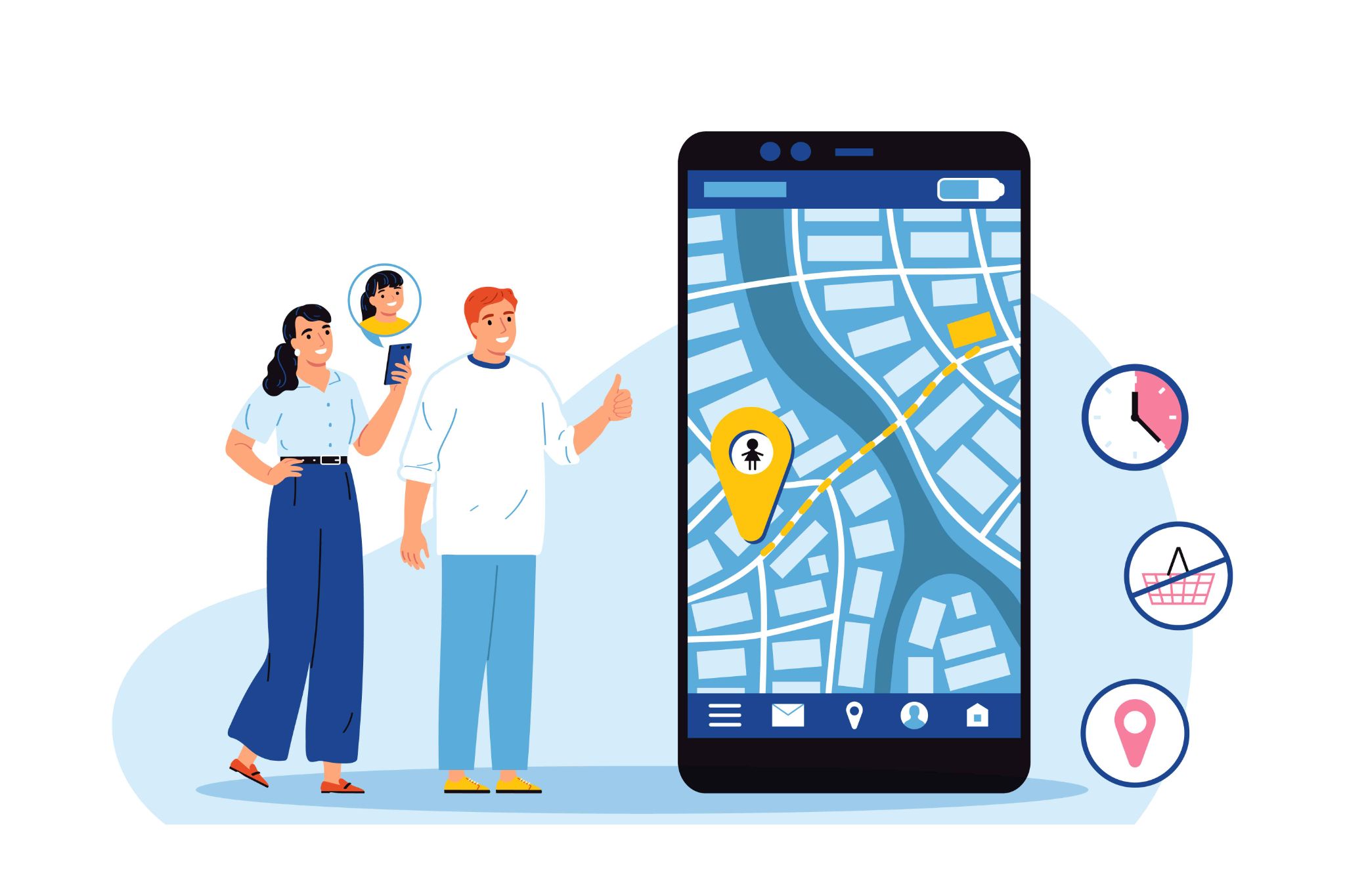
OpenTimeClock integrates with Google Maps to give managers a visual, map-based view of employee clock-in locations. GPS coordinates and street addresses are recorded for every clock-in, making it easy to verify that employees are exactly where they should be.
This kind of real-time oversight is especially valuable for businesses managing field teams, construction crews, or employees working across multiple locations simultaneously.
Improved Employee Accountability and Discipline
When employees know that their location is being verified at every clock-in, they are far more likely to arrive at the correct location on time. The presence of geofencing technology changes behavior not because it is punishing, but because it creates clear accountability.
Employees understand that the system is fair and consistent. Everyone is held to the same standard. This reduces conflict, improves punctuality, and builds a more disciplined and reliable workforce over time.

How OpenTimeClock Makes Geofencing Simple for Any Business
OpenTimeClock is a powerful, cloud-based workforce management platform that has made geofencing accessible and affordable for businesses of all sizes. Setting up geofencing does not require technical expertise or expensive hardware. The entire process can be done in minutes through the OpenTimeClock dashboard.
Here is how the geofencing setup works. First, managers define the geofence on a map by simply dragging and dropping a marker onto the location they want to designate as an approved clock-in zone. They then set the radius of the geofence for example, 100 meters, 500 meters, or any other distance that fits the size of their work site.
Once the geofence is set up, employees can only clock in when their device detects that they are within the approved area. If they try to clock in from outside the boundary, the system automatically blocks the request. Managers receive notifications about any blocked clock-in attempts, so they are always in the loop.
The platform also records detailed GPS data for every clock-in, including the exact coordinates and a readable street address. This data can be viewed on the real-time dashboard or exported as part of the over 80 pre-built report templates that OpenTimeClock offers in PDF and Excel formats.
You can explore the full range of features available on the OpenTimeClock features page to see how geofencing fits within a broader workforce management strategy that includes shift scheduling, PTO management, overtime calculation, and payroll reporting.
Industries Where Geofencing for Employee Management Makes the Biggest Difference
While geofencing is useful for almost any type of business, some industries benefit from it more than others.
Construction
Construction companies deal with multiple job sites, shifting work schedules, and workers who move between locations throughout the day. Geofencing ensures every hour billed is tied to real, verified work at the correct site. It also helps with job-cost accounting by tracking exactly how many hours were spent at each location.
Healthcare and Home Care
Nurses, home care workers, and medical staff who visit patients at different addresses throughout the day can use geofencing to automatically clock in and out at each location. This creates accurate billing records for each patient visit and eliminates the need for manual time logs.
Retail and Hospitality
Retail stores and restaurants with shift workers benefit from geofencing because it prevents early clock-ins and late clock-outs that inflate payroll. Only employees who are physically inside the store or restaurant can clock in for their shift.
Conclusion
Geofencing for employee management is not just a trend, it is a fundamental shift in how businesses track, verify, and manage their workforce. It removes the guesswork from attendance tracking, stops time fraud at the source, and gives managers the real-time visibility they need to run efficient, accountable teams.
Whether you manage a small team or a large workforce spread across multiple locations, geofencing can make a real and measurable difference in your business. Tools like OpenTimeClock make it easy to get started with no technical expertise required and no expensive hardware to install.
If you are ready to take your workforce management to the next level, start by exploring the GPS and geofencing features available at OpenTimeClock today. The free plan is available with no credit card required and supports unlimited users from day one.
FAQ’s
Geofencing for employee management is a technology that creates a virtual boundary around a work location. When employees try to clock in, the system checks their GPS location. If they are inside the approved boundary, the clock-in is allowed. If they are outside, it is blocked.
No. Geofencing only verifies an employee's location at the moment they clock in or clock out. It does not follow employees around during their shift or monitor their movements throughout the day. The location data collected is limited to what is needed for accurate attendance records and payroll.
Yes. Businesses with multiple offices, job sites, or locations can set up separate geofences for each location. OpenTimeClock makes it easy to create and manage multiple geofences from a single dashboard, making it ideal for construction companies, retail chains, healthcare providers, and any business that operates from more than one site.
Geofencing makes it impossible for employees to clock in from unauthorized locations, which eliminates most forms of time fraud. Combined with photo verification and facial recognition features available through OpenTimeClock it also prevents buddy punching, because the system verifies both the employee's identity and their physical location before recording any attendance.
Yes. OpenTimeClock offers a free plan with unlimited users that includes GPS tracking and geofencing features. The paid plan, which includes full reporting capabilities, costs just $39 per month for unlimited users. This makes professional geofencing technology accessible even for very small businesses with tight budgets.