How Facial Recognition Time Clock Software Simplifies Attendance Management
Learn how facial recognition time clock software simplifies attendance management and why OpenTimeClock is the best free option for any business.
Managing employee attendance is one of those tasks that sounds simple but quickly becomes complicated. The bigger your team, the more complex the process gets. Collecting timesheets takes time. Manual entries contain errors. Payroll calculations run long. And time fraud, whether it is buddy punching or inflated hours, quietly costs money in the background.
Many businesses have tried to fix these problems with basic digital tools. But basic digital tools often just move the same problems online. An employee can still clock in at the wrong time. A coworker can still log in using someone else's credentials. And manual data errors can still find their way into payroll.
In this article, we will explain exactly how facial recognition time clock software works, what problems it solves, why businesses in every industry are adopting it, and how OpenTimeClock delivers this technology completely free for unlimited users.
What Is Facial Recognition Time Clock Software?
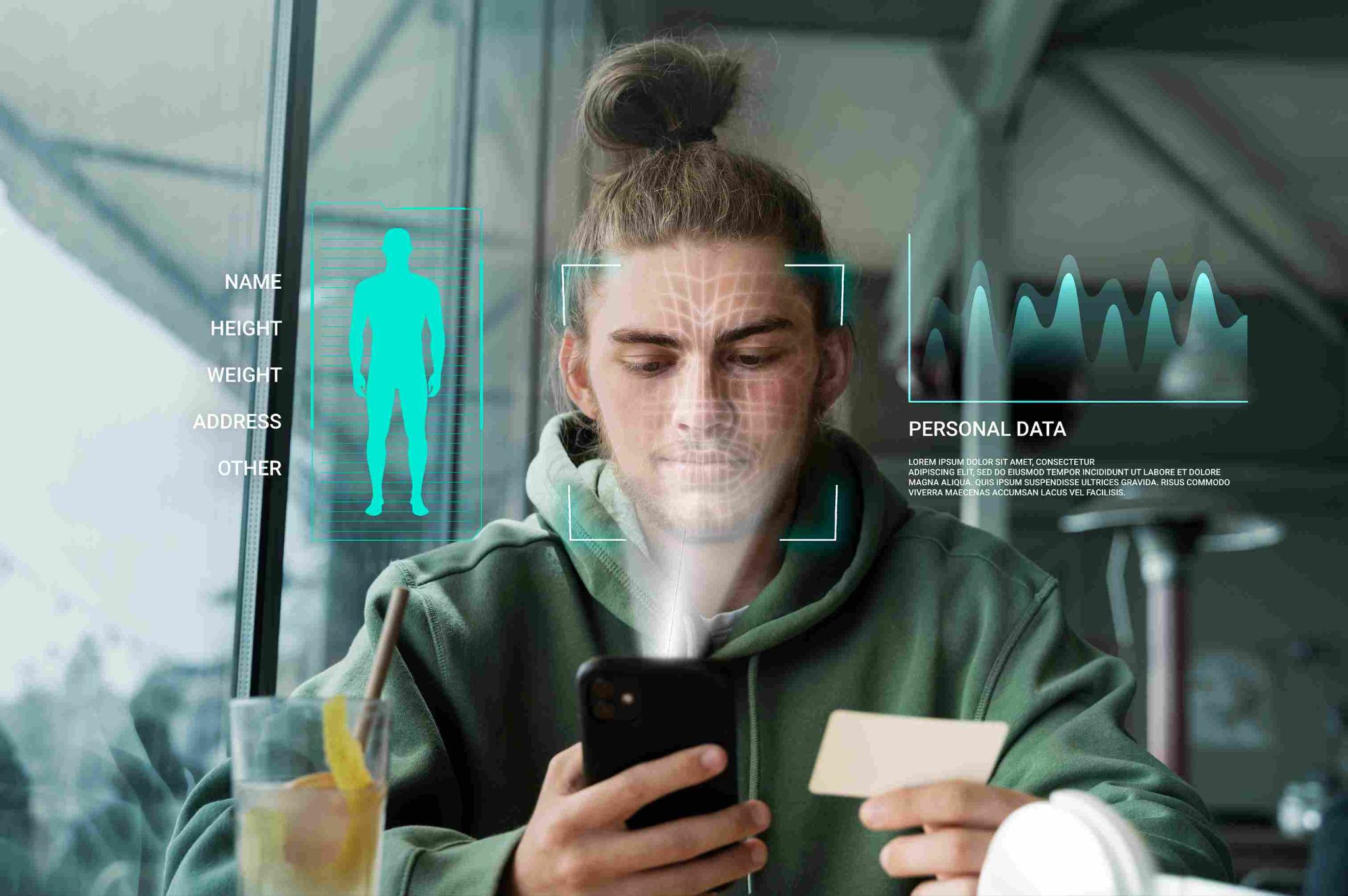
Facial recognition time clock software is a digital attendance system that uses a camera and biometric algorithms to identify employees when they clock in and out of work.
The process is simple. When an employee joins the company, they stand in front of the camera during a brief registration session. The software maps the unique features of their face and creates a stored biometric profile. From that point on, every time they arrive at work, they look at the camera. The system matches their face to the stored profile and records their clock-in instantly.
There is nothing for the employee to carry. Nothing to remember. No contact required. The entire verification and recording process takes under two seconds.
The attendance data is stored automatically in a cloud-based system. Managers can access it from any device in real time. Hours are calculated automatically. Overtime is tracked as it accumulates. And at the end of the pay period, payroll reports are generated at the click of a button.
The Problems That Facial Recognition Time Clock Software Solves
Before we look at the benefits in detail, it helps to understand exactly what problems this technology is designed to solve.
Buddy Punching
Buddy punching is when one employee clocks in on behalf of a coworker who has not arrived yet. It is one of the most common forms of time fraud in shift-based workplaces. Research estimates it costs employers billions of dollars every year globally.
Traditional time clocks, whether they use PIN numbers or swipe cards, cannot prevent buddy punching. A PIN can be shared. A card can be handed to someone else. The system identifies the credential, not the person.
Facial recognition identifies the person, not the credential. The employee clocking in must physically be the registered employee. No one else can complete the clock-in on their behalf. Buddy punching becomes structurally impossible.
Manual Entry Errors
When employees fill in paper timesheets or enter their own hours into a system, errors happen. Hours get rounded. Times are entered incorrectly. Someone forgets to clock out. These errors accumulate and produce inaccurate payroll data.
A facial recognition time clock records the exact time of every event automatically. There is no manual entry involved. The timestamp is captured the moment the employee's face is recognized. There is no rounding and no opportunity to enter incorrect information.
Hygiene Concerns With Shared Devices
PIN keypads, fingerprint scanners, and swipe card readers are all surfaces that multiple employees touch throughout the day. In environments where hygiene is important, such as food preparation areas, hospitals, and care settings, shared touch surfaces are a genuine concern.
Facial recognition requires no physical contact at all. The employee stands in front of the camera. Nothing is touched. The clock-in is completed entirely contactlessly.
Slow Clock-In Processes
In busy workplaces with shift changeovers, the time it takes each employee to clock in matters. A slow process creates bottlenecks. Employees queue at the clock, which wastes time at the start of every shift.
Facial recognition completes each clock-in in under two seconds. Even with a large group of employees arriving at the same time, the queue moves quickly. There is no card to insert, no PIN to type, no touchscreen to navigate.
How Facial Recognition Time Clock Software Simplifies Attendance Management
Now let us look at the specific ways that facial recognition time clock software makes attendance management easier and more effective.
It Eliminates Manual Data Collection
In a traditional attendance management process, someone has to collect the timesheets, check them, enter the data, and calculate the hours. This can take hours every pay period.
With facial recognition, this work disappears. Data is collected automatically at every clock-in. It is stored in the cloud immediately. By the end of the pay period, the data is already there, already organized, and already calculated. Payroll reports are generated instantly.
OpenTimeClock automates this entire process. Managers spend minutes on attendance management tasks that previously took hours.
It Gives Managers Real-Time Visibility
A manager who cannot see who is at work right now is always working with incomplete information. They do not know about missed clock-ins until it is too late. They discover overtime problems when the payroll bill arrives.
Facial recognition clock-ins update the attendance dashboard instantly. The moment an employee's face is recognized and their clock-in is recorded, the manager can see it on their dashboard from any device.
Automatic alerts notify managers when an employee has not clocked in by their scheduled start time. This immediate information allows managers to act quickly rather than discovering problems after the fact.
It Removes Attendance Disputes
Disputes about attendance are common and time-consuming. An employee claims they arrived on time but the record shows otherwise. A manager believes an employee left early but has no evidence. Without objective data, these disputes are hard to resolve fairly.
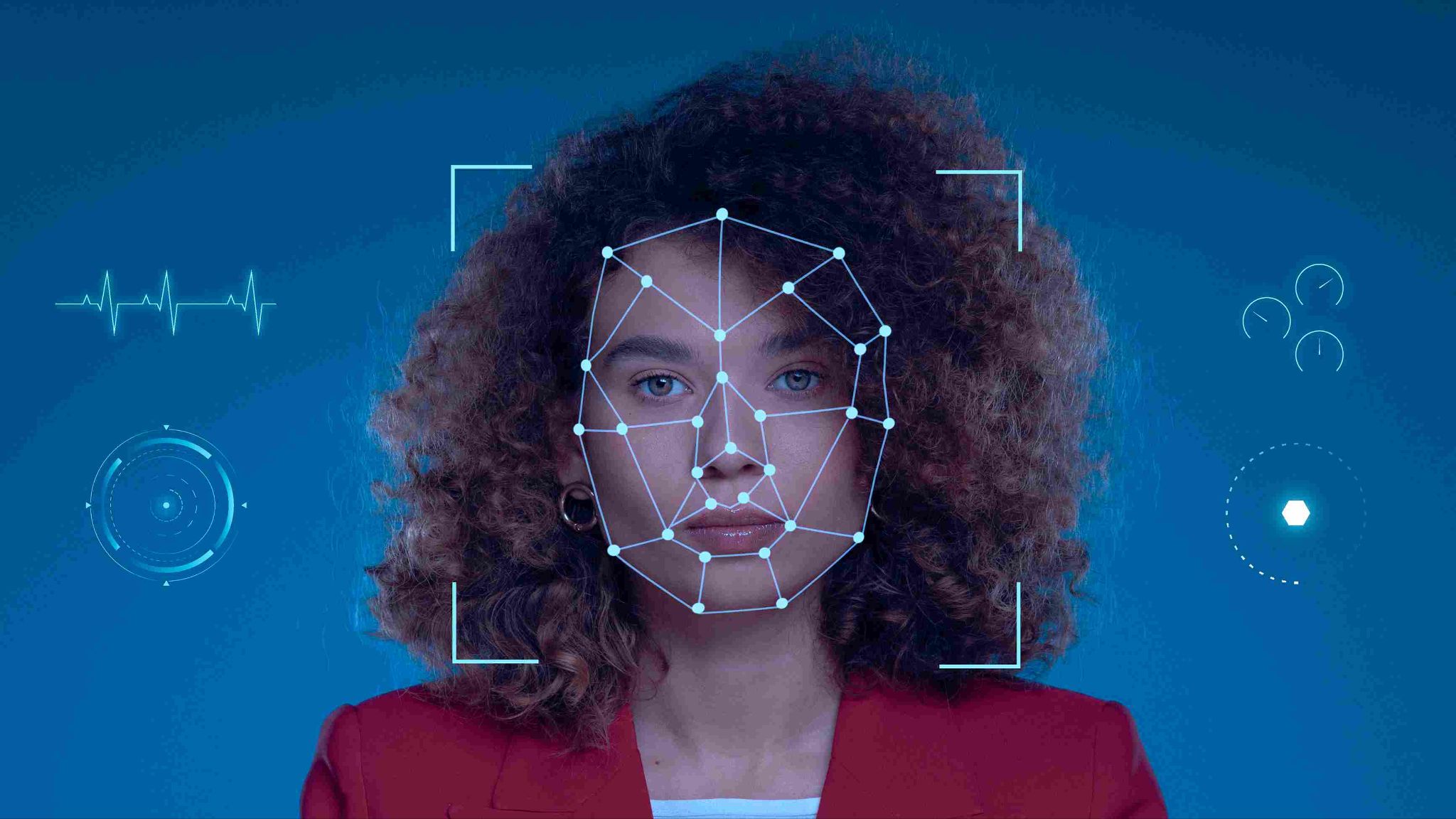
A facial recognition time clock creates an objective, timestamped record of every attendance event. There is no ambiguity. The record shows exactly when the employee's face was recognized and the clock-in was completed. This record is the same for everyone and cannot be altered retroactively.
Disputes that previously took days to resolve now take minutes. The data provides the answer.
It Reduces Payroll Errors Significantly
Payroll errors cost businesses money in two directions. Overpayment means the business pays for hours that were not worked. Underpayment creates disputes, damages trust, and can result in legal action.
Both types of error are far less likely when attendance is tracked through a verified, automatic system. The hours recorded are the hours actually worked. Overtime is calculated correctly. And the payroll data produced by the system is reliable from the start.
OpenTimeClock calculates hours automatically from facial recognition clock-in data. Overtime is tracked in real time. Managers receive alerts before thresholds are crossed. And over 80 types of payroll reports are available at any time, ready for review before payroll is processed.
It Scales Effortlessly With Your Business
When a business grows, its attendance management process needs to grow with it. A process that works for 10 employees needs to work just as well for 100.
Paper timesheets do not scale. Manual entry does not scale. But a cloud-based facial recognition system scales without any additional complexity or cost. New employees are registered in minutes. Multiple locations can be managed from the same central dashboard. And the data remains accurate and organized regardless of team size.
OpenTimeClock is free for unlimited users. Whether your business has five employees or five hundred, the cost remains zero. There are no pricing tiers, no user limits, and no feature restrictions based on team size.
It Works Across Multiple Locations
Businesses that operate across multiple sites often struggle with attendance management. Separate systems at each location create data silos. Managers cannot see a unified view of their entire workforce. And comparing attendance across locations requires manual data assembly.
A facial recognition time clock connected to a central cloud platform solves this. Every location uses the same system. Data from all locations flows into the same central dashboard. Managers can see real-time attendance for every employee at every site from one screen.
This unified visibility is particularly valuable for retail chains, construction companies with multiple job sites, healthcare groups with several facilities, and any business that manages staff across different locations.
Industries Where Facial Recognition Time Clocks Make the Biggest Difference
Facial recognition time clock software delivers value across all industries. But some sectors see particularly strong benefits.
Manufacturing and Warehousing
Manufacturing plants and warehouses employ large shift-based teams. Shift changeovers involve many employees clocking in and out within a short window. Facial recognition handles high-volume clock-in events quickly. Every employee is verified in under two seconds. Queues are short. Attendance data is accurate from the first minute of every shift.
Healthcare
Healthcare facilities need accurate attendance records to maintain safe staffing levels. They also have strict hygiene requirements. Facial recognition satisfies both needs. It confirms that the right qualified staff member is on shift. And it requires no physical contact, which aligns with healthcare hygiene protocols.
Retail
Retail businesses have large numbers of part-time and casual workers. Shift patterns are complex. Buddy punching is common. Facial recognition handles all of these challenges. It verifies every clock-in regardless of how variable the employee's hours are. And it makes buddy punching impossible.
Construction
Construction teams work across different job sites. A tablet-based facial recognition kiosk can be set up at any site in minutes. Combined with GPS tracking, it confirms both the identity and the location of every worker clocking in.
Food Service and Hospitality
Restaurants, hotels, and event venues deal with high staff turnover and busy shift changeovers. Facial recognition provides fast, contactless clock-ins that keep the process smooth even when multiple staff are arriving or departing at the same time. It provides a real-time attendance dashboard accessible from any device.
Conclusion
Attendance management does not need to be a burden. With the right tools, it can be fast, accurate, and nearly effortless. Facial recognition time clock software is the most effective tool available for achieving this.
It eliminates buddy punching. It removes manual entry and the errors that come with it. It provides managers with real-time data they can act on immediately. It creates an objective, tamper-resistant record for every attendance event. And it scales with your business without adding cost or complexity.
OpenTimeClock delivers all of this completely free. Facial recognition, GPS tracking, geofencing, leave management, real-time dashboards, overtime alerts, and over 80 payroll report types, all included at zero cost for unlimited users.
FAQ’s
Q1: What is facial recognition time clock software and how does it work?
Facial recognition time clock software is an attendance management system that uses a camera and biometric algorithms to identify employees when they clock in and out. Employees register their face during an initial setup session. Every subsequent clock-in involves the camera capturing a live image and comparing it to the stored profile.
Q2: Is facial recognition time clock software secure?
Yes. Biometric face profiles are stored as encrypted data, not as photographs. The stored data cannot be reverse-engineered into an image of the employee's face. Access to the system is controlled through secure logins. And the attendance records produced by the system are tamper-resistant, meaning they cannot be altered after the clock-in has been recorded.
Q3: How does facial recognition prevent buddy punching?
Buddy punching requires someone to use another person's identity to clock them in. With a PIN or card system, this is easy. With facial recognition, it is impossible. The system requires the actual registered employee to be physically present in front of the camera.
Q4: Does OpenTimeClock offer facial recognition as a free feature?
Yes. OpenTimeClock includes facial recognition as a standard free feature. It is available to all users at no additional cost. The software runs on any device with a front-facing camera. No specialist hardware is required.
Q5: Can facial recognition time clock software handle a large team across multiple locations?
Yes. Cloud-based facial recognition systems like OpenTimeClock are built to scale across large teams and multiple locations. Each location runs the same system on its own device. All data flows into a single central dashboard that managers can access from any device.