Employee Time Clock Software Comparison: Top 12 Tools in 2026
Compare Employee Time Clock Software. 12 best tools ranked. Open Time Clock free, simple, powerful. Find your perfect fit in 2026.
Are you looking for a better way to track employee work hours in 2026?
Employee time clock software has become an important tool for businesses of all sizes. Instead of relying on paper timesheets or manual spreadsheets, companies can use modern software to record employee hours accurately, reduce payroll mistakes, and save valuable administrative time. Many tools now offer features such as mobile clock-ins, GPS tracking, scheduling, overtime tracking, and payroll integration.
However, with so many options available, choosing the right solution can be challenging. Some platforms focus on simple time tracking, while others provide complete workforce management features. The best choice depends on your business size, budget, and specific needs.
In this guide, we compare the top 12 employee time clock software tools in 2026. You'll learn about their key features, strengths, pricing, and ideal use cases so you can find the right solution for your team.
Ranking the Top Employee Time Clock Software in 2026
Here are the best options ranked by overall value.
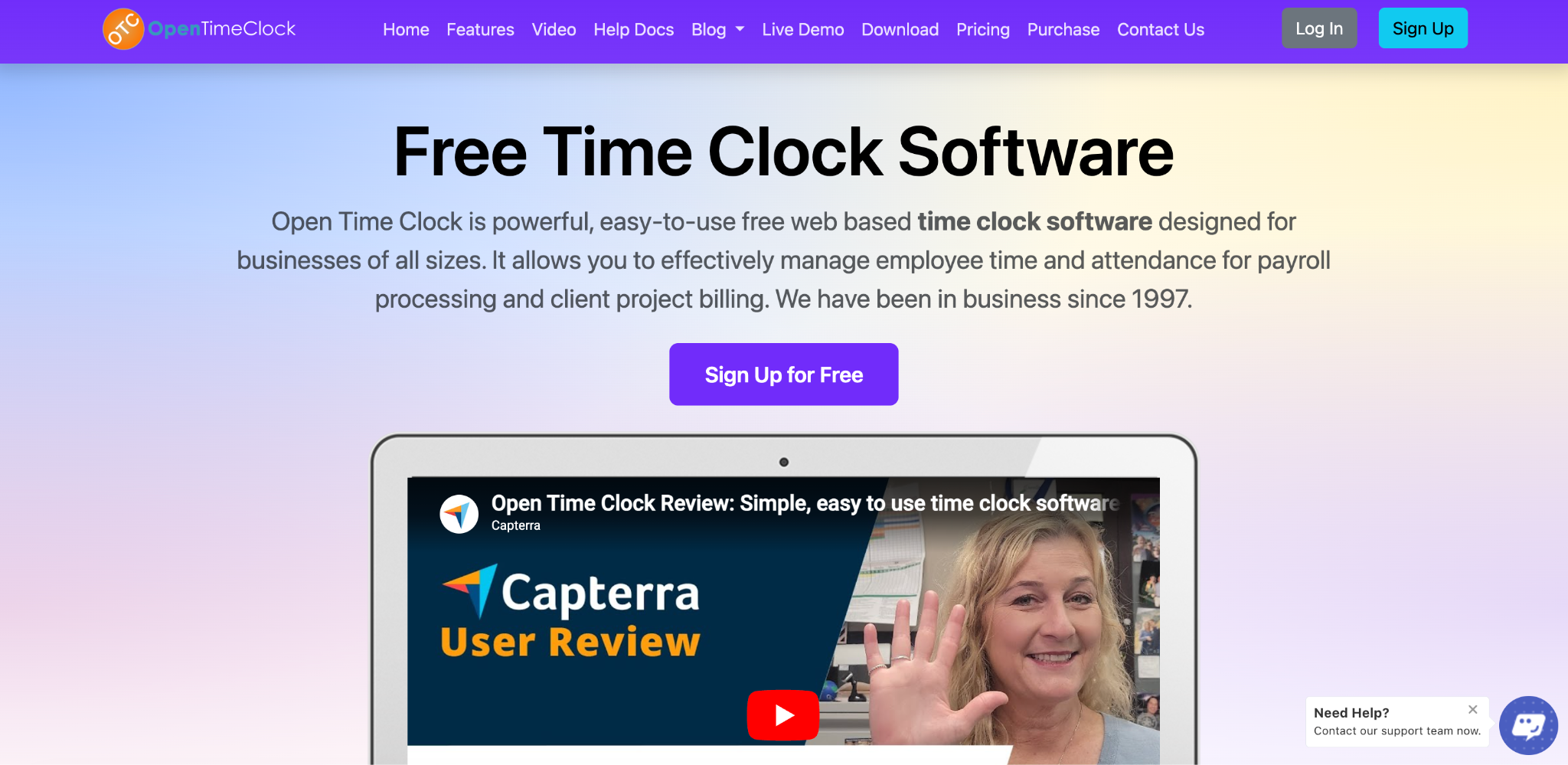
Number One: Open Time Clock
Open Time Clock leads the comparison. Why? It is completely free. No hidden costs. No per-employee charges. No monthly fees. Zero cost forever.
Features are comprehensive. GPS tracking. Facial recognition. Photo verification. Shift scheduling. Payroll integration. Mobile apps for iOS and Android. Attendance reports. Project tracking. All included at zero cost.
Setup is instant. Create an account. Add employees. Start tracking. No consultants. No configuration. It just works. Perfect for small and mid-size businesses.
Usability is excellent. Simple interface. Employees figure it out immediately. Mobile apps are intuitive. No training needed. No manuals required.
Support is responsive. Email support available. Documentation is complete. Tutorials exist. FAQs answer questions. Help is free.
Cloud-based architecture means access from anywhere. Anytime. Any device. No servers to manage. No software to install.
Over 25 years of experience proves reliability. Open Time Clock has served businesses since 1997. It continues innovating. Adding features. Improving functionality. Completely free.
Number Two: Clockify
Clockify is simple and free. It handles basic time tracking. Mobile apps work well. The free version is functional. Paid plans add features.
Strengths: Very affordable. Simple setup. Good mobile experience. Integrates with many tools.
Weaknesses: Limited advanced features. The free version has restrictions. Not ideal for complex scheduling. Payroll integration requires a paid plan.
Cost: Free for basic features. Paid plans start at $9.99 per user monthly.
Number Three: Toggl Track
Toggl Track focuses on time tracking simplicity. Clean interface. Easy to use. Good for freelancers and small teams.
Strengths: Simple design. Good reporting. Mobile friendly. Affordable pricing.
Weaknesses: Limited scheduling features. No advanced verification methods. Not ideal for complex organizations. Limited payroll integration.
Cost: Free and paid plans from $9 per user monthly.
Toggl Track also offers project tracking and billable hour management, making it useful for consultants, agencies, and remote teams. Users can generate detailed reports to understand where time is being spent and identify productivity trends. While it excels at basic time tracking, businesses that need workforce scheduling, GPS tracking, attendance management, or advanced compliance tools may find its feature set too limited as their teams grow.
Number Four: When I Work
When I Work combines scheduling with time tracking. Good for retail and hospitality. Decent mobile apps. Customer support is responsive.
Strengths: Good scheduling features. Reliable tracking. Reasonable pricing. Customer support.
Weaknesses: More expensive than alternatives. Limited advanced features. Setup takes some time. Complex for small businesses.
Cost: Pricing starts at $2 per user monthly for basic plan.
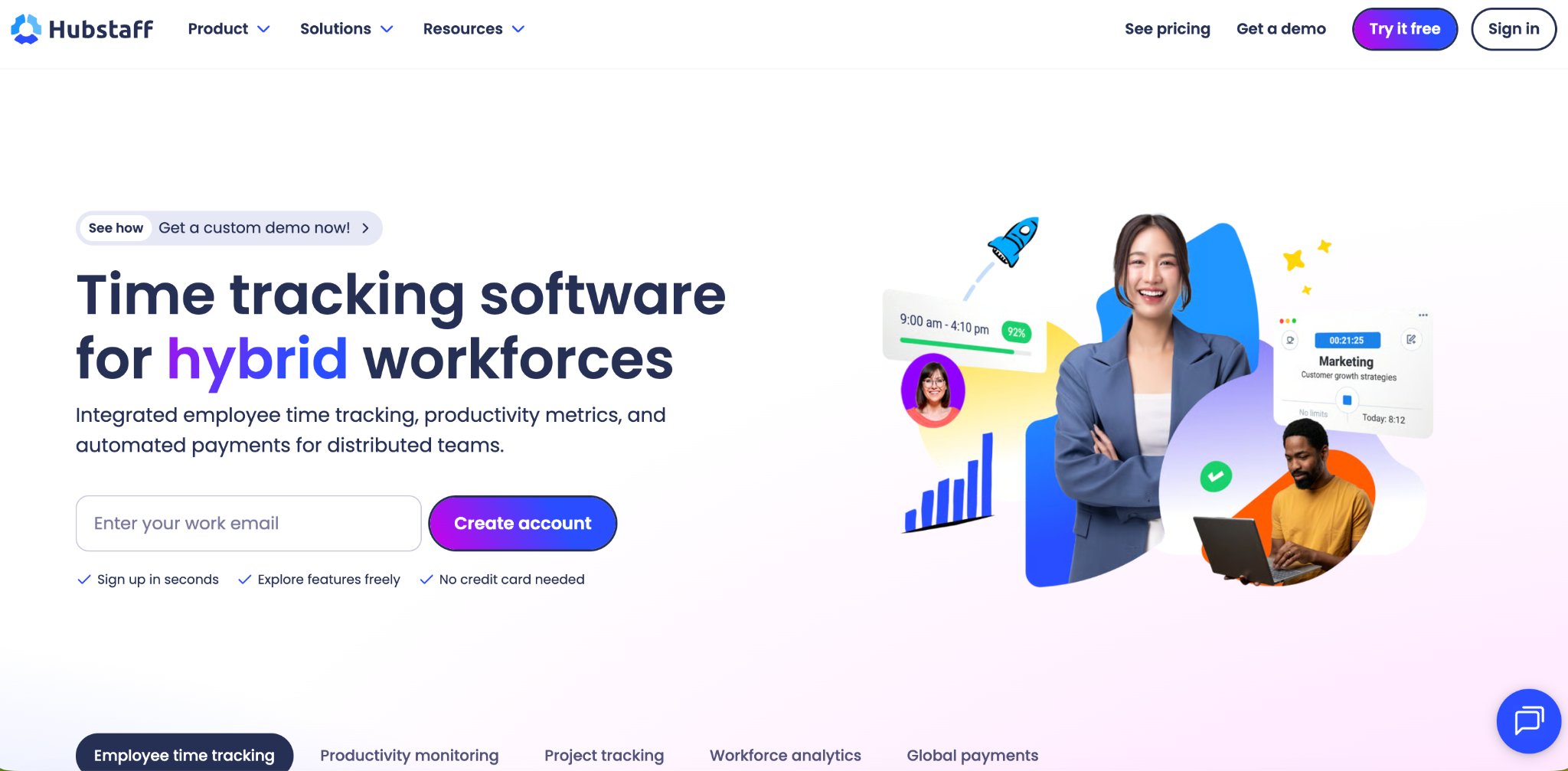
Number Five: HubStaff
HubStaff includes time tracking and employee monitoring. Good for remote team management. GPS tracking available. Activity monitoring included.
Strengths: Comprehensive monitoring. GPS tracking. Good analytics. Mobile apps.
Weaknesses: Surveillance aspects concern some users. More complex. Higher cost than alternatives. Overkill for simple needs.
Cost: Pricing starts at $7 per user monthly.
HubStaff is particularly useful for companies that need visibility into remote work activities and employee productivity. It offers automated timesheets, payroll support, and integrations with popular project management platforms.
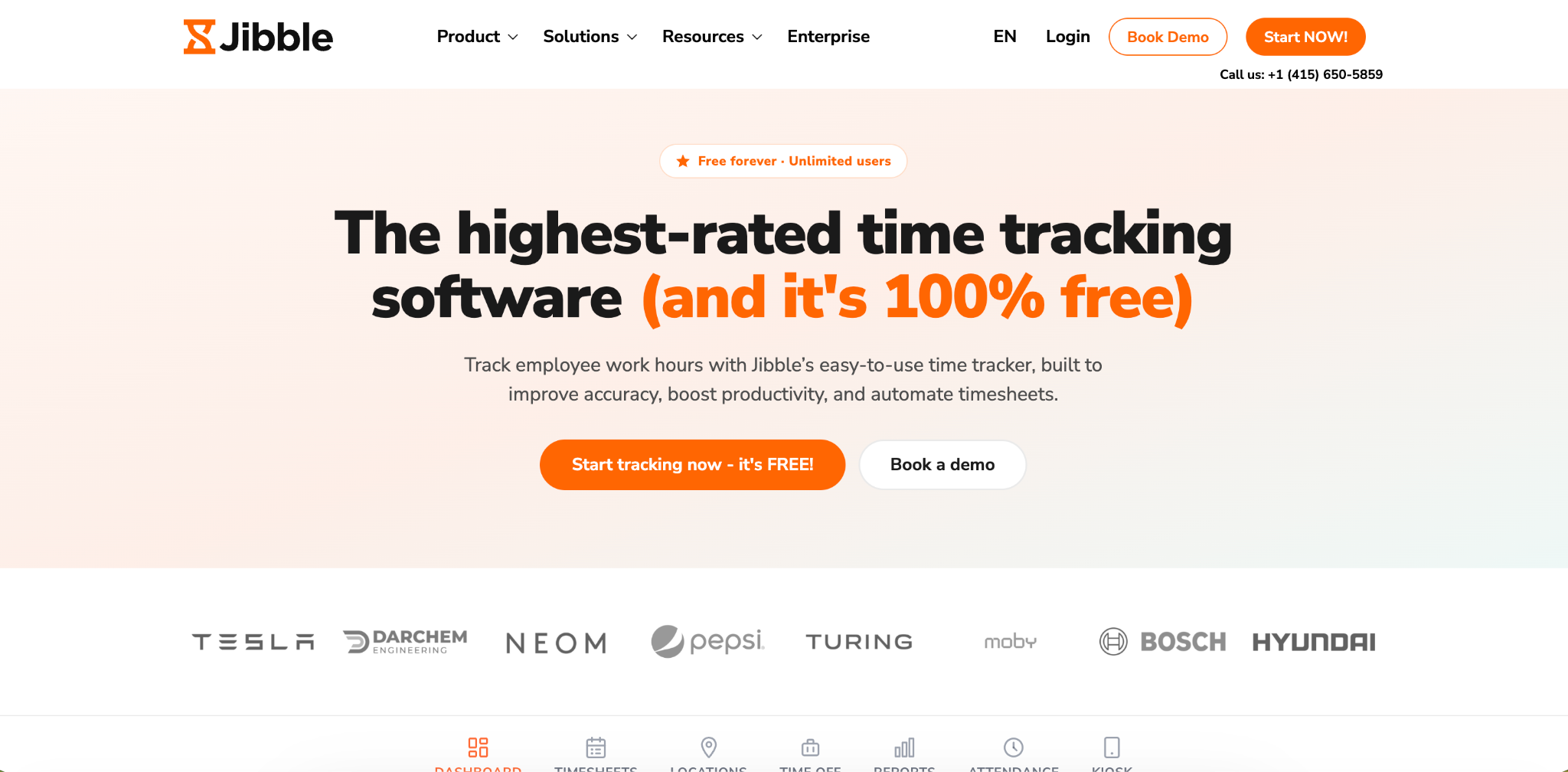
Number Six: Jibble
Jibble offers simple time tracking. Cloud-based. Works on mobile. Affordable pricing. Good for small businesses.
Strengths: Simple interface. Affordable. Mobile apps. Cloud-based. Good customer support.
Weaknesses: Limited advanced features. Basic scheduling only. No facial recognition. Limited integrations.
Cost: Free and paid plans. Premium starts at $2.50 per user monthly.
Number Seven: TSheets by QuickBooks
TSheets integrates tightly with QuickBooks. Good for businesses already using QuickBooks. Solid mobile apps. Payroll integration is seamless.
Strengths: QuickBooks integration. Good reporting. Reliable platform. Mobile access.
Weaknesses: Expensive for standalone use. Requires QuickBooks investment. Complex for simple businesses. Implementation takes time.
Cost: Pricing starts at $8 per user monthly.
Number Eight: Time Doctor
Time Doctor includes monitoring features. Useful for remote teams. Good analytics. Desktop and mobile apps.
Strengths: Comprehensive monitoring. Good analytics. Remote team focus. Reliable platform.
Weaknesses: Surveillance aspects controversial. Higher cost. Complexity for small businesses. Privacy concerns.
Cost: Pricing starts at $10 per user monthly.
Number Nine: Zoho Projects
Zoho Projects combines project management with time tracking. Good for project-based businesses. Part of Zoho suite. Integration benefits.
Strengths: Project management features. Zoho integration. Good reporting. Reasonable pricing.
Weaknesses: More complex. Overkill for simple time tracking. Learning curve required. Medium-sized business focus.
Cost: Pricing varies. Starts around $5 per user monthly.
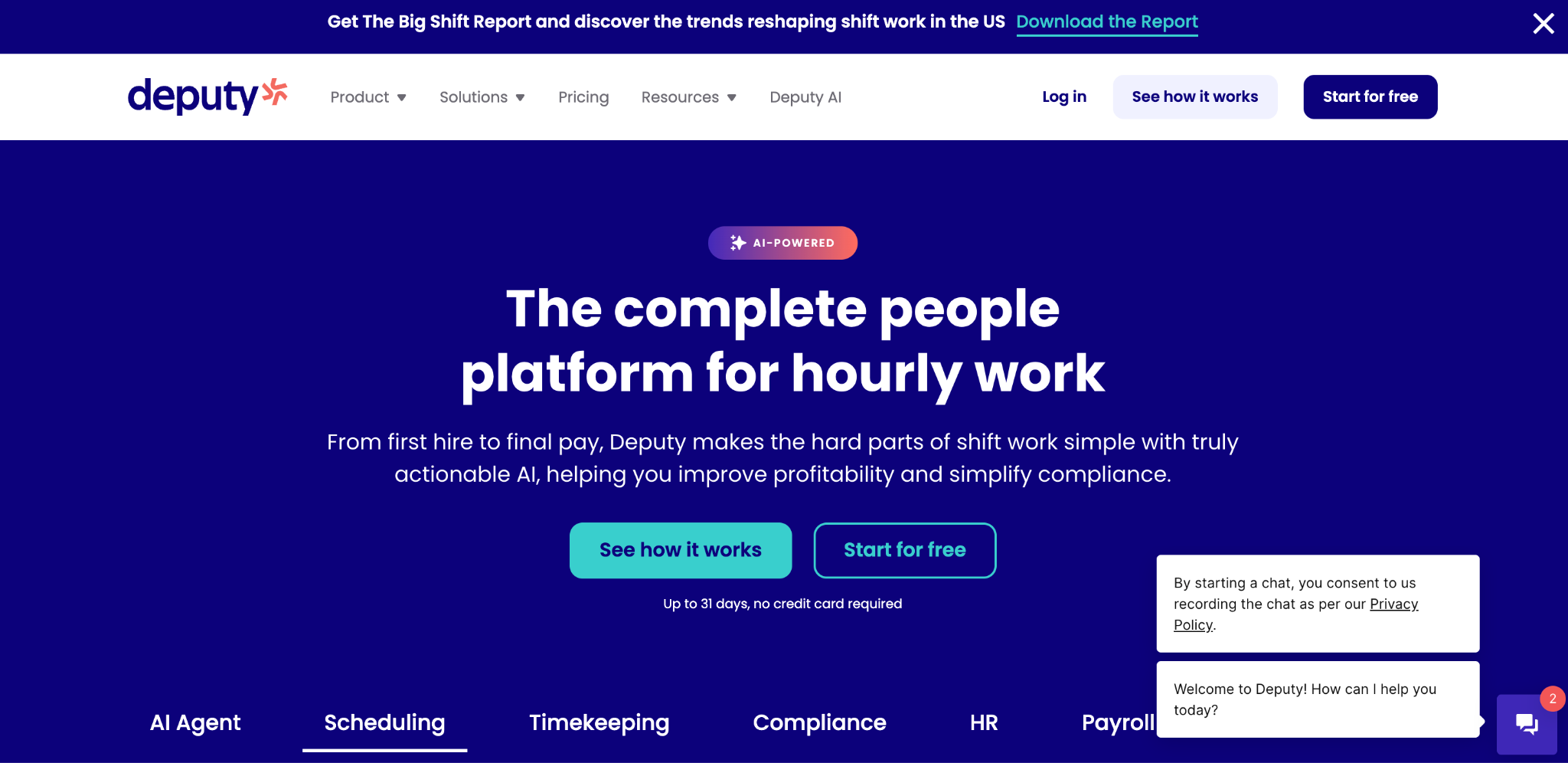
Number Ten: Deputy
Deputy is employee management focused. Good scheduling. Shift management is strong. Mobile apps are functional. Growing platform.
Strengths: Strong scheduling. Shift management. Growing feature set. Reasonable pricing.
Weaknesses: Newer platform. Smaller feature set. Customer support varies. Not ideal for complex needs.
Cost: Pricing starts at $4.50 per user monthly.
Number Eleven: Guidepoint
Guidepoint is basic time tracking. Simple interface. Very affordable. Good for budget-conscious businesses. Limited features.
Strengths: Very affordable. Simple setup. Mobile access. Cloud-based.
Weaknesses: Very basic features. No scheduling. No advanced verification. No integrations. Minimal support.
Cost: Pricing starts at $1.50 per user monthly or free basic version.
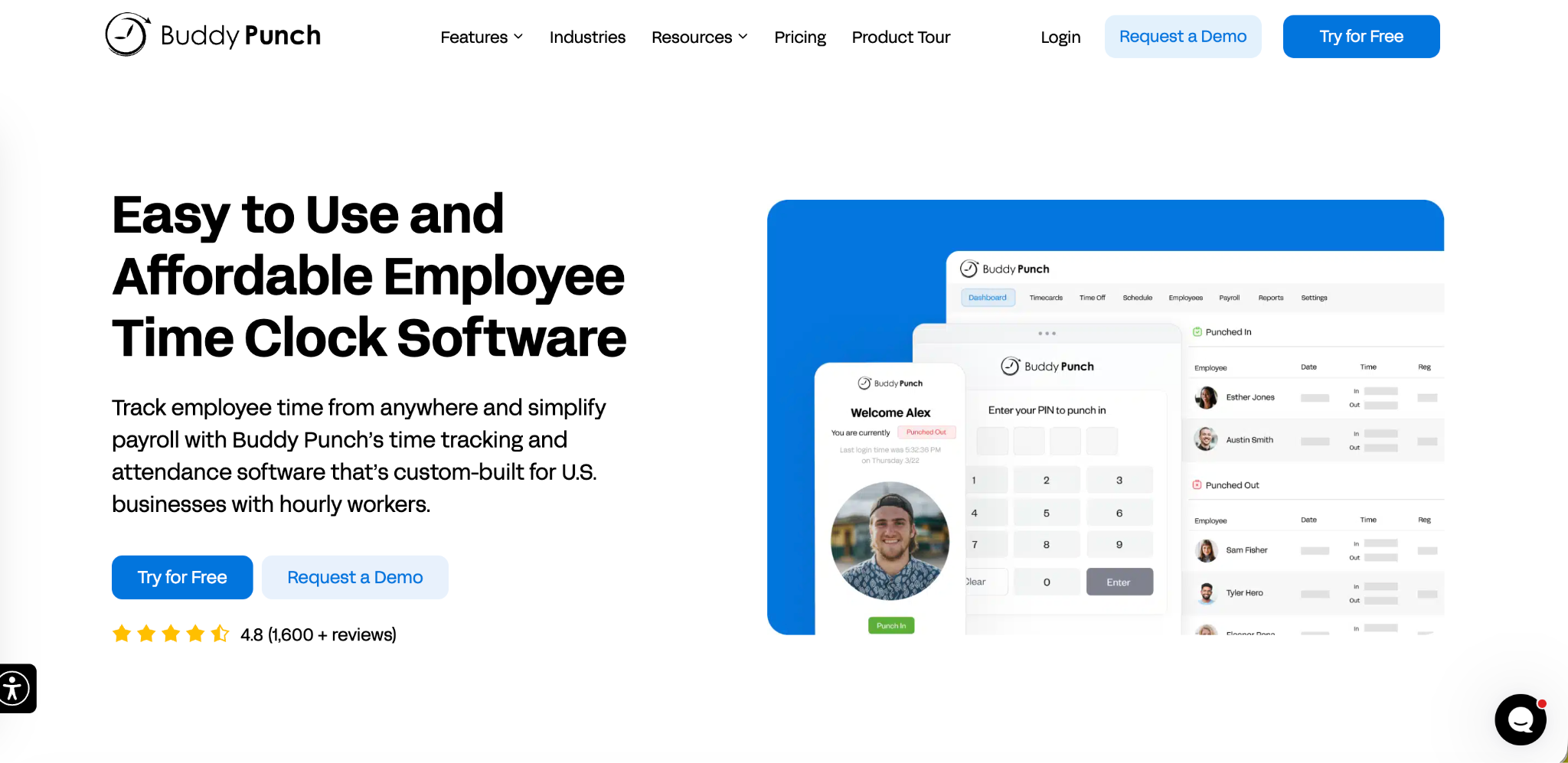
Number Twelve: Buddy Punch
Buddy Punch offers time tracking with biometric verification. Good security. Mobile apps available. Affordable pricing.
Strengths: Biometric options. Good security. Affordable. Mobile friendly.
Weaknesses: Smaller company. Limited integrations. Customer support limited. Fewer features than competitors.
Cost: Pricing starts at $1 per user monthly.
What to Look for in Time Clock Software
Understanding key features helps you choose.
Mobile Accessibility
Employees expect mobile apps. Time Clock Software should work on phones. iOS and Android. Full features on mobile. Not just limited versions. Mobile-first design is essential.
Ease of Use
Simple is better. Employees should clock in with one tap. No training. No manual. Obvious interface. Immediate understanding. Complexity is a negative.
Affordability
Cost matters. Especially for small businesses. Free is ideal. Under $10 per employee monthly is reasonable. Over $20 per employee is expensive. Compare total cost over time.
Setup Speed
How quickly can you start? Some systems require months. Some require days. Some require minutes. Fast setup is better. You need results quickly.
Features You Actually Need
Do not buy features you will not use. Basic time tracking is usually enough. GPS is nice if you have field workers. Scheduling is important if you have shift workers. Know your actual needs.
Integration Capabilities
Does it connect to your payroll system? Your accounting software. Your HR tools. Integration matters. It eliminates manual data entry. It prevents errors.
Customer Support
Will you get help when needed? Is support responsive. Is it helpful? Support quality varies widely. Check reviews. Ask about support before buying.
Verification Methods
How does it prevent time theft? Facial recognition. GPS. Photo capture. PIN codes. QR codes. Options matter. Multiple methods are better.
Time Clock Software for Different Business Types
Different businesses have different needs.
Small Businesses
Small businesses need simple, affordable software. The Open Time Clock is perfect. Free. Simple. No IT needed. Everything a small business needs.
Retail Businesses
Retail needs shift scheduling. Fast clock-ins for high volume. Multiple location support. When I Work or Deputy work well.
Field Service Businesses
Field work needs GPS tracking. Proof of presence at job sites. Mobile priority. Location-based verification essential. Open Time Clock with GPS tracking works well.
Office Businesses
Office work needs simple tracking. Attendance focus. Scheduling is less complex. Open Time Clock handles this perfectly.
Healthcare
Healthcare needs strict compliance. Multiple verification methods. Detailed records. Strong reporting. HubStaff or TSheets work well.
Construction
Construction needs project tracking. Field worker management. GPS. Attendance verification. Open Time Clock with project tracking works well.
How to Evaluate and Choose
Make the right choice for your situation.
Define Your Needs
What do you actually need? Time tracking only. Or scheduling too. GPS or not. How many employees. What is your budget? Be specific.
Test the Free Versions
Most software offers free trials. Test them. Use them for a week. See how they work. See if they are simple. See if employees like them.
Check Mobile Experience
Download a mobile app. Use it. Clock in. Clock out. Check usability. Check speed. Check features. Mobile experience matters.
Verify Integration
Does it integrate with your systems? Test the integration. Does data flow correctly? Does it work automatically? Integration quality varies.
Ask About Support
Can you reach support easily? How long do they respond? Are they helpful? Support quality varies. Check reviews. Ask current users.
Calculate Total Cost
Do not just look at the base price. Include setup. Training. Support. Integration. What is the real total cost? Over one year. Over five years.
Conclusion
Choosing the right employee time clock software in 2026 is about more than simply tracking hours. The best solutions help businesses improve payroll accuracy, reduce administrative work, monitor attendance, and gain better visibility into workforce productivity. Whether you manage a small team, a growing business, or a large enterprise, selecting a tool that fits your workflow can save significant time and prevent costly errors.
The software options compared in this guide offer a range of features, from basic clock-in and clock-out functionality to advanced capabilities such as GPS tracking, facial recognition, scheduling, payroll integration, and detailed reporting. The right choice depends on your budget, team size, compliance requirements, and the level of workforce oversight you need.
Before making a decision, identify the features that matter most to your organization and consider how the software will scale as your business grows. A reliable employee time clock system is an investment that improves efficiency, supports compliance, and helps create a more organized and productive workplace.
FAQ’s
1. What is the best Time Clock Software for small businesses?
Open Time Clock is the best for small businesses. It is completely free. It is simple to use. It requires no IT expertise. No implementation consultants. No long setup times. It includes all essential features. Mobile apps. Payroll integration. Attendance tracking.
2. What Time Clock Software is completely free?
Open Time Clock is completely free. No hidden costs. No per-employee fees. No monthly subscriptions. Free forever. Clockify has a free version. Jibble has a free version. But many have limitations. Open Time Clock is fully free with no limitations.
3. Which Time Clock Software works best for field workers?
Open Time Clock works best for field workers. It includes GPS tracking. Proof of presence at job sites. Mobile apps designed for field use. Offline capability for remote areas. Perfect for field-based businesses. HubStaff and Time Doctor also offer GPS tracking.
4. How much does Time Clock Software typically cost?
Costs vary widely. Open Time Clock is free. Others range from $1 to $20+ per employee monthly. Total costs include implementation. Training. Support. Calculate real total cost. Including all fees. Over one year minimum.
5. Is Open Time Clock really better than paid alternatives?
For most small and medium businesses, yes. Open Time Clock is free. Paid alternatives cost thousands monthly. The Open Time Clock has essential features. Paid software often has unnecessary complexity. For simple time tracking, Open Time Clock is better.