A contactless attendance system has become increasingly important in today’s world, where health, safety, and efficiency are top priorities. Traditional methods like fingerprint scanners or manual registers require physical touch, which can spread germs and slow down processes. In contrast, contactless systems use technologies such as facial recognition, RFID cards, or mobile apps to record attendance without any physical interaction.
These systems not only reduce the risk of infections but also save time and minimize human errors. They are especially useful in workplaces, schools, and public institutions where managing large groups of people is a daily task.
By automating attendance tracking, organizations can improve accuracy, enhance security, and maintain better records. Overall, a contactless attendance system offers a modern, safe, and reliable solution that aligns with the growing need for hygiene and digital transformation in everyday operations.
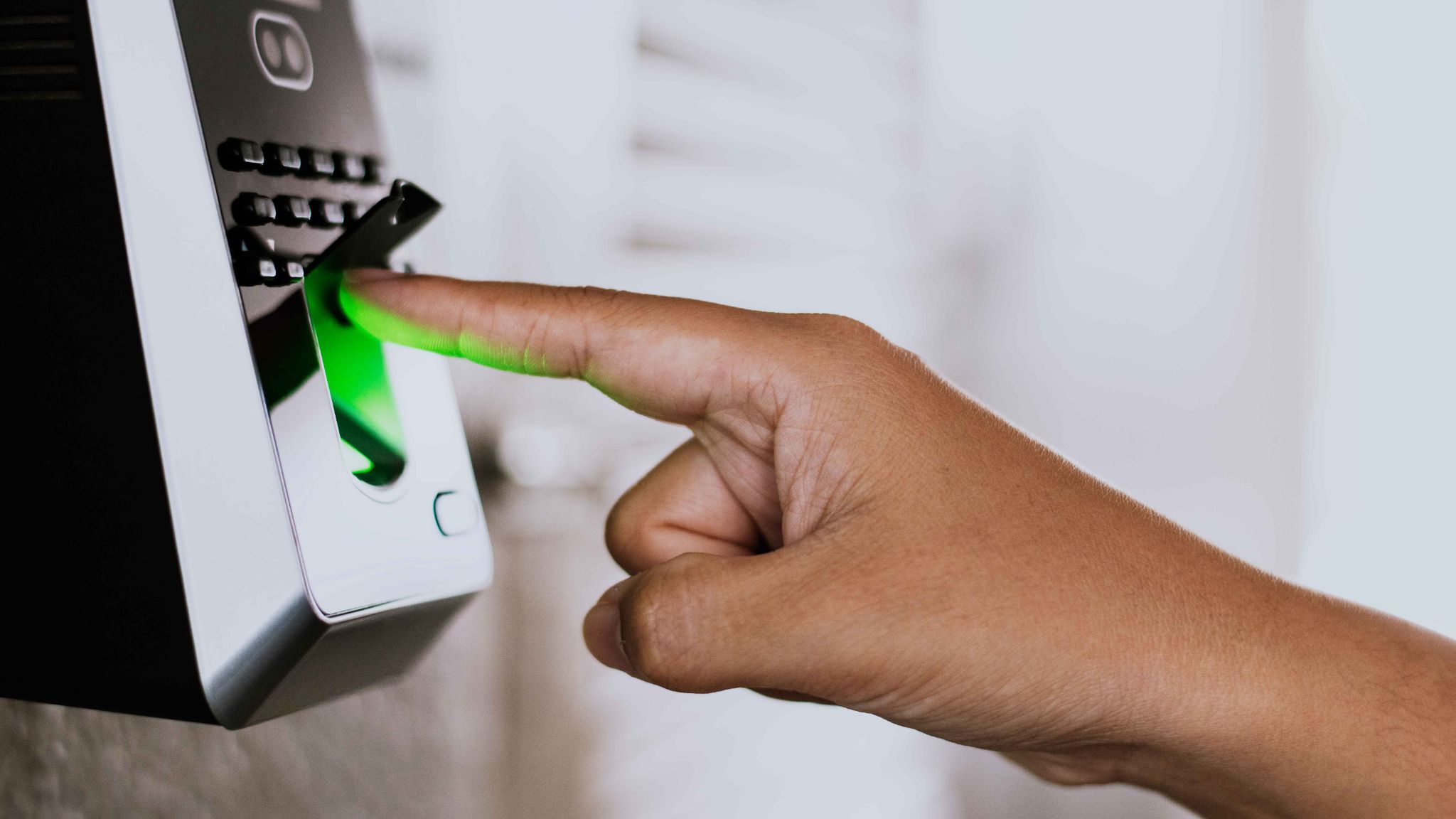
What Is a Contactless Attendance System?
A contactless attendance system is a way of tracking employee attendance without any physical touch. Instead of pressing a finger on a scanner or using a punch card machine, employees can clock in and out using their face, a QR code, an RFID card, or a mobile app. The system records the time automatically and sends the data to a central dashboard that managers can access from anywhere.
This type of system uses technologies like facial recognition, GPS tracking, NFC cards, and QR codes to verify who is clocking in and when. It removes the need for shared surfaces, physical contact, and manual data entry. Everything is done digitally and in real time.
Businesses of all sizes, from small offices to large companies with hundreds of employees, can benefit from using a contactless attendance system. It is especially useful in environments where hygiene, security, and accuracy are a top priority.
Why Traditional Attendance Systems Are No Longer Enough
Traditional attendance systems are no longer enough in today’s fast-paced and technology-driven environment. Methods like paper registers, punch cards, or fingerprint scanners may have worked in the past, but they now present several limitations. Manual systems are time-consuming, prone to errors, and can easily be manipulated, leading to inaccurate records. Biometric systems that require touch also raise hygiene concerns, especially after global health crises where minimizing physical contact is essential.
Additionally, traditional systems lack flexibility and real-time tracking. They make it difficult for organizations to monitor attendance across multiple locations or support remote and hybrid work models. Data management also becomes a challenge, as records are harder to analyze and store efficiently. In contrast, modern organizations need smarter, faster, and safer solutions. As a result, relying solely on outdated attendance methods can slow down operations and reduce overall productivity and security.
How a Contactless Attendance System Keeps Your Workplace Safe
Safety in the workplace means more than just physical safety. It also means protecting your business from fraud, data errors, and compliance problems. Here is how a contactless attendance system helps with all of that.
Stopping Buddy Punching and Time Fraud
One of the biggest threats to any business is time theft. When one employee clocks in on behalf of another, the business pays for hours that were never worked. A contactless system using facial recognition makes this impossible. The system scans the employee's face and compares it with a stored photo. If there is no match, the clock-in is rejected automatically.
OpenTimeClock takes this even further by capturing a photo and GPS address every time an employee clocks in. This creates a clear and tamper-proof record that managers can review at any time.
Keeping the Workplace Hygienic
After the global pandemic, workplace hygiene became a major concern for businesses everywhere. Shared touch points like fingerprint scanners became a real health risk. A contactless attendance system eliminates this problem entirely. Employees never have to touch a shared device. They simply look at a camera, tap an NFC card, or scan a QR code. It is fast, clean, and completely touch-free.
Preventing Unauthorized Access
A contactless system also acts as a security layer for your workplace. Only registered employees can clock in. If someone tries to clock in without being in the system, access is denied. This protects your business from unauthorized entries and keeps your records accurate.
Key Features of a Modern Contactless Attendance System
Not all contactless attendance systems are the same. When choosing one for your business, look for these important features.
Facial Recognition
Facial recognition is one of the most secure and convenient ways to track attendance. The system uses a camera to scan the employee's face and match it with a stored profile. It takes just a few seconds and requires no physical contact at all.
OpenTimeClock offers a built-in facial recognition feature called Face Clock. Employees can use it on desktop, web, or mobile apps. The system captures the employee's face and logs their clock-in or clock-out time automatically. There is no need for PINs, cards, or any manual input.
QR Code and RFID Scanning
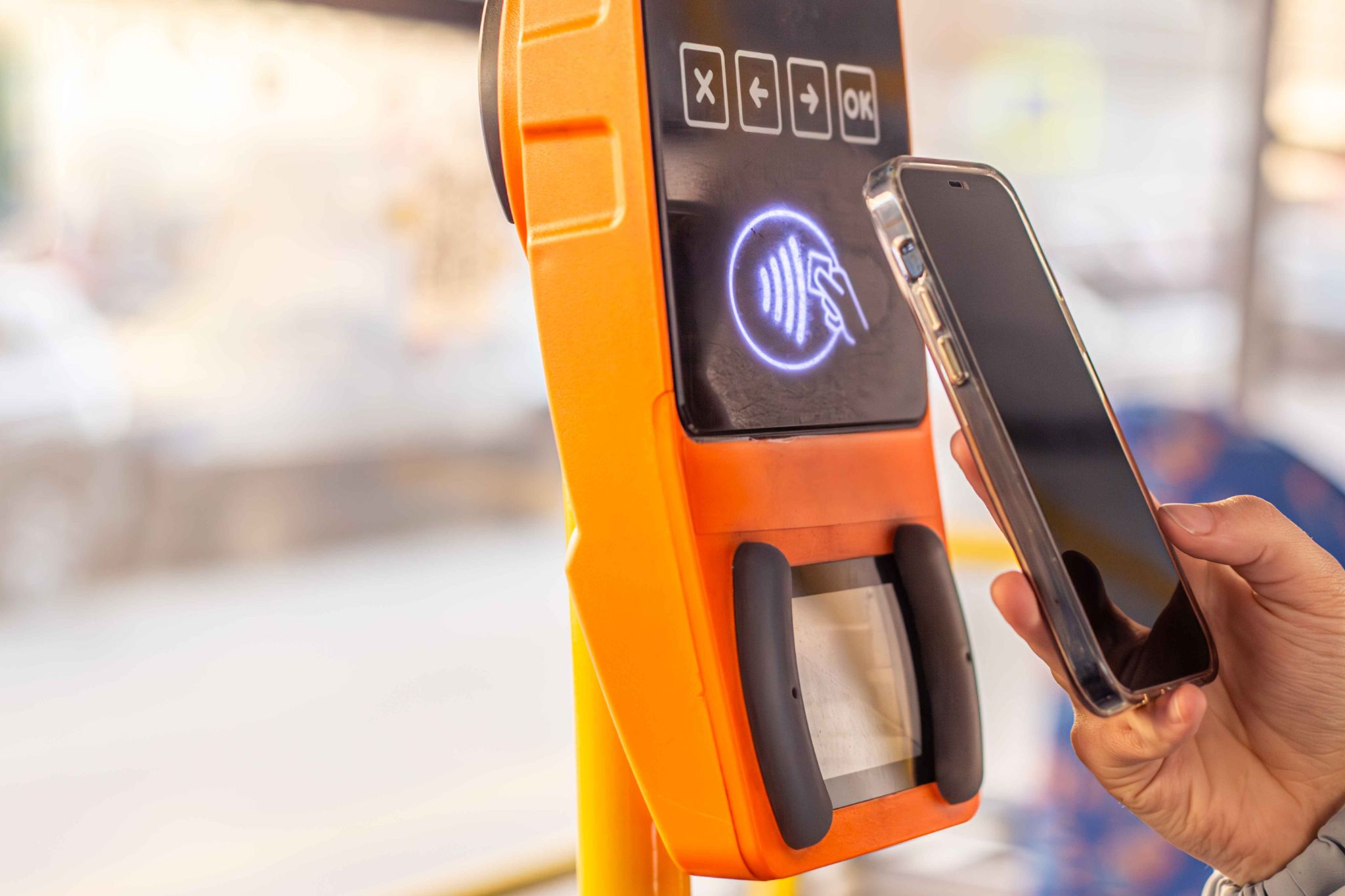
QR codes and RFID cards are another great way to clock in without touching anything. Employees simply hold up their card or phone to a scanner, and the system logs their attendance instantly. This is a popular choice for businesses with large teams who need to clock in quickly.
GPS Tracking and Geofencing
For businesses with remote workers or field employees, GPS tracking is essential. A good contactless attendance system records the GPS location of every clock-in. Managers can see exactly where each employee was when they clocked in and out.
Geofencing goes one step further. It allows managers to set a geographic boundary around the workplace. Employees can only clock in if they are within that boundary. This prevents remote clock-ins from home or other unauthorized locations. You can explore how OpenTimeClock uses GPS and geofencing to give managers full control over where and when employees can clock in.
WiFi-Based Attendance Control
Another useful feature is WiFi-based restriction. The system only allows clock-ins from devices connected to the company's WiFi network. This ensures that employees are physically present at the workplace before they can mark their attendance.
Real-Time Dashboard and Reporting
A good contactless system gives managers a live view of who is in the office and who is not. Alerts are sent automatically if an employee is late, misses a clock-in, or approaches overtime. Reports can be generated in seconds and exported for payroll processing.
OpenTimeClock offers over 80 preset report templates in PDF and Excel format, covering everything from hours worked to overtime calculations and PTO balances.
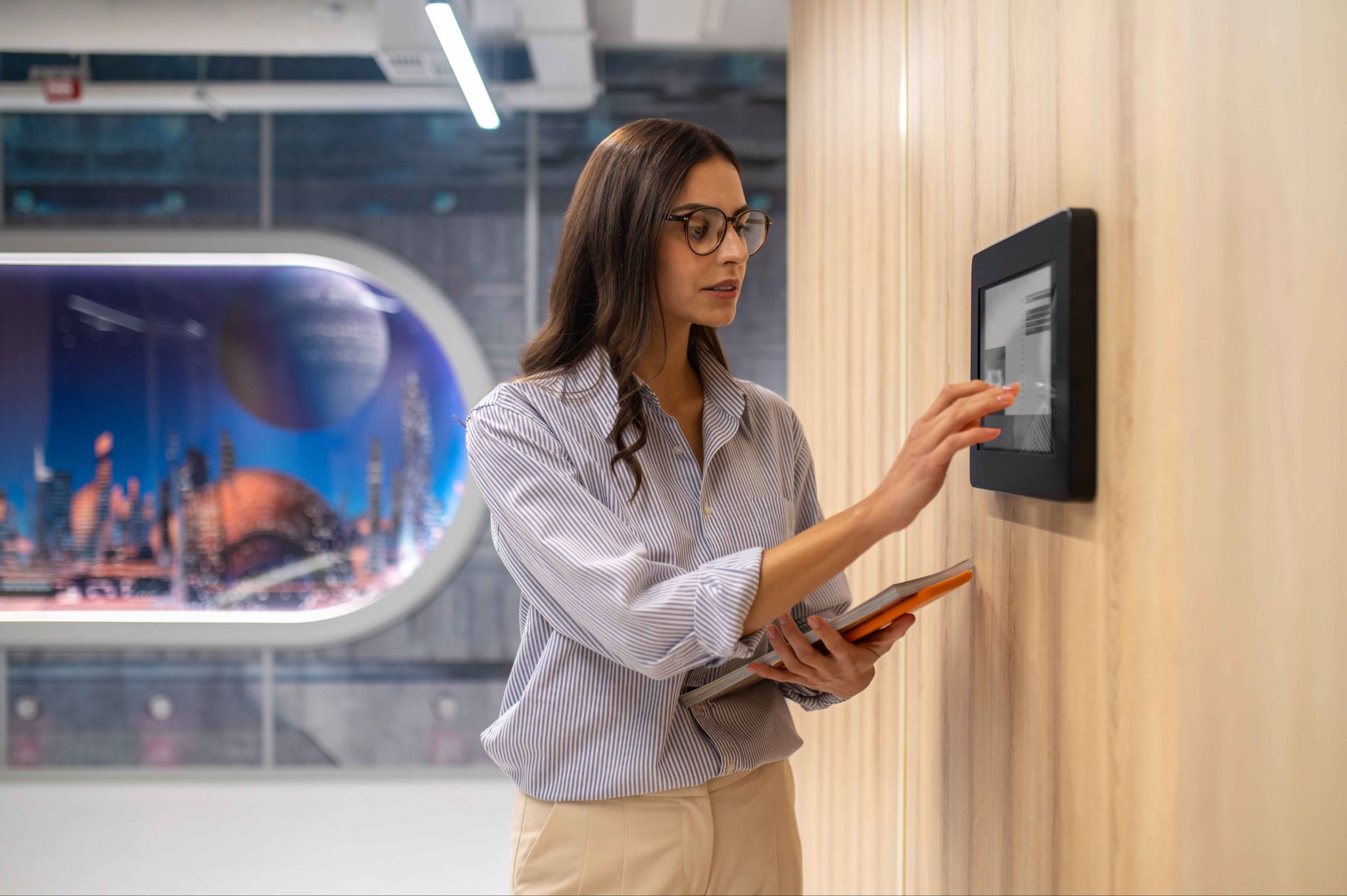
Benefits of Using a Contactless Attendance System for Your Business
Switching to a contactless system is not just about safety. It also brings real business benefits that save time and money.
Accurate Payroll Every Time
When attendance is tracked automatically and in real time, payroll errors become a thing of the past. The system calculates hours worked, overtime, and leave balances without any manual input. This means employees are paid correctly every time, and HR teams spend less time fixing mistakes.
Reduced Administrative Work
Manual timesheets require someone to collect, check, and enter data every week. A contactless system does all of this automatically. HR managers and bookkeepers save hours each week that they can spend on more important tasks.
Better Compliance with Labor Laws
Keeping accurate records of work hours, breaks, and overtime is a legal requirement in most countries. A contactless system stores all of this data automatically and keeps it available for audit at any time. This protects your business from compliance problems and legal disputes.
Improved Employee Accountability
When employees know their attendance is being tracked accurately and in real time, they are more likely to be punctual and honest. Transparency leads to accountability, and accountability leads to a better work culture.
Works for Any Business Size
Whether you have 5 employees or 5,000, a contactless attendance system can scale to meet your needs. Tools like OpenTimeClock offer a free plan with unlimited users, making it accessible even for small businesses and nonprofits that are working with a tight budget.
Who Should Use a Contactless Attendance System?
Almost every type of business can benefit from going contactless. Some industries where it is especially important include:
- Healthcare. Hospitals and clinics need to maintain strict hygiene standards. A touchless attendance system removes shared contact points and keeps the environment cleaner.
- Retail and hospitality. Businesses with shift workers and part-time employees need accurate and fast clock-in systems. A contactless system handles multiple employees quickly during busy shift changes.
- Construction and field services. Workers on job sites need to clock in from different locations. GPS-based contactless systems make this simple and accurate.
- Education. Schools and universities can use contactless systems to track staff attendance without any administrative overhead.
- Remote and hybrid teams. For businesses with employees working from different locations, a mobile-friendly contactless system with GPS tracking is the perfect solution.
How OpenTimeClock Supports a Fully Contactless Experience
OpenTimeClock is a powerful, web-based time tracking platform that has been in business since 1997. It supports a fully contactless attendance system through multiple technologies, all available on a single platform.
Employees can clock in using facial recognition, QR codes, RFID or NFC cards, or a mobile app. The system captures a photo and GPS address at the time of clock-in to prevent fraud. Managers get real-time alerts and can access reports from any device at any time.
The free plan from OpenTimeClock supports unlimited users and managers, which is very rare in the industry. The paid plan, which includes full PDF and Excel report downloads, costs just $39 per month for unlimited users regardless of how big your team is. If you want to move your business to a safer, more efficient way of tracking attendance, visiting the OpenTimeClock website is the best place to start.
Conclusion
The way businesses track employee attendance is changing fast. The old methods are slow, inaccurate, easy to cheat, and unhygienic. A contactless attendance system offers a better way, one that is fast, secure, touch-free, and fully automated.
By switching to a contactless system, you protect your workplace from fraud, reduce admin work, ensure payroll accuracy, and create a healthier environment for your team. Tools like OpenTimeClock make this transition simple and affordable for businesses of any size.
If you have not already made the switch, now is the right time to do it.
FAQ’s
1. What is a contactless attendance system and how does it work?
A contactless attendance system is a digital tool that records employee attendance without requiring any physical touch. Employees clock in using facial recognition, QR codes, RFID cards, or mobile apps. The system logs the time and location automatically and sends the data to a manager's dashboard in real time.
2. Is a contactless attendance system safe to use?
Yes, it is very safe. These systems use encryption to protect employee data, and features like facial recognition and GPS tracking prevent fraud and unauthorized access. Platforms like OpenTimeClock also capture photos at clock-in to create a secure and verified record of attendance.
3. Can a contactless attendance system work for remote employees?
Absolutely. A contactless system with GPS tracking and mobile app support is perfect for remote and field employees. Managers can see where and when each employee clocked in, no matter where they are working from.
4. How does a contactless attendance system prevent buddy punching?
Buddy punching happens when one employee clocks in on behalf of another. A contactless system using facial recognition makes this impossible because the system scans and verifies each employee's face before logging their attendance. If the face does not match the stored profile, access is denied.
5. Is OpenTimeClock a good option for a contactless attendance system?
Yes, OpenTimeClock is an excellent option. It supports facial recognition, QR code scanning, RFID and NFC card reading, GPS tracking, and WiFi-based restrictions. It offers a free plan for unlimited users and is trusted by businesses of all sizes across many industries.