Where
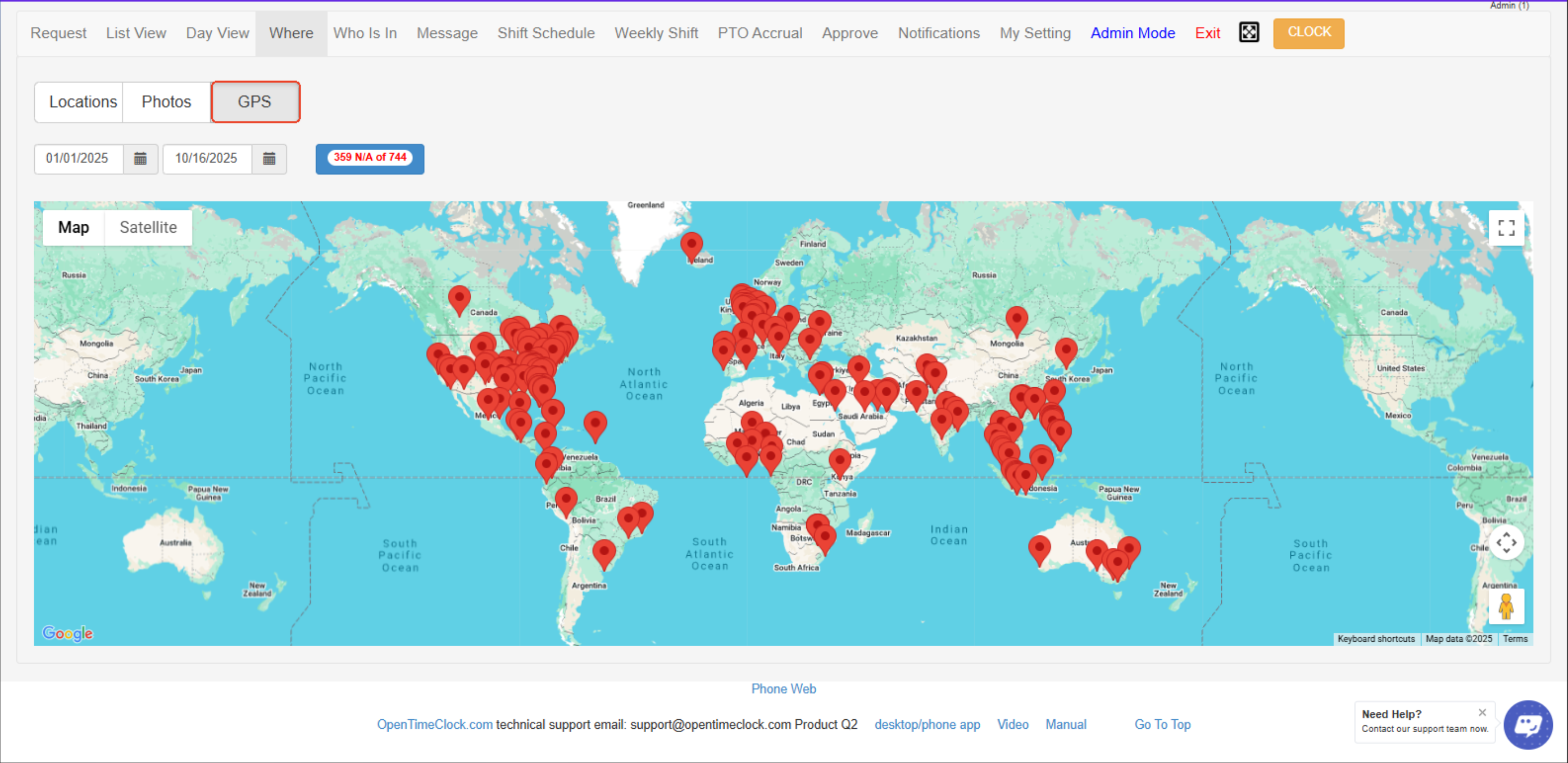
It displays the geographical locations where employees clock in and out.
It shows a map and list view with GPS data, helping administrators monitor attendance locations and verify that employees are clocking in from authorized or expected places.
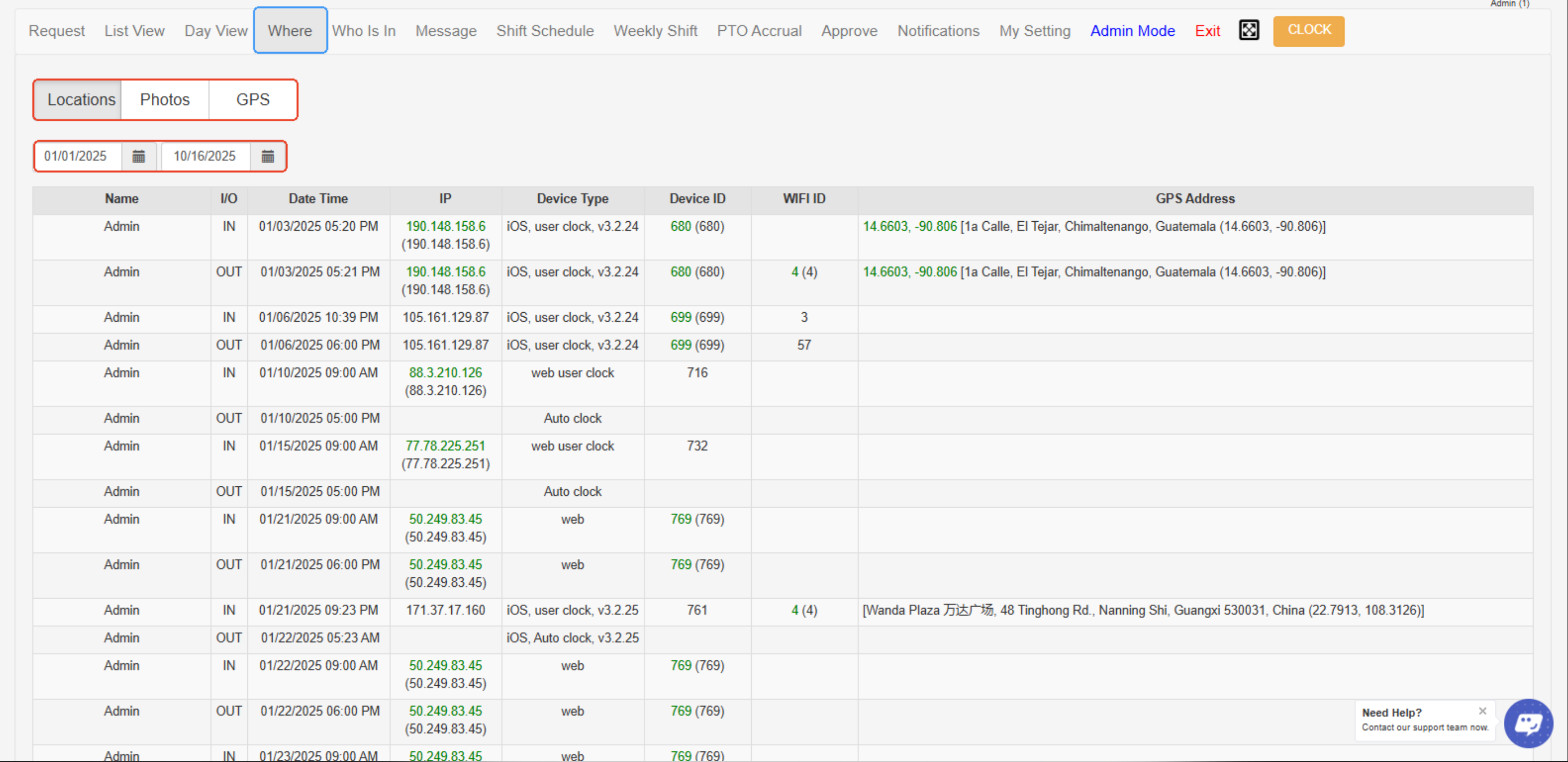
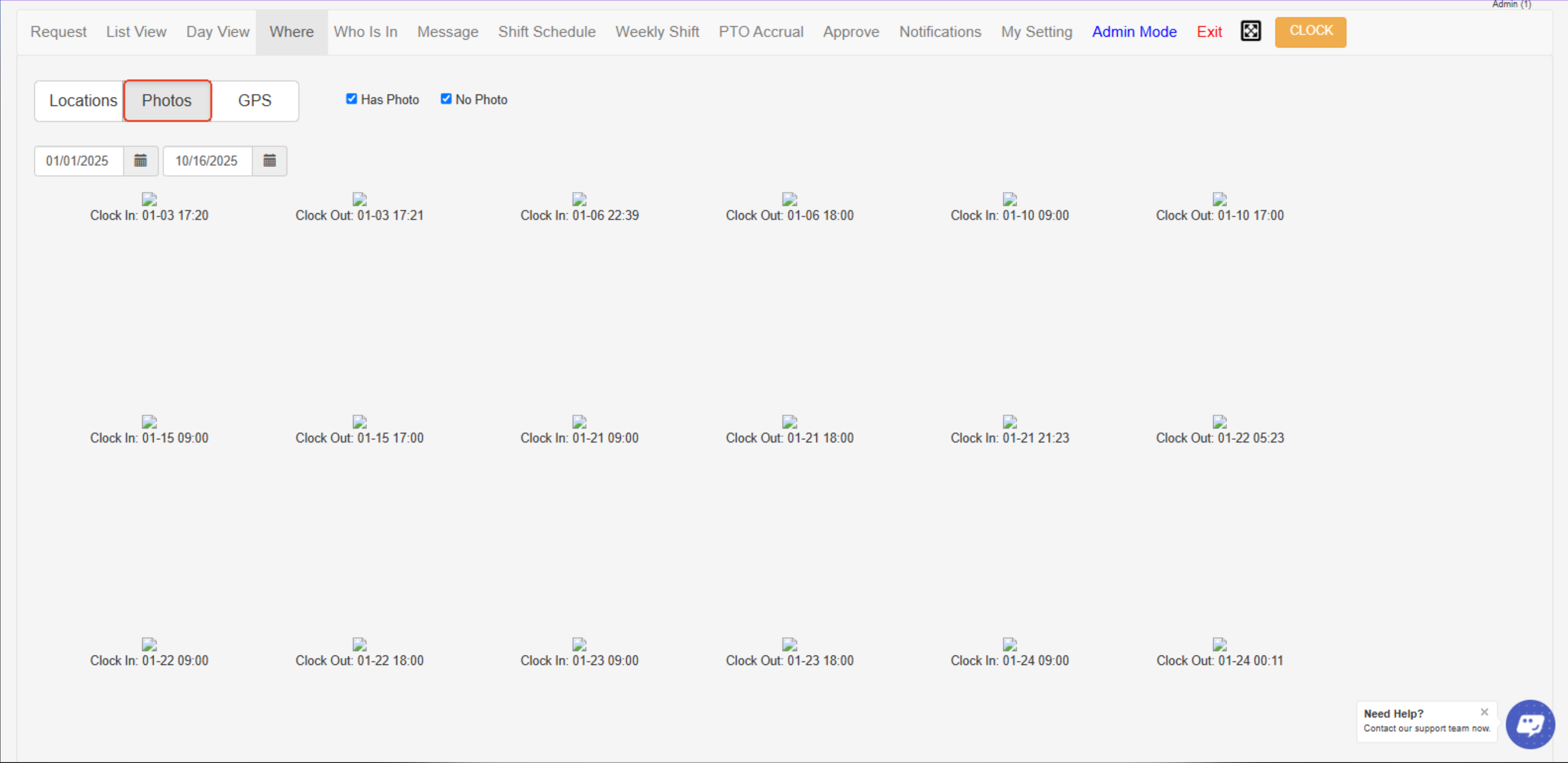
- Locations / Photos / GPS Tabs – These tabs let you switch views to see employees’ clock locations, captured photos during clock in/out, or GPS map data.
- Date Range Filter – Allows you to select a specific date range to view clock-in and clock-out location records for employees.
- Location Log Table – Displays detailed information such as employee name, clock-in/out time, IP address, device type, Wi-Fi ID, and GPS address to track where employees clocked in or out.
Created with the Personal Edition of HelpNDoc: Maximize Your Productivity with HelpNDoc's Efficient User Interface