Message
The Message feature in OpenTimeClock allows administrators and managers to send announcements or direct messages to employees within the system.
It helps streamline internal communication by enabling users to share important updates, reminders, or instructions related to schedules, attendance, or company policies.
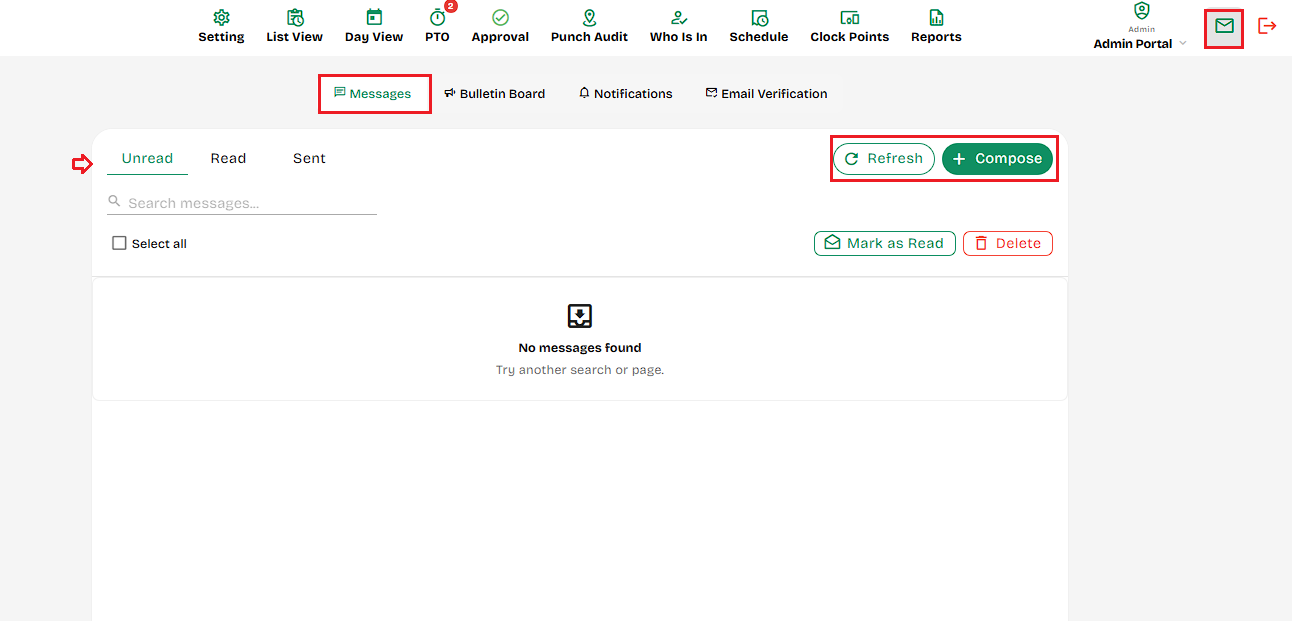
- Unread Tab – Displays all received messages from administrators, managers, or other users.
- Sent Tab – Shows messages that you have sent to others within the system.
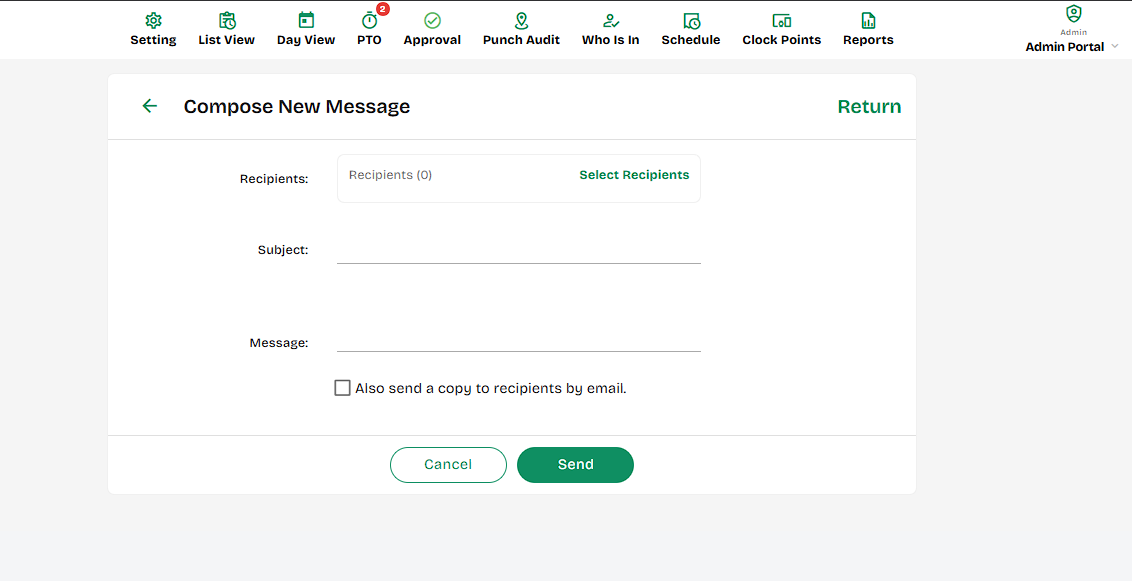
- Compose Tab – Allows you to create and send a new message to specific users or departments.
- Select All Messages Checkbox
- Delete (Del) Button – Removes the selected message from your inbox.
- Mark As Read Button – Marks selected unread messages as read to keep your inbox organized.
- Delete Selected Button – Deletes multiple selected messages at once.
These features together make it easy to manage internal communication efficiently within OpenTimeClock.