> For the complete documentation index, see [llms.txt](https://www.opentimeclock.com/docs/llms.txt). Markdown versions of documentation pages are available by appending `.md` to page URLs; this page is available as [Markdown](https://www.opentimeclock.com/docs/blog2/march-2026/10-best-freelancer-time-trackers-for-billing-accuracy.md).
# 10 Best Freelancer Time Trackers for Billing Accuracy
Discover the best Freelancer Time Trackers for accurate client billing. Open Time Clock leads with free project tracking since 1997.
10 Best Freelancer Time Trackers for Billing Accuracy
Freelancing offers freedom and flexibility, but it also brings unique challenges. One of the biggest is tracking time accurately for multiple clients and projects. When you bill by the hour, every minute counts. If you underestimate your hours, you lose money. If you forget to track time on a project, you cannot bill for that work. And if you cannot prove to clients exactly how you spent your time, disputes arise that damage relationships and delay payment.
This is why Freelancer Time Trackers have become essential tools for independent workers. Freelancer Time Trackers are specialized software applications designed to help freelancers record time spent on different client projects, generate accurate invoices based on tracked hours, and maintain detailed records for tax purposes and client accountability. The best trackers make time logging effortless, support multiple clients and projects simultaneously, and produce professional reports that clients trust.
In this comprehensive guide, we will explore what makes a great freelancer time tracker, review ten of the best options available today, and show why Open Time Clock trusted by freelancers and businesses since 1997, stands out as the top free solution with all the features independent professionals need for accurate billing and efficient project management.
### What Makes a Great Freelancer Time Tracker?
Before looking at specific tools, it is important to understand what features matter most for freelancers. Here are the essential capabilities every freelancer should look for:
#### Multiple Project and Client Support
Freelancers typically juggle several clients at once. Your time tracker should let you create separate projects for each client and switch between them instantly. When you start working on Client A's website, you should be able to log time to that project with one click. When you switch to Client B's marketing campaign, the tracker should let you change projects without stopping the clock entirely.
#### Accurate Time Recording
Every minute you work should be captured accurately. The best Freelancer Time Trackers record time down to the second and let you start and stop timers easily. Some also support manual time entry for work done offline or for retroactively adding forgotten time.
#### Customizable Billing Rates
Different clients pay different rates. Your tracker should let you set custom hourly rates for each client or project. For example, Client A might pay 50 dollars per hour while Client B pays 75 dollars per hour. The system should calculate billing automatically based on these rates and the hours worked.
#### Professional Reporting and Invoicing
At the end of a billing period, you need clean, professional reports showing exactly what you worked on and for how long. These reports should be detailed enough to satisfy client questions but organized enough to be readable. Some trackers also generate invoices directly from tracked time, which saves enormous amounts of administrative work.
#### Works Across Devices
Freelancers work from laptops, desktops, tablets, and phones. Your time tracker should work seamlessly across all devices and sync data instantly so you can start a timer on your laptop and stop it from your phone without losing any time.
### The Ten Best Freelancer Time Trackers for Billing Accuracy
After extensive research and analysis based on real freelancer needs, here are the ten best time tracking solutions available today:
#### Number One: Open Time Clock
[Open Time Clock](https://www.opentimeclock.com/) earns the top position for several compelling reasons. Since 1997, this trusted platform has provided completely free time tracking for unlimited projects and users, a rarity in the industry. Freelancers can create separate projects for each client, set custom billing rates per project, and track time from any device including web browsers, desktop apps for Windows and Mac, and mobile apps for iOS and Android.
The system generates over 80 types of detailed reports including project billing summaries that show exactly how many hours were spent on each client's work. These reports export to PDF, Excel, and CSV formats that clients readily accept. The project tracking feature integrates seamlessly with QuickBooks for streamlined invoicing.
What sets Open Time Clock apart is its combination of enterprise-grade features with zero cost and no employee limits. While designed for businesses, its project tracking capabilities make it perfect for freelancers managing multiple clients. The platform's 25-plus years of continuous operation demonstrate reliability and expertise that newer tools cannot match.
#### Number Two: Toggl Track
[Toggl Track ](https://zapier.com/apps/toggl-track/integrations?utm_source=google\&utm_medium=cpc\&utm_campaign=gaw-gbl-nua-performancemax-2022\&utm_term=\&utm_content=1011082\&utm_ads_campaign_id=16730474061\&utm_ads_adset_id=\&utm_ads_ad_id=\&gad_source=1\&gad_campaignid=16743805856\&gbraid=0AAAAAC6ACE5Fu0-c1yznA3kPGbTs8iAxY\&gclid=CjwKCAiAtq_NBhA_EiwA78nNWBpJA9A-gwwT10hTBu1-B6V8PriWSFzKQfGnN1_vtxkut8SvVSFZfxoCd-oQAvD_BwE)is popular among freelancers for its simple interface and one-click timer. It supports unlimited projects on paid plans and offers basic reporting. However, the free plan is limited to five projects, which restricts freelancers with multiple clients. Pricing starts at 10 dollars per user per month.
#### Number Three: Harvest
[Harvest](https://www.getharvest.com/) combines time tracking with invoicing in one platform. Freelancers appreciate its professional invoice templates and expense tracking. The free plan allows one project and two users. Paid plans start at 12 dollars per user per month.
#### Number Four: Clockify
[Clockify](https://clockify.me/) offers unlimited users and projects on its free plan, making it attractive for solo freelancers. However, advanced features like invoicing and detailed reports require paid upgrades starting at 5 dollars per user per month.
#### Number Five: RescueTime
[RescueTime ](https://www.rescuetime.com/)focuses on automatic time tracking by monitoring which applications and websites you use. This passive approach works well for general productivity tracking but lacks the precision freelancers need for client billing. Pricing starts at 12 dollars per month.
#### Number Six: Timely
[Timely ](https://www.timely.com/cro/variantb)uses AI to automatically track time based on your activities. While innovative, the automated approach sometimes miscategorizes work, requiring manual corrections. Plans start at 8 dollars per user per month.
#### Number Seven: Everhour
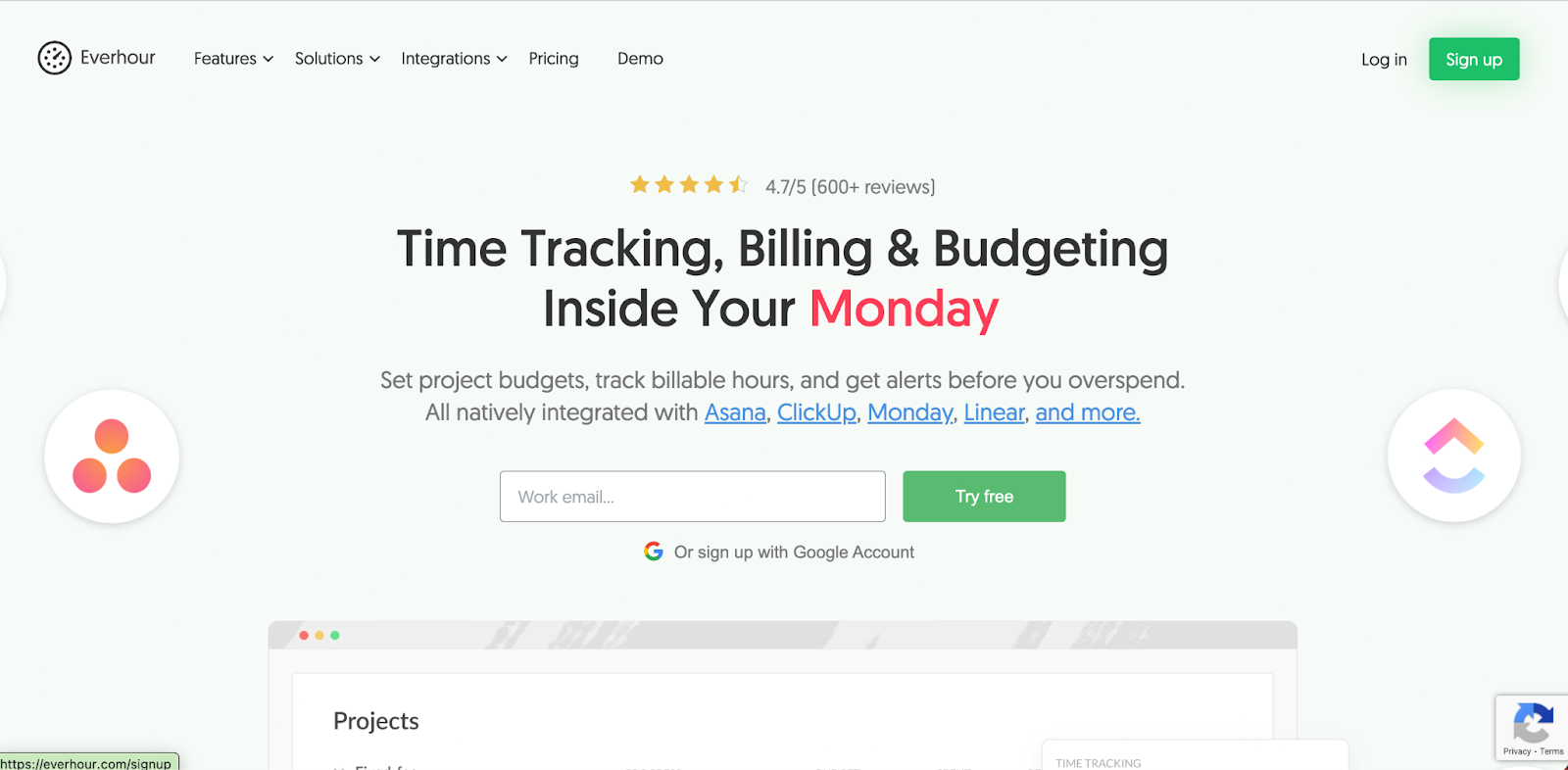
[Everhour ](https://everhour.com/)integrates deeply with project management tools like Asana and Trello. Freelancers using these platforms benefit from seamless integration. Pricing starts at 8.50 dollars per user per month.
#### Number Eight: TopTracker
[TopTracker ](https://www.toptal.com/tracker)is designed specifically for freelancers and offers screenshot monitoring and activity levels. While free, the surveillance-style features may feel intrusive for independent professionals who value autonomy.
#### Number Nine: Paymo
[Paymo](https://paymo.com.pk/) combines time tracking, invoicing, and basic project management. It works well for freelancers who want an all-in-one solution. The free plan supports one user and two clients. Paid plans start at 11.95 dollars per month.
#### Number Ten: FreshBooks
[FreshBooks](https://www.freshbooks.com/?srsltid=AfmBOopLAHNztfuGl745J84jvTOQljyo6iDYBeBVxls9c0sr8T0P_C0j) is primarily accounting software with built-in time tracking. Freelancers who need comprehensive invoicing and expense management appreciate its breadth. However, it is the most expensive option at 17 dollars per month.
### Why Open Time Clock Leads as the Best Free Freelancer Time Tracker
While all ten tools have merit, Open Time Clock stands out for freelancers for several critical reasons rooted in real-world experience and proven reliability:
#### Truly Free with No Limitations
Most "free" time trackers restrict features, project numbers, or user counts. Open Time Clock has provided genuinely unlimited free time tracking since 1997 with no hidden costs, no upgrade pressures, and no artificial restrictions. Freelancers can manage unlimited clients and projects without ever paying a subscription fee.
#### Project-Based Time Tracking Built for Client Billing
The job and project tracking feature allows freelancers to assign custom billing rates to each client project and automatically calculate billing based on tracked hours. When you export project reports, you get client-ready summaries showing total hours, billing rates, and total amounts owed making invoicing transparent and professional.
#### Professional Reporting That Clients Trust
With over 80 preset report types, freelancers can generate exactly the documentation their clients need. Whether it is a simple hours summary or a detailed breakdown showing daily activities, the reporting system provides transparency that builds client trust and speeds payment.
#### Works Offline for Uninterrupted Tracking
Internet connections fail, coffee shop WiFi is unreliable, and sometimes you work in areas with no connectivity. Open Time Clock's desktop and mobile apps work fully offline, storing time data locally and syncing automatically when connection returns. This ensures you never lose billable hours due to technical issues.
#### Cross-Platform Consistency
Track time from Windows, Mac, iOS, Android, or any web browser with consistent experience across all platforms. Start a timer on your laptop, check hours from your phone, and export reports from a tablet everything syncs seamlessly through the cloud.
### Real Freelancer Success Stories with Time Tracking
#### Freelance Web Developer Increases Revenue by 30 Percent
A freelance web developer was losing money by forgetting to track small tasks and underestimating project hours. After implementing Open Time Clock with project tracking, the developer discovered that actual billable hours were 30 percent higher than previously estimated. By tracking every minute and billing accurately, monthly revenue increased from 4,000 to 5,200 dollars with no additional clients.
#### Consultant Resolves Client Dispute with Detailed Reports
A marketing consultant faced a client who disputed the hours billed for a campaign. The consultant used Open Time Clock's detailed project reports showing exact dates, times, and durations of every work session. The professional documentation resolved the dispute immediately, the client paid in full, and the relationship was preserved.
#### Graphic Designer Streamlines Multi-Client Workflow
A graphic designer managing six regular clients struggled to remember which projects consumed the most time. Open Time Clock's project tracking revealed that one seemingly simple client actually required twice the hours of others due to constant revisions. Armed with this data, the designer adjusted pricing for that client and improved overall profitability.
### How to Get Started with Freelancer Time Tracking Today
Implementing time tracking as a freelancer is straightforward:
#### Step One: Choose Your Tracker
Based on needs and budget, select a time tracking tool. For freelancers seeking full features at zero cost with proven reliability, Open Time Clock is the clear choice.
#### Step Two: Set Up Client Projects
Create a separate project for each client or major engagement. Set the billing rate for each project based on your agreement with that client.
#### Step Three: Build the Habit
Start tracking time immediately when beginning any billable work. Make it a reflex to start the timer before opening a client file or starting a call.
#### Step Four: Review and Adjust
Check your tracked time daily. Add any forgotten sessions. Review weekly reports to understand where your time actually goes versus where you think it goes.
#### Step Five: Bill with Confidence
Generate client reports at billing time. Include detailed hourly breakdowns or summary totals depending on client preference. Your accurate records support your invoices and speed payment.
### Conclusion
Accurate time tracking is not optional for freelancers who bill by the hour — it is essential for profitability, client relationships, and financial sustainability. Freelancer Time Trackers turn vague memory and estimation into precise data that protects your income and builds client trust.
While many tools exist, Open Time Clock stands above the rest with its combination of unlimited free access, comprehensive project billing features, professional reporting, and 25 years of proven reliability.
### FAQ’s
#### 1. What are Freelancer Time Trackers and why do I need one?
Freelancer Time Trackers are specialized software applications that help independent professionals record time spent on client projects, calculate billing based on hourly rates, and generate professional reports for invoicing.
#### 2. Is the Open Time Clock really free for freelancers?
Yes. Open Time Clock has offered completely free time tracking since 1997 with unlimited projects, unlimited time entries, and full access to all core features. There are no hidden fees, no forced upgrades, and no restrictions on how many clients you can track.
#### 3. Can I set different billing rates for different clients?
Yes. Open Time Clock allows you to create separate projects for each client and assign a custom billing rate to each one. When you track time on a project, the system automatically calculates the billable amount based on that project's rate.
#### 4. What reports can I send to clients to show my work?
Open Time Clock generates over 80 types of reports including project billing summaries showing total hours worked, hourly rates, and total amounts owed. You can also generate detailed reports showing daily breakdowns of when work was performed.
#### 5. Does Open Time Clock work offline if I have no internet?
Yes. The desktop apps for Windows and Mac and the mobile apps for iOS and Android all work fully offline. You can start and stop timers, switch between projects, and track time with no internet connection.
---
# Agent Instructions
This documentation is published with GitBook. GitBook is the documentation platform designed so that both humans and AI agents can read, navigate, and reason over technical content effectively. Learn more at gitbook.com.
## Querying This Documentation
If you need additional information that is not directly available in this page, you can query the documentation dynamically by asking a question.
Perform an HTTP GET request on the current page URL with the `ask` query parameter, and the optional `goal` query parameter:
```
GET https://www.opentimeclock.com/docs/blog2/march-2026/10-best-freelancer-time-trackers-for-billing-accuracy.md?ask=&goal=
```
`ask` is the immediate question: it should be specific, self-contained, and written in natural language.
`goal` is optional and describes the broader end goal you are ultimately trying to accomplish on behalf of the user. GitBook uses it to tailor the answer towards what is most useful for that goal.
The response will contain a direct answer to the question and relevant excerpts and sources from the documentation.
Use this mechanism when the answer is not explicitly present in the current page, you need clarification or additional context, or you want to retrieve related documentation sections.