> For the complete documentation index, see [llms.txt](https://www.opentimeclock.com/docs/llms.txt). Markdown versions of documentation pages are available by appending `.md` to page URLs; this page is available as [Markdown](https://www.opentimeclock.com/docs/blog2/february-2026/how-to-turn-any-smartphone-into-a-mobile-time-clock-app.md).
# How to Turn Any Smartphone Into a Mobile Time Clock App
Learn how to turn any smartphone into a mobile time clock app for accurate employee tracking, remote work management, and flexible attendance.
## How to Turn Any Smartphone Into a Mobile Time Clock App
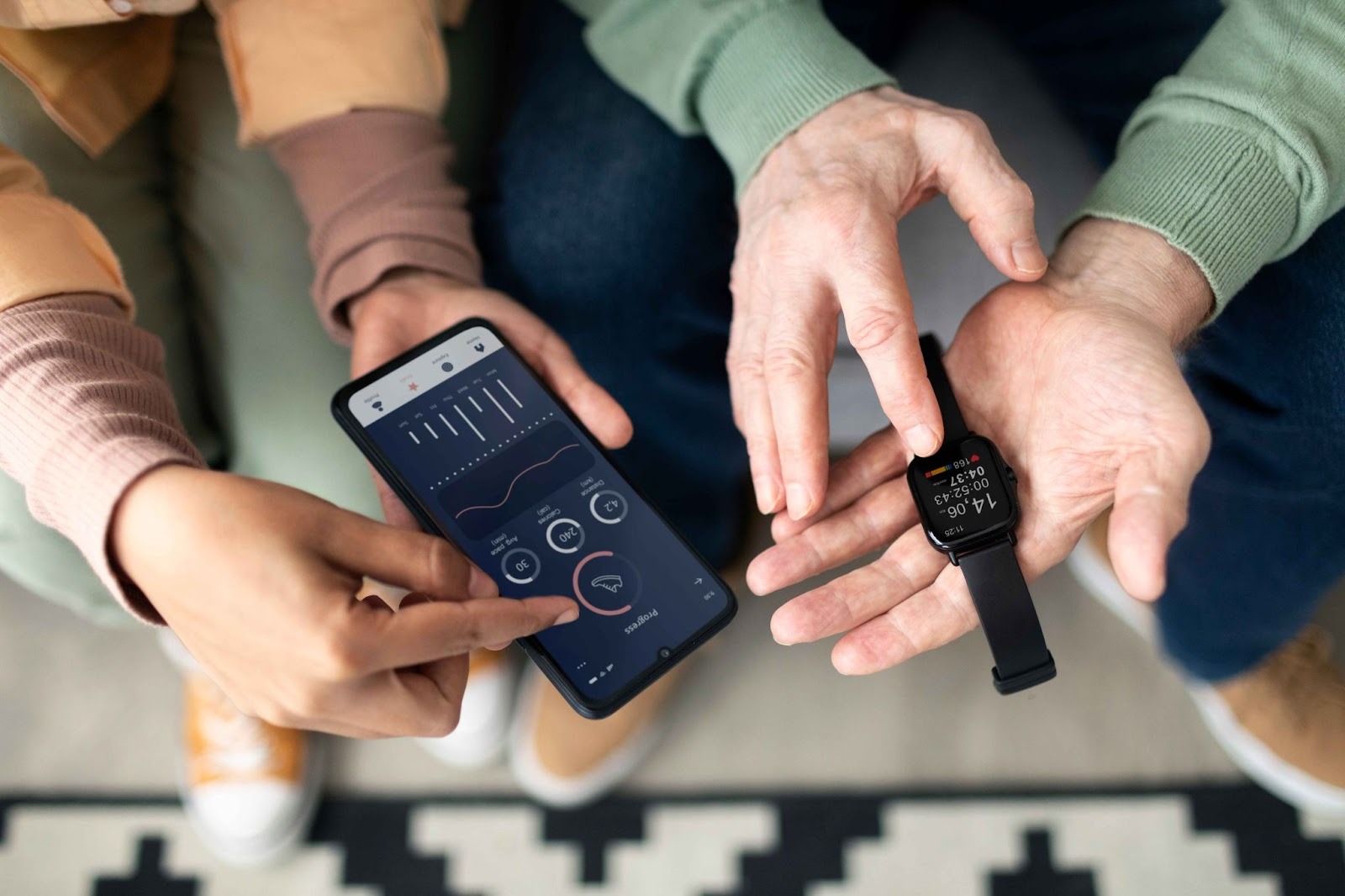
Smartphones have become a must in contemporary work places. These devices can be used to make businesses very powerful time-tracking systems. Instead of purchasing expensive specialized time-clock systems, companies can adopt the smartphones that their employees already possess. The end result is an adaptable, precise and affordable solution that will provide more than the conventional time clocks.
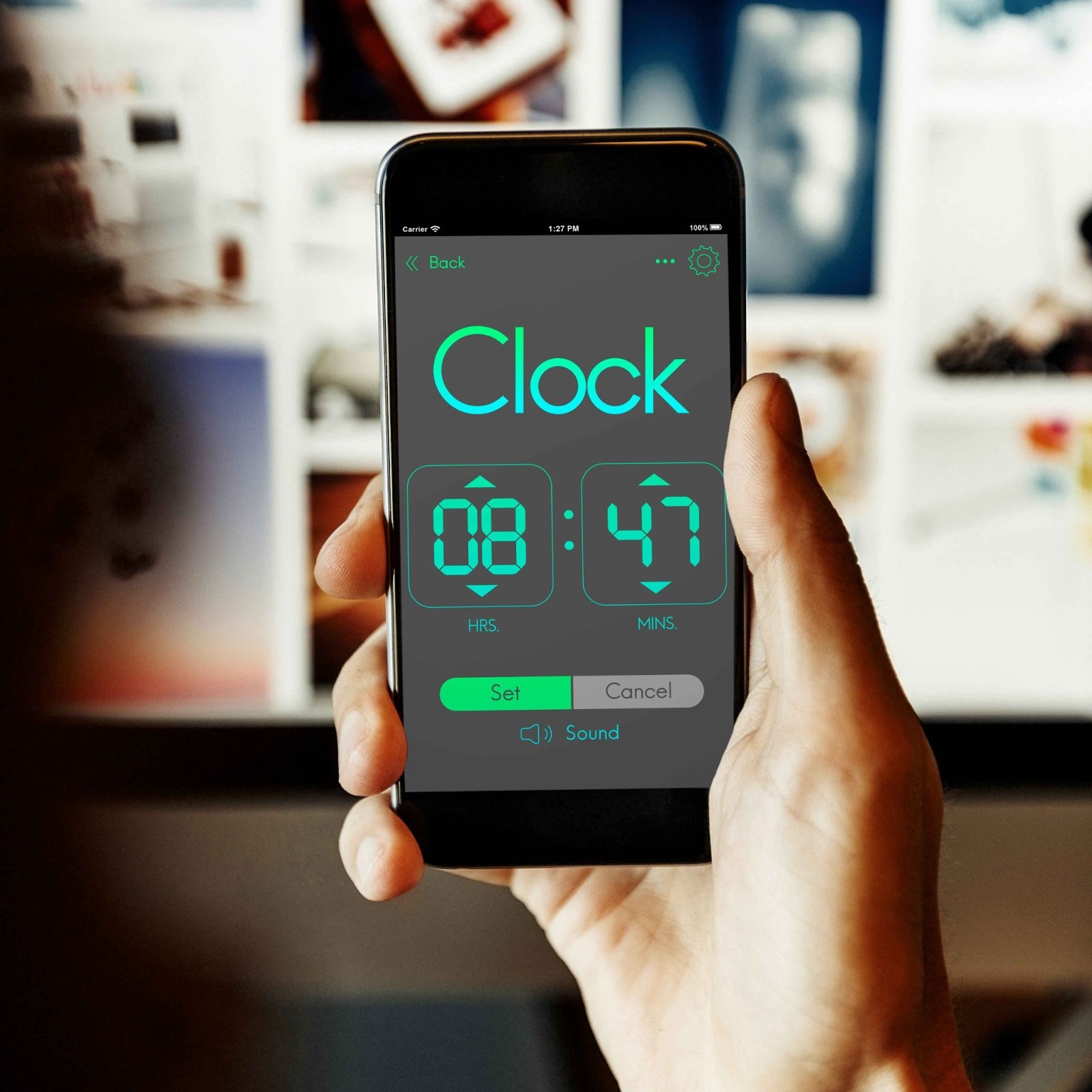
It is easy to use smartphones as time clocks. Employees download a time tracking application on their phones, and use them to clock in and out whenever they are. The application is automatically tracking the hours of work, the location, etc. This data is available in real time on web dashboards and allows managers to have immediate visibility of attendance.
Other platforms like [OpenTimeClock](https://www.opentimeclock.com/) focus on converting smartphones into complete time-tracking platforms. They operate on iPhone and Android, require no special hardware and provide all the functionality required by businesses to manage their workforce accurately.
### Understanding Mobile Time Clock Technology
Before implementing smartphone time tracking, understanding the technology behind mobile time clock apps helps businesses make informed decisions about features and capabilities.
Cloud-based architecture forms the foundation of mobile time clock systems. When employees clock in on their phones, the data transmits immediately to secure cloud servers. These servers store all time tracking information and make it accessible to managers through web dashboards. The cloud-based approach means no local servers or infrastructure are needed.
Mobile applications are the employee-facing interface for smartphone time clocks. These apps install on employee phones from app stores and provide simple interfaces for clocking in and out. The apps include features like GPS tracking, photo capture, offline functionality, and push notifications that make time tracking convenient and accurate.
Real-time data synchronization ensures information flows instantly between employee phones and central systems. When someone clocks in, that information appears immediately in manager dashboards. This instant sync provides real-time visibility into workforce status regardless of where employees work.
### Choosing the Right Mobile Time Clock App
Selecting appropriate software is the first step in turning smartphones into time clocks. Several factors help determine which app best fits your business needs.
Feature evaluation should focus on capabilities your business actually needs. Essential features include basic clock in and clock out, GPS location tracking, manager approval workflows, and reporting. Advanced features might include scheduling, project tracking, or integration with other business software.
Ease of use matters because complex apps frustrate employees and reduce adoption. The best mobile time clock apps have simple interfaces that anyone can learn in minutes. Employees should be able to clock in with just a tap or two, and managers should find dashboards intuitive and clear.
Pricing structures vary between mobile time clock providers. Some charge per employee per month while others offer flat rates for unlimited users. Understanding the pricing model helps calculate total costs as your business grows. Look for transparent pricing without hidden fees.
### Setting Up Your Mobile Time Clock System
Implementing smartphone-based time tracking involves several straightforward steps that most businesses can complete in a few hours or days.
Account creation starts the process. Business owners visit the mobile time clock provider's website and create an account. This typically requires providing company information, contact details, and payment information if using a paid service. Many providers offer free trials for testing before committing.
Company configuration involves setting up basic information about your business. This includes defining your work week, setting overtime rules, establishing break policies, and configuring other settings that match your operations. Taking time to configure settings correctly from the start prevents problems later.
Employee enrollment requires adding worker information to the system. You enter employee names, contact information, pay rates, and other relevant details. The system generates unique login credentials for each employee that they use to access the mobile app.
App distribution to employees can happen several ways. You might send them download links via email or text message. Alternatively, simply tell employees the app name and have them search app stores. Once downloaded, employees log in using credentials you provided.
Training employees on proper app use ensures everyone understands how to clock in and out correctly. Basic training covers opening the app, tapping the clock in button, taking breaks, and clocking out. Show employees how to view their hours and request time off if the app includes these features.
### Essential Features for Mobile Time Clocks
Quality mobile time clock apps include specific features that ensure accurate tracking and prevent common problems. GPS location tracking records where employees clock in from using smartphone GPS capabilities. This verification ensures remote workers are actually at assigned job sites when they start work. Location data provides documentation and prevents employees from clocking in from home when they should be elsewhere.
Geofencing creates virtual boundaries around work locations. Employees can only clock in when their phone is physically within these defined areas. If someone tries clocking in from outside the geofence, the system prevents it and alerts managers. This automatic enforcement ensures location compliance.
Photo verification captures employee photos at clock-in using the phone's camera. These photos provide visual confirmation that the authorized employee is actually clocking in rather than someone borrowing their phone. Photo records also document employee appearance and work conditions.
### Configuring GPS and Location Settings
Location verification is one of the most powerful features of smartphone time clocks. Configuring these settings correctly ensures accurate tracking while respecting employee privacy.
Defining work locations involves entering addresses or coordinates for places where employees work. This might include your main office, customer sites, job locations, or territories where mobile workers operate. The system uses these defined locations for geofencing and verification.
Setting geofence radius determines how close employees must be to clock in. A small radius of fifty meters requires being very close to the location, while larger radii of several hundred meters allow more flexibility. Choose radius sizes that balance accuracy with reasonable tolerance for GPS variation.
### Managing Employee Access and Permissions
Controlling who can access different features ensures security while giving everyone the capabilities they need.
Employee user accounts provide basic access for clocking in and out, viewing personal hours, requesting time off, and checking schedules. These accounts have limited permissions appropriate for regular workers who only need to manage their own time.
Manager permissions include everything employees can do plus the ability to view team attendance, approve time-off requests, edit time entries when needed, and access reports. Supervisors and department managers receive these elevated permissions.
Administrator access provides complete control over system settings, employee management, company configuration, and all features. Business owners and HR personnel typically have administrator access to manage the entire system.
PIN or password security protects employee accounts from unauthorized access. Employees create secure passwords when first accessing the mobile app. Encouraging strong passwords and periodic changes maintains security.
### Integrating With Payroll and Other Systems
Connecting your mobile time clock with other business software creates efficiency gains through automation and data consistency.
Payroll system integration eliminates manual transfer of hours worked into payroll processing. Time data flows automatically from the mobile time clock to payroll software, saving hours of administrative work each pay period. This integration also eliminates transcription errors that cause payroll mistakes.
Accounting software connections help track labor costs within your financial systems. Employee hours and associated wage costs flow from time tracking into accounting programs. This integration provides complete pictures of business finances including accurate labor expense tracking.
API access for custom integrations provides flexibility for businesses with unique software needs. Systems like[ OpenTimeClock](https://www.opentimeclock.com/) offer API access for connecting with specialized software.
### Training Employees to Use Mobile Time Clocks
Successful implementation requires ensuring all employees understand how to use their phones for time tracking correctly.
Initial training sessions should be hands-on, allowing employees to download the app and practice clocking in during training. Walk through the complete process from opening the app to clocking in, taking breaks, and clocking out. Answer questions and address concerns during these sessions.
Written instructions provide reference materials employees can consult when they forget procedures. Create simple guides with screenshots showing each step of the clock-in process. Make these guides accessible through email, company websites, or printed handouts.
### Addressing Common Implementation Challenges
Understanding typical problems helps businesses prepare solutions before issues disrupt operations.
Phone compatibility concerns arise when some employees have older phones that cannot run modern apps. Check minimum phone requirements before selecting a mobile time clock app. If employees have incompatible phones, consider whether the business should provide phones or choose different time tracking methods for affected workers.
Battery drain from GPS and constant app connectivity can frustrate employees. Choose apps optimized for battery efficiency and only track location at clock-in times rather than continuously. Educate employees that time tracking apps typically use less battery than social media apps.
Privacy concerns about location tracking require transparent communication. Explain that location is only captured when employees clock in and out, not throughout the day. Emphasize that tracking serves legitimate business purposes of verifying work location, not monitoring personal activities.
### Security and Privacy Best Practices
Protecting employee data and respecting privacy builds trust and ensures legal compliance when using smartphones for time tracking.
Encrypted data transmission protects information as it travels between phones and servers. Quality mobile time clock systems use SSL encryption similar to online banking. This encryption prevents interception of sensitive employee data.
Privacy policy transparency requires clearly communicating what data is collected, how it is used, and who can access it. Employees should receive written privacy policies explaining mobile time clock data practices. This transparency builds trust and ensures legal compliance.
Location data retention policies should specify how long GPS location information is kept. Some businesses retain location data indefinitely while others delete it after specific periods. Clear policies prevent misunderstandings about long-term location tracking.
### Conclusion
Turning smartphones into mobile time clocks provides modern businesses with flexible, accurate, and cost-effective workforce tracking solutions. The technology leverages devices employees already own, eliminates expensive hardware investments, and provides features impossible with traditional time clocks.
From GPS verification and photo capture to real-time reporting and seamless integrations, mobile time clock apps deliver capabilities that support remote work, field service, and distributed teams. The implementation process is straightforward, requiring only app downloads, basic configuration, and employee training.
Platforms like[ OpenTimeClock](https://www.opentimeclock.com/) demonstrate how smartphone-based time tracking can work for businesses of any size. The combination of low costs, powerful features, and easy scalability makes mobile time clocks ideal solutions for growing companies.
### Frequently Asked Questions
#### 1. Do employees need special phones to use mobile time clock apps?
Most mobile time clock apps work on standard smartphones running recent versions of iOS or Android. Phones from the last five years typically support time tracking apps without issues. Very old phones might lack GPS accuracy or operating system compatibility. Check specific app requirements, but most employees' current phones work fine.
#### 2. What happens if an employee's phone dies or breaks?
If an employee's phone is unavailable, most mobile time clock systems offer backup methods like web browser access from computers or tablets. Employees can also notify managers who can manually record their time. Once the phone is charged or replaced, normal mobile tracking resumes.
#### 3. Can employers require employees to use personal phones for time tracking?
Legal requirements vary by location, but many businesses successfully use employee-owned phones for time tracking with proper communication and policies. Some companies offer small stipends for business use of personal devices. Others provide company phones to employees who prefer not using personal devices.
#### 4. How much mobile data does time tracking use?
Mobile time clock apps use minimal data, typically only a few megabytes per month. Clock-in events transmit small amounts of information, and most apps cache data to minimize cellular usage. Even employees without unlimited data plans rarely notice time tracking impact on their data consumption.
#### 5. Is location tracking an invasion of employee privacy?
Location tracking for time verification is generally legal when limited to clock-in and clock-out times and used for legitimate business purposes. The key is transparency about what data is collected, when it is captured, and how it is used.
---
# Agent Instructions
This documentation is published with GitBook. GitBook is the documentation platform designed so that both humans and AI agents can read, navigate, and reason over technical content effectively. Learn more at gitbook.com.
## Querying This Documentation
If you need additional information that is not directly available in this page, you can query the documentation by asking a question.
Perform an HTTP GET request on the following URL with the `ask` and `goal` query parameters:
```
GET https://www.opentimeclock.com/docs/blog2/february-2026/how-to-turn-any-smartphone-into-a-mobile-time-clock-app.md?ask=&goal=
```
`ask` is the immediate question: it should be specific, self-contained, and written in natural language.
`goal` is what the user is ultimately trying to achieve, the reason they need the answer. Sharing it helps GitBook give you a better, more relevant answer. A goal is most helpful when it describes the outcome the user wants rather than restating the question. For example, with `ask=how do I create an API token`, a goal like `automate deployments from our CI pipeline` lets GitBook tailor the answer to that use case.
The response will contain a direct answer to the question and relevant excerpts and sources from the documentation.
Use this mechanism when the answer is not explicitly present in the current page, you need clarification or additional context, or you want to retrieve related documentation sections.