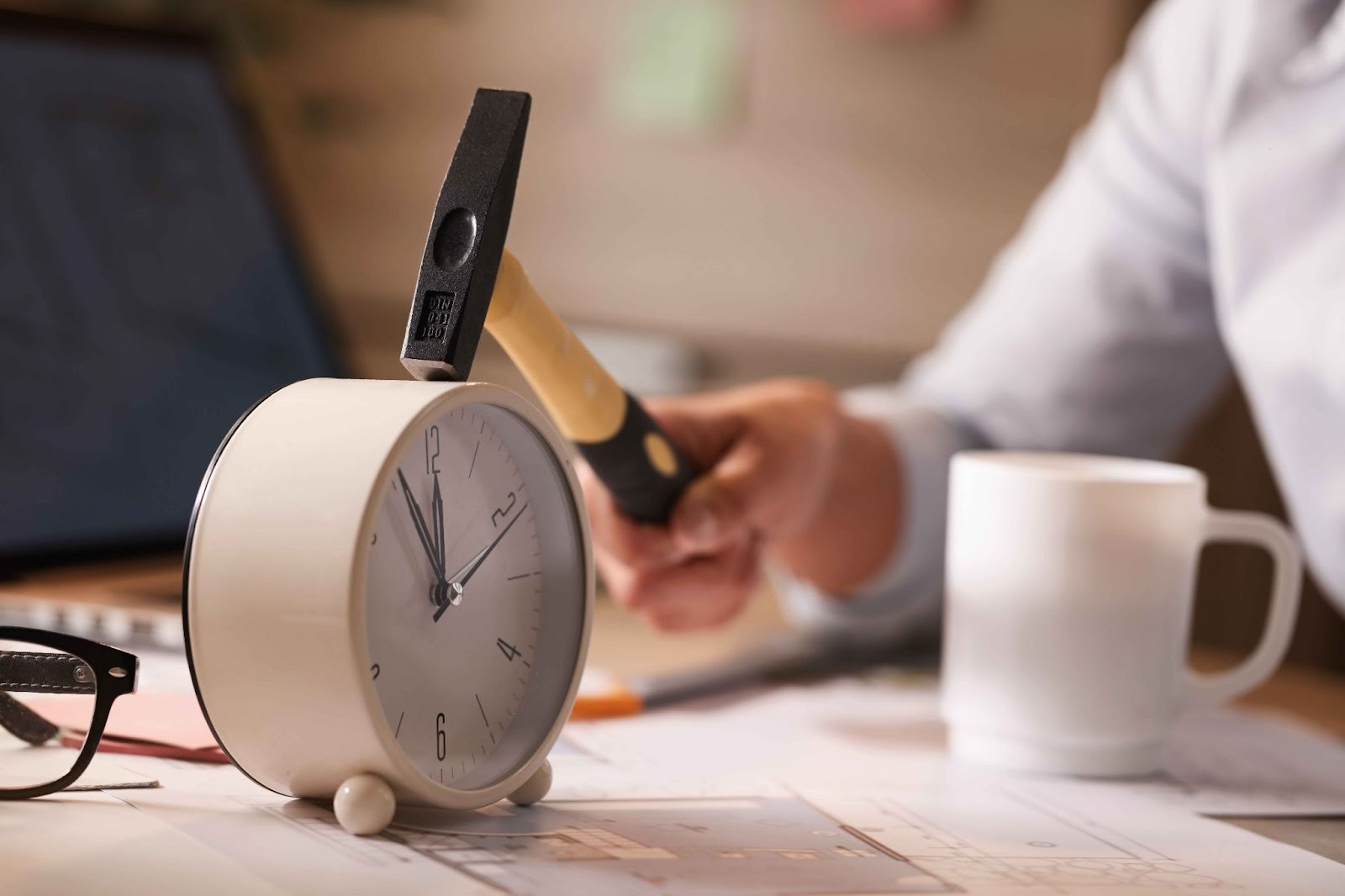
> For the complete documentation index, see [llms.txt](https://www.opentimeclock.com/docs/llms.txt). Markdown versions of documentation pages are available by appending `.md` to page URLs; this page is available as [Markdown](https://www.opentimeclock.com/docs/blog2/february-2026/how-a-construction-time-clock-reduces-errors-theft-and-overruns.md).
# How a Construction Time Clock Reduces Errors, Theft & Overruns
Learn how a Construction Time Clock stops payroll errors, prevents time theft, and controls costs with Open Time Clock's free, job-site-ready solution.
## How a Construction Time Clock Reduces Payroll Errors, Time Theft, and Cost Overruns
Building projects require human resources, time, and finances. Unless time is monitored appropriately, issues increase. Payroll errors, time theft and overspending occurs frequently. These problems are solved by a construction time clock that allows the workers to record their hours in a clear and accurate manner. Paper timesheets or manual reporting are still being used by many companies.
These are slow and cheating methods. Employees may not remember to record their hours or write the incorrect time or claim to have worked when they are not. That brings about payroll errors and additional expenses. Minor errors may turn out to be large sums of money.
A construction time clock is used to record the time that workers begin and end. The information is stored automatically and it is not easily altered. Working hours are visible immediately to the managers. This eliminates payroll errors and prevents time theft such as buddy punching or false overtime.
A construction time clock allows companies to have a more control over labor costs. They are able to budget more precisely, monitor productivity and prevent unexpected expenses. The precise time tracking is not only useful in a competitive field, but it is the key to remaining profitable and organized.
### What Is a Construction Time Clock?
A Construction Time Clock is a digital system designed specifically for the unique challenges of construction work. Unlike a traditional time clock that sits on a wall in an office, a construction time clock runs on smartphones and tablets that workers carry with them to every job site. Workers clock in when they arrive at the site and clock out when they leave. The app records the exact time, captures their GPS location to verify they are on site, and can even take a photo of the worker for identity verification.
All of this data is sent instantly to the cloud where it is stored securely and made available to managers and office staff. Managers can log in from anywhere and see who is currently clocked in, which site they are at, and how many hours each worker has logged this week. When payroll time comes, all the data is already organized and ready to export, no more collecting paper timesheets from five different job sites and spending hours adding up numbers by hand.
### How Construction Time Clocks Reduce Payroll Errors
Payroll errors are one of the biggest headaches in construction. When hours are tracked manually, mistakes happen constantly. Here is how a Construction Time Clock fixes these problems:
#### Eliminates Manual Data Entry
With paper timesheets, someone has to type all the hours into a payroll system by hand. This is slow and full of errors. Workers write down the wrong times. Supervisors misread handwriting. Office staff enter numbers incorrectly. Every mistake costs time to find and fix. A construction time clock eliminates all of this by recording hours digitally and automatically. The data goes straight into the system without anyone having to type anything. This removes human error completely.
#### Calculates Hours Automatically
When using paper timesheets, someone has to calculate the total hours worked for each employee each week. They have to add up daily hours, subtract lunch breaks, and calculate overtime. Mistakes happen all the time. A construction time clock does all of this math automatically and instantly. The moment a worker clocks out, the system knows exactly how many hours they worked that day.
#### Tracks Multiple Projects Accurately
Construction workers often switch between different projects throughout the day or week. Keeping track of which hours belong to which project is nearly impossible with paper timesheets. Workers forget which project they worked on. Supervisors guess when reviewing timesheets. This leads to inaccurate job costing and billing errors. A construction time clock lets workers select which project they are working on when they clock in.
#### Provides Clean Data for Payroll Software
Most construction companies use payroll software like QuickBooks, Xero, or ADP. A construction time clock exports all the time data in formats these systems can read directly CSV, Excel, or QuickBooks format. This means payroll can be processed with just a few clicks instead of hours of manual data entry.
### How Construction Time Clocks Prevent Time Theft
Time theft is a huge problem in construction. It happens when workers are paid for hours they did not actually work. Here are the most common forms of time theft and how a Construction Time Clock stops them:
#### Stops Buddy Punching
Buddy punching is when one worker clocks in for another who is running late or absent. With paper timesheets, this is impossible to detect. With a construction time clock that captures photos at clock-in, buddy punching is eliminated. Open Time Clock takes a photo every time someone clocks in, so managers can verify that the right person was actually there.
#### Prevents Early Clock-Ins from Home
One of the most common forms of time theft is when workers clock in before they actually arrive at the job site. They might clock in from home, then take their time getting ready and driving to work getting paid for time they were not working. A construction time clock with GPS tracking records exactly where each worker was when they clocked in. Managers can see on a map if someone clocked in from home instead of from the job site.
#### Uses Geofencing to Block Off-Site Clock-Ins
Even more powerful than GPS tracking is geofencing. Geofencing creates a virtual boundary around each job site. Workers can only clock in if they are physically inside that boundary. If they try to clock in from outside the geofence from home, from a coffee shop, or anywhere else the system blocks it. This ensures that every clock-in happens from the actual job site. [Open Time Clock](https://www.opentimeclock.com/) includes full geofencing features.
#### Tracks Arrival and Departure Times Precisely
With paper timesheets, workers often round their hours. They might arrive at 8:10 AM but write down 8:00 AM. They might leave at 4:45 PM but write down at 5:00 PM. Small rounding errors like this add up to hundreds of hours of overpayment every year. A construction time clock records exact times down to the second. There is no rounding. Workers are paid for the exact time they worked no more, no less.
### How Construction Time Clocks Reduce Cost Overruns
Cost overruns are a constant threat in construction. Projects go over budget when labor costs exceed estimates. Here is how a construction time clock helps control costs:
#### Provides Real-Time Visibility into Labor Hours
One of the biggest reasons for cost overruns is that managers do not know how many hours have been spent on a project until it is too late. With paper timesheets, you do not see the data until the end of the week or even the end of the month. By then, the damage is done. A construction time clock gives managers real-time visibility. They can log in at any moment and see exactly how many hours have been logged on each project today, this week, and this month.
#### Enables Accurate Job Costing
Accurate job costing is essential for running a profitable construction business. You need to know exactly how much labor each project requires so you can estimate future projects correctly and price your bids competitively. When labor hours are tracked manually, job costing is always a guess. With a construction time clock that tracks hours by project automatically, your job costing data is accurate and reliable.
#### Helps Identify Inefficiencies
When you have detailed time data for every project, you can spot inefficiencies that are costing you money. Maybe one crew is consistently slower than others. Maybe a certain type of project always takes longer than estimated. Maybe travel time between sites is eating up more hours than expected. A construction time clock gives you the data you need to identify these problems and fix them before they destroy your profit margins.
#### Supports Better Scheduling and Planning
When you know how long each phase of a project actually takes, you can schedule future projects more accurately. You can assign the right number of workers. You can order materials at the right time. You can avoid having crews sitting idle because another phase ran long. Better planning means fewer delays, less wasted time, and lower overall costs.
### Key Features of a Good Construction Time Clock
Not all construction time clocks are the same. Here are the most important features to look for:
#### Works on Smartphones and Tablets
The system must run on the devices workers already have — Android phones, iPhones, and tablets. Workers should not need expensive special equipment. Open Time Clock works on all platforms with no special hardware required.
#### Works Offline at Job Sites
Many construction sites have poor or no internet coverage. The time clock must work offline and sync data automatically when the connection returns. Open Time Clock has full offline mode so workers can always clock in, even in remote areas.
#### GPS and Geofencing
GPS tracking verifies where workers clocked in from. Geofencing blocks clock-ins from outside approved job sites. Both features are essential for preventing time theft and ensuring workers are where they should be.
#### Photo Verification
The system should capture a photo at every clock-in to verify identity and prevent buddy punching. Open Time Clock captures photos automatically and stores them with each clock-in record.
#### Job and Project Tracking
Workers should be able to select which project they are working on when they clock in. The system should track hours by project for accurate job costing and client billing.
How Open Time Clock Delivers the Best Construction Time Clock Experience
[Open Time Clock](https://www.opentimeclock.com/) has been helping businesses and its mobile-first design makes it perfect for construction companies. Workers clock in from their smartphones using the Open Time Clock app. The app works on Android and iOS, works offline in remote areas, captures GPS location and photos automatically, and syncs everything to the cloud instantly.
Managers see all the data in real time from a web dashboard that works on any device. They can view who is currently clocked in, which job site each worker is at, and how many hours have been logged on each project. The system supports unlimited geofences so you can secure as many job sites as needed. It tracks hours by job and project for perfect job costing. And it generates over 80 types of detailed reports in PDF, Excel, CSV, and QuickBooks formats.
Best of all, Open Time Clock is completely free for unlimited employees. There are no per-user fees, no monthly subscriptions, and no hidden costs. You get the full system with all features at no charge.
### Conclusion
Managing time and attendance in construction is hard. But it does not have to be. A Construction Time Clock eliminates payroll errors by recording hours automatically and accurately. It prevents time theft by using GPS tracking, geofencing, and photo verification. And it reduces cost overruns by giving managers real-time visibility into labor costs and accurate job costing data.
The right construction time clock does not have to be expensive or complicated. [Open Time Clock](https://www.opentimeclock.com/) gives every construction company small or large access to a powerful, free Construction Time Clock that works on any device, supports unlimited employees, and includes all the features needed to manage field workers effectively.
### Frequently Asked Questions (FAQs)
#### What is a Construction Time Clock and how is it different from a regular time clock?
A Construction Time Clock is a mobile system designed specifically for construction workers who work at different job sites. Unlike a regular time clock that is fixed in one location, a construction time clock runs on smartphones and works anywhere.
#### Can workers clock in without the internet at remote job sites?
Yes. [Open Time Clock ](https://www.opentimeclock.com/)has full offline mode on its mobile app. Workers can clock in and out even when there is no internet connection. The app stores the data locally on their phone and automatically syncs it to the cloud when the connection returns.
#### How does geofencing prevent workers from clocking in before they arrive?
Geofencing creates a virtual boundary around each job site. When a worker tries to clock in, the app checks their GPS location. If they are inside the geofence, the clock-in is allowed. If they are outside the boundary, the system blocks it and shows an error message.
#### Can the system track hours by project for job costing?
Yes. Open Time Clock includes full job and project tracking. When workers clock in, they select which project they are working on. The system tracks hours separately for each project and generates detailed reports showing labor costs by project.
#### Is the Open Time Clock really free for construction companies?
Yes. [Open Time Clock](https://www.opentimeclock.com/) offers a completely free plan that includes all the features construction companies need: GPS tracking, geofencing, offline mode, photo verification, job tracking, and over 80 types of reports.
---
# Agent Instructions
This documentation is published with GitBook. GitBook is the documentation platform designed so that both humans and AI agents can read, navigate, and reason over technical content effectively. Learn more at gitbook.com.
## Querying This Documentation
If you need additional information that is not directly available in this page, you can query the documentation dynamically by asking a question.
Perform an HTTP GET request on the current page URL with the `ask` query parameter, and the optional `goal` query parameter:
```
GET https://www.opentimeclock.com/docs/blog2/february-2026/how-a-construction-time-clock-reduces-errors-theft-and-overruns.md?ask=&goal=
```
`ask` is the immediate question: it should be specific, self-contained, and written in natural language.
`goal` is optional and describes the broader end goal you are ultimately trying to accomplish on behalf of the user. GitBook uses it to tailor the answer towards what is most useful for that goal.
The response will contain a direct answer to the question and relevant excerpts and sources from the documentation.
Use this mechanism when the answer is not explicitly present in the current page, you need clarification or additional context, or you want to retrieve related documentation sections.