> For the complete documentation index, see [llms.txt](https://www.opentimeclock.com/docs/llms.txt). Markdown versions of documentation pages are available by appending `.md` to page URLs; this page is available as [Markdown](https://www.opentimeclock.com/docs/blog2/february-2026/biometric-vs-online-time-clocks-which-is-better-for-growth.md).
# Biometric vs Online Time Clocks: Which is Better for Growth
Compare biometric and online time clocks to discover which solution best supports business growth, scalability, and workforce management needs.
## Biometric vs Online Time Clocks: Which is Better for Growth
The choice of time clock is important in the expansion of businesses. The platform that you adopt today should accommodate your existing workforce and be able to expand with your company. There are two primary products in the market, which are biometric time clocks that work with the fingerprint or facial recognition process, and those time clocks that are accessed through web browsers and mobile applications. All of them have their own pros and cons that affect their capacity to contribute to the development of the business.
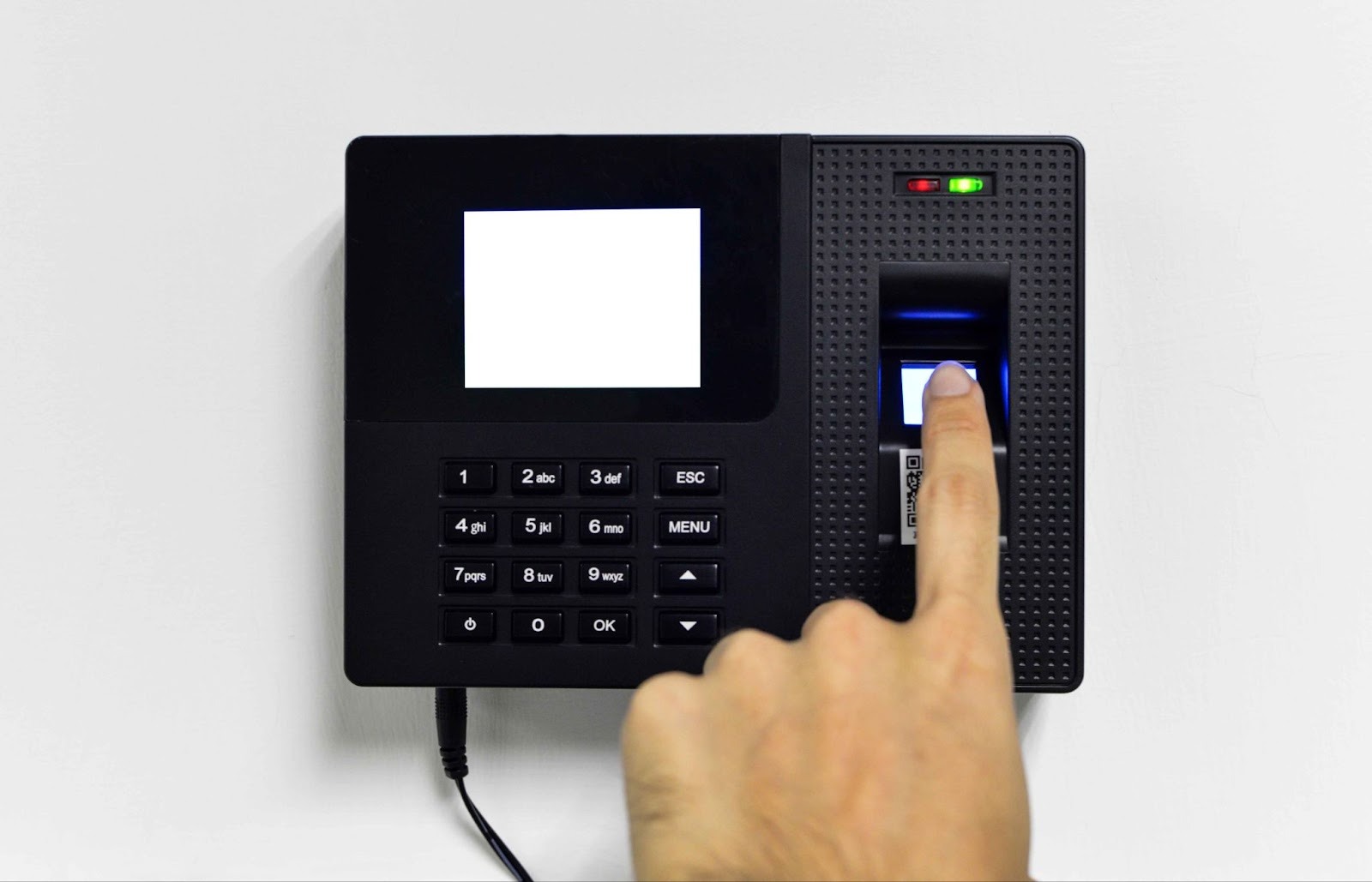
Biometric time clocks identify the identity of employees by their distinctive physical characteristics like fingerprints or faces. They prevent time theft by buddy punching and provide accurate records of workers. They do need special hardware, but provide a high level of security and verification that is attractive to companies that are concerned with attendance fraud.
The awareness of the discrepancies between the two approaches informs the decisions of the owners and aligns them with growth plans. Some solutions like [OpenTimeClock ](https://www.opentimeclock.com/)also offer biometric and online alternatives, as the needs of businesses differ. This paper discusses how the two systems assist in growth by comparing scalability, cost, features and appropriateness in the various business settings.
### How Biometric Time Clocks Work
Biometric time clocks use unique physical characteristics to verify employee identity when recording work hours. Understanding how these systems function helps evaluate whether they fit your business needs.
Fingerprint scanning is the most common biometric method. Employees place their finger on a scanner that reads the unique ridge patterns forming their fingerprint. The system converts this physical pattern into a digital template that is stored securely. Each time the employee clocks in, the system compares their current fingerprint scan to the stored template to verify identity before recording time.
Facial recognition systems use cameras and sophisticated algorithms to map unique facial features. When employees stand in front of the camera, the system analyzes distances between eyes, nose shape, jawline, and other characteristics to create a facial signature. This signature is compared to stored templates to confirm identity and record attendance.
Palm vein scanning represents advanced biometric technology that reads the vein patterns inside the palm. These internal patterns are extremely difficult to fake and work reliably even when hands are dirty or fingers are injured. While more expensive than fingerprint scanners, palm vein systems offer superior accuracy and security.
### How Online Time Clocks Work
Online time clocks operate through internet-connected software that employees access from various devices. Understanding their operation helps assess their suitability for growing businesses.
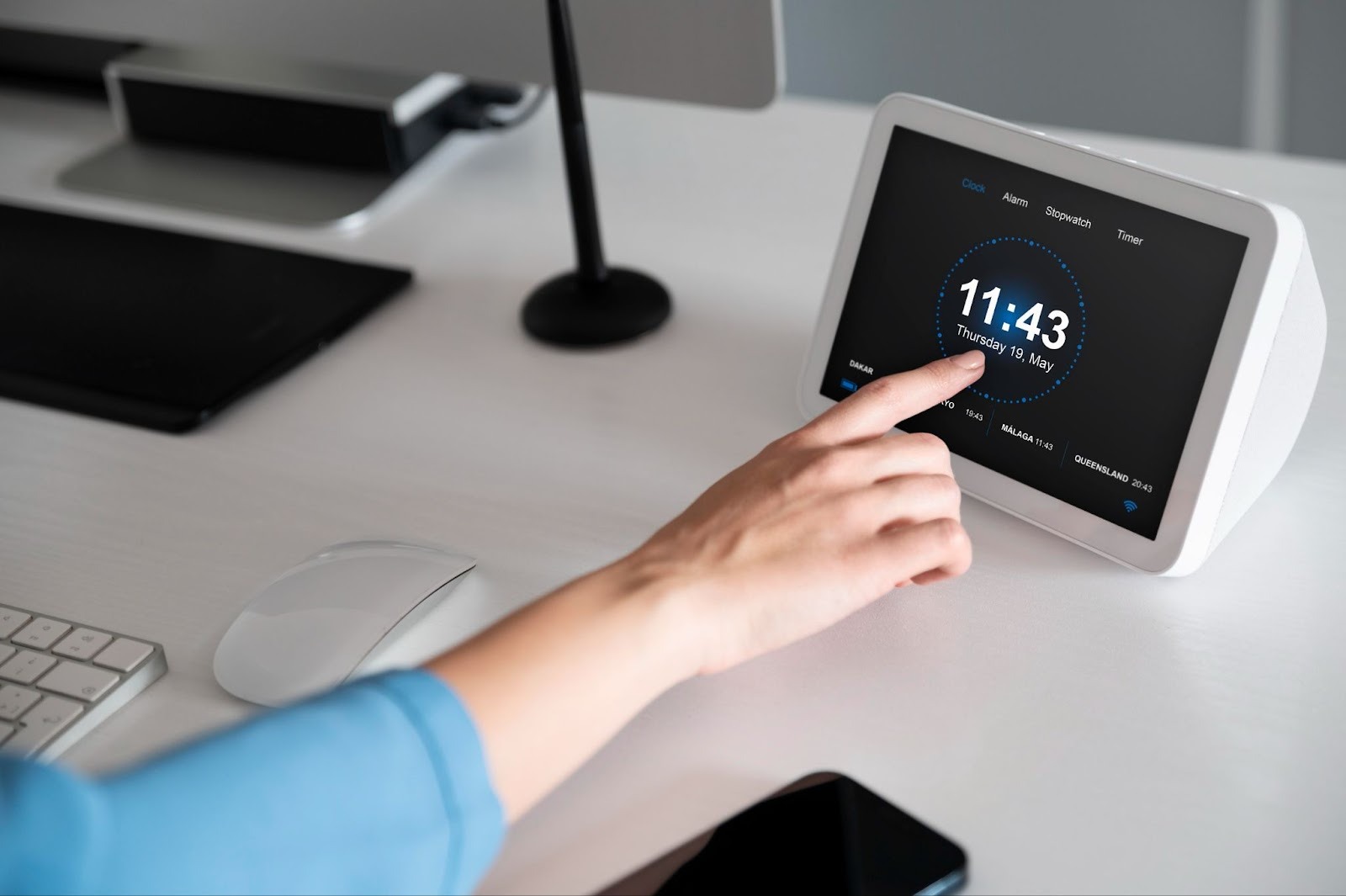
Cloud-based architecture means all time tracking software and data reside on remote servers rather than local computers. Businesses and employees access the system through web browsers or mobile apps. This approach eliminates the need for installing software on individual devices or maintaining local servers.
Multi-device accessibility allows employees to clock in from desktop computers, laptops, tablets, or smartphones. The same system works across all these devices, providing flexibility for different work situations. Office workers might use desktop computers while remote employees use mobile apps on their phones.
### Comparing Initial Investment Costs
The upfront costs differ significantly between biometric and online time clock systems, affecting which option makes sense for businesses at different growth stages.
Biometric hardware expenses represent the largest initial cost for these systems. Basic fingerprint terminals start around two hundred to five hundred dollars each. More advanced systems with facial recognition or palm scanning can cost one thousand dollars or more per terminal. Businesses need terminals at each location where employees clock in, multiplying these costs.
Installation requirements for biometric systems may include professional setup, mounting hardware, and network configuration. Some businesses can handle installation themselves, while others hire technicians to ensure proper installation and configuration. These installation costs add to the initial investment.
Online system startup costs are typically much lower. Cloud-based platforms like[ OpenTimeClock](https://www.opentimeclock.com/) often require no upfront hardware investment if employees use existing computers or personal smartphones. Setup involves creating accounts and configuring settings, which businesses usually handle themselves without professional assistance.
### Ongoing Operational Costs
Beyond initial investment, the recurring costs of operating each system type affect long-term affordability and return on investment.
Monthly subscription fees for online time clocks typically range from five to fifteen dollars per employee. These fees cover software access, cloud infrastructure, automatic updates, data storage, and basic support. Pricing usually scales with employee count, making costs predictable as businesses grow.
Biometric system subscriptions often cost less per user since much functionality resides in purchased hardware. However, businesses still pay monthly fees for cloud connectivity, data management, and software updates. Combined with hardware depreciation, total costs may equal or exceed online system expenses.
Maintenance and support requirements differ significantly. Biometric terminals need occasional cleaning, troubleshooting, and eventual replacement as hardware ages. Online systems have virtually no maintenance since they run on central servers maintained by providers. This reduced maintenance burden saves time and money.
### Scalability for Growing Businesses
How easily time clock systems scale to accommodate workforce growth significantly impacts their suitability for expanding businesses.
Adding employees to online systems is instantaneous. Administrators simply create new user accounts, and those employees can immediately start using the system. There are no hardware purchases, installations, or waiting periods. This rapid scalability supports fast hiring and seasonal workforce changes.
Biometric system expansion requires purchasing and installing additional terminals when existing ones cannot handle increased traffic. If your workforce doubles, you might need more terminals to prevent long lines at clock-in times. Ordering, installing, and configuring new hardware creates delays and expenses that slow growth accommodation.
Multi-location expansion favors online systems that work identically everywhere. Opening new locations simply means giving employees at those sites access credentials. They clock in using local computers or their phones, and the central system manages everything. Biometric expansion requires shipping terminals to new locations and coordinating installation.
### Security and Time Theft Prevention
Preventing time theft and ensuring accurate identity verification are critical considerations where biometric and online systems perform differently.
Buddy punching prevention is strongest with biometric systems since only the actual employee can use their fingerprint or face to clock in. It is virtually impossible for one worker to clock in for another. This elimination of buddy punching saves businesses two to eight percent of payroll costs according to industry studies.
Online system security against buddy punching relies on passwords, PINs, or mobile device security. While employees should not share credentials, preventing sharing is more difficult than with biometrics. Some online systems add photo verification or GPS tracking to improve security, but these measures do not match biometric certainty.
### Flexibility and Remote Work Support
Modern businesses increasingly employ remote workers and need time tracking systems that accommodate flexible work arrangements.
Remote employee tracking strongly favors online systems that employees access from anywhere. Remote workers clock in using mobile apps or web browsers regardless of location. Managers see attendance data in real-time even though employees work from home, customer sites, or while traveling.
Biometric limitations for remote work are significant since employees must be physically present at biometric terminals to clock in. This makes biometric systems unsuitable for businesses with substantial remote workforces unless combined with alternative methods for remote workers.
Hybrid workforce accommodation requires systems that handle both office and remote employees. Online platforms like[ OpenTimeClock](https://www.opentimeclock.com/) track everyone through the same system whether they work on-site or remotely. Businesses using biometric systems for office workers often need supplementary solutions for remote staff.
### Ease of Use and Employee Adoption
How easily employees adapt to time clock systems affects productivity during implementation and ongoing satisfaction with the system.
Learning curve for online systems is minimal since most employees are already familiar with websites and mobile apps. Clocking in through a browser or app feels natural and requires little training. Employees appreciate the convenience of accessing the system from devices they already use.
Biometric enrollment creates a one-time setup requirement where employees register their fingerprints or facial images. While this enrollment is generally quick and simple, it creates an extra step that online systems avoid. Some employees feel uncomfortable with biometric data collection despite privacy protections.
Daily usage simplicity favors both systems when properly implemented. Clocking in with a fingerprint scan or tapping a phone screen both take just seconds. The key difference is that online systems work from any internet-connected device while biometric requires visiting specific terminals.
### Integration With Other Business Systems
How well time clock systems integrate with payroll, HR, and other software affects overall efficiency and growth support.
Payroll integration capabilities exist for both system types, but implementation differs. Online systems typically offer more integration options since they are already cloud-based like most modern payroll software. Data flows seamlessly between cloud applications through APIs and direct connections.
Biometric system integration may require additional steps or middleware to connect hardware-based systems with cloud payroll platforms. While integration is possible and common, the connection between physical terminals and cloud software adds complexity compared to cloud-to-cloud integration.
HR software connectivity for managing employee records, benefits, and compliance works similarly. Online time clock systems being cloud-native connect more naturally with cloud-based HR platforms. These integrations enable unified employee management across time tracking, payroll, and HR functions.
### Which System Better Supports Business Growth
Determining which time clock approach better supports growth requires considering specific business situations and expansion plans.
Rapid expansion scenarios favor online systems that scale instantly without hardware delays. Businesses doubling workforce quickly simply add user accounts rather than waiting for terminal orders and installation. Companies like[ OpenTimeClock](https://www.opentimeclock.com/) support rapid scaling through cloud infrastructure.
Geographic expansion across multiple locations is easier with online systems that work identically everywhere. Opening new offices simply means giving employees access credentials. Biometric expansion requires coordinating hardware shipments and installation at each new location.
Remote workforce growth makes online systems the clear choice since biometric terminals cannot accommodate workers outside physical locations. As businesses increasingly embrace remote work, online systems provide the flexibility to track attendance regardless of where employees work.
### Conclusion
Both biometric and online time clocks support business growth but through different strengths. Biometric systems excel at preventing time theft, providing unmatched identity verification, and creating accountability. Online systems offer superior flexibility, easier scalability, lower costs, and remote work support.
For most growing businesses today, online time clock systems like[ OpenTimeClock](https://www.opentimeclock.com/) provide the best combination of affordability, scalability, and flexibility. The minimal upfront investment, instant scalability, and remote work accommodation align perfectly with modern business needs. These advantages typically outweigh the stronger security of biometric alternatives.
### Frequently Asked Questions
#### 1. Can biometric and online time clocks be used together?
Yes, many businesses successfully combine both approaches. Employees at physical locations use biometric terminals while remote workers use online mobile apps. The systems can integrate to provide unified attendance tracking across all employees regardless of which method they use for clocking in.
#### 2. How much does buddy punching typically cost businesses?
Studies indicate buddy punching and related time theft cost businesses between two and eight percent of gross payroll. For a company with five hundred thousand dollars in annual payroll, this represents ten thousand to forty thousand dollars in annual losses. Eliminating buddy punching through biometric systems often pays for the technology within one year.
#### 3. Do online time clocks work without internet connection?
Most quality online time clock systems include offline functionality that allows employees to clock in when the internet is unavailable. The system stores data locally on the device and automatically syncs to central servers when internet connection resumes.
#### 4. Are biometric time clocks expensive to maintain?
Biometric terminals require occasional cleaning and troubleshooting but generally have low maintenance needs. The main ongoing cost is eventual replacement every five to seven years as hardware ages.
#### 5. Which system is better for businesses planning rapid expansion?
Online time clock systems better support rapid expansion since they scale instantly without hardware procurement and installation. Adding employees simply requires creating user accounts. Geographic expansion is equally simple since employees use the same system from any location.
---
# Agent Instructions
This documentation is published with GitBook. GitBook is the documentation platform designed so that both humans and AI agents can read, navigate, and reason over technical content effectively. Learn more at gitbook.com.
## Querying This Documentation
If you need additional information that is not directly available in this page, you can query the documentation by asking a question.
Perform an HTTP GET request on the following URL with the `ask` and `goal` query parameters:
```
GET https://www.opentimeclock.com/docs/blog2/february-2026/biometric-vs-online-time-clocks-which-is-better-for-growth.md?ask=&goal=
```
`ask` is the immediate question: it should be specific, self-contained, and written in natural language.
`goal` is what the user is ultimately trying to achieve, the reason they need the answer. Sharing it helps GitBook give you a better, more relevant answer. A goal is most helpful when it describes the outcome the user wants rather than restating the question. For example, with `ask=how do I create an API token`, a goal like `automate deployments from our CI pipeline` lets GitBook tailor the answer to that use case.
The response will contain a direct answer to the question and relevant excerpts and sources from the documentation.
Use this mechanism when the answer is not explicitly present in the current page, you need clarification or additional context, or you want to retrieve related documentation sections.