> For the complete documentation index, see [llms.txt](https://www.opentimeclock.com/docs/llms.txt). Markdown versions of documentation pages are available by appending `.md` to page URLs; this page is available as [Markdown](https://www.opentimeclock.com/docs/blog2/february-2026/best-ipad-time-clock-app-or-employee-time-tracking-on-tablets.md).
# Best iPad Time Clock App | Employee Time Tracking on Tablets
Time Clock for iPads is built for modern office and tablet-based work environments. Boost payroll precision and eliminate time theft. Manage employee attendance in real time with our cloud-based solut
## Top Rated Time Clock for iPad & Tablet-Based Offices
In today's dynamic business environment, precise tracking of employee hours is critical for payroll processing, project management, legal adherence, and understanding operational efficiencies. Outdated punched card systems and handwritten timesheets are giving way to digital systems that better integrate with contemporary workflows, are more accurate, and are easier to use. A Time Clock for iPad is a practical, versatile, and economical digital time-tracking solution for offices, retail environments, and field operations.
[Tablet-based time clocks](https://www.papershift.com/en) benefit businesses of all sizes, from small to enterprise. They transform tools that staff already own, such as iPads, into highly effective workforce management systems. This article will examine the functionality of time clock apps, their ease of use, their real-world ROI, ideal time clock apps for different situations, best practices for implementation, cost, frequently asked questions, and much more.
### What Is a Time Clock for iPad?
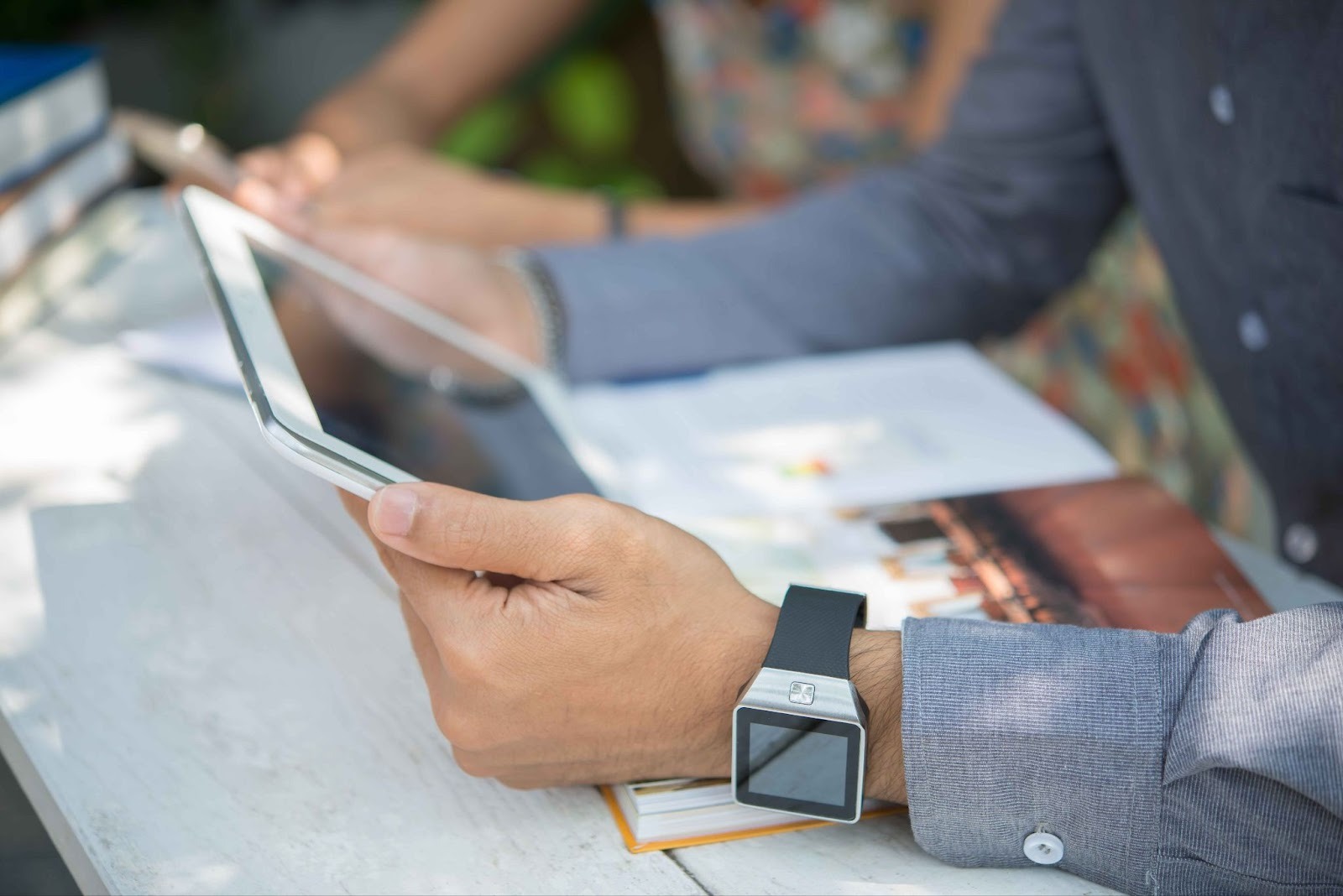
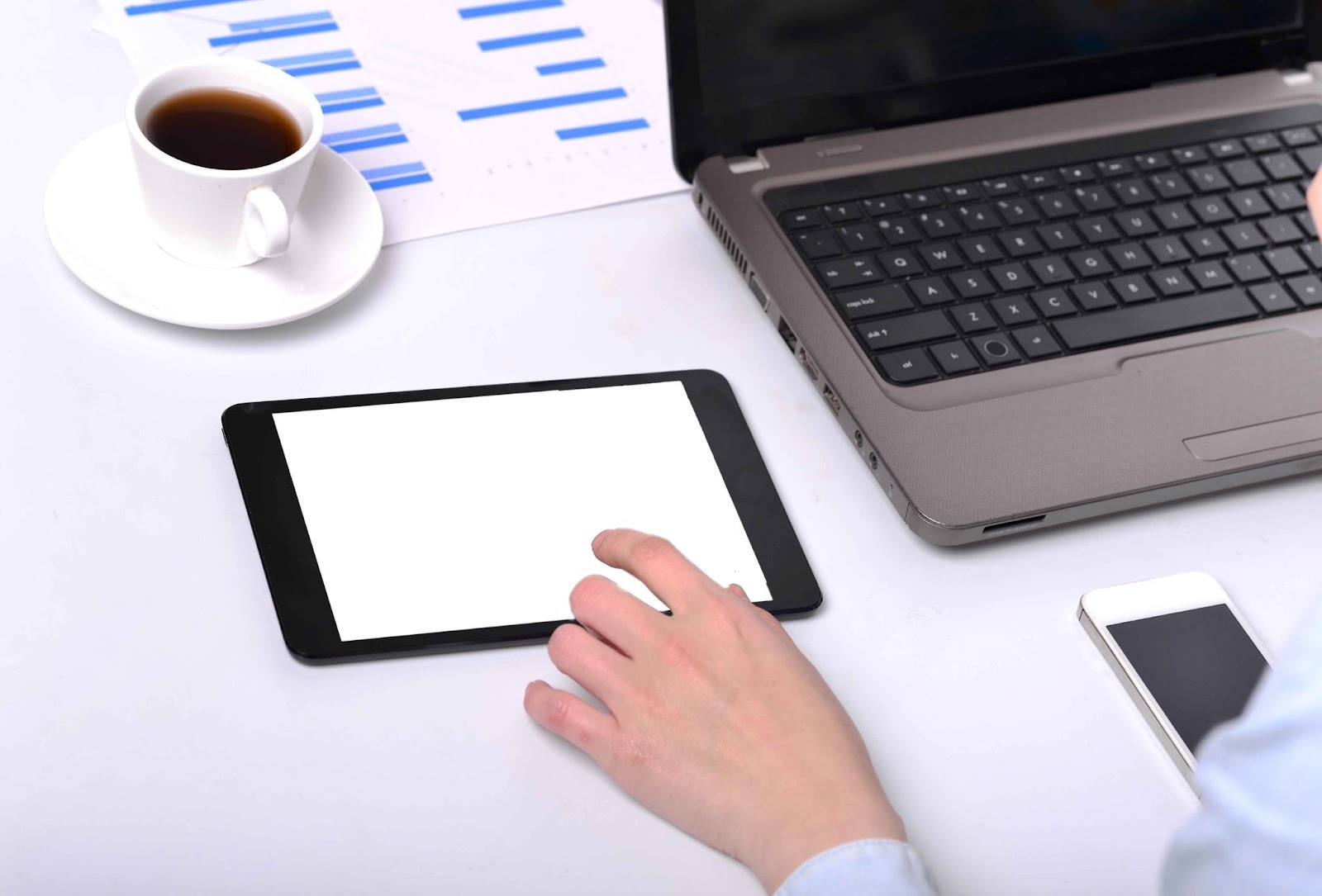
A Time Clock for iPad is a digital time-tracking solution that turns an iPad into an employee attendance kiosk. Instead of relying on physical punch cards or desktop-based software, employees use a touchscreen interface to record their work hours.
In general, these systems work with:
* An iOS app on the iPad
* A web-based cloud system that is reachable via Safari and Chrome
* A kiosk mode in which the iPad is locked to the time clock application
The main positive with these is that iPads are hardware devices that are simple, practical, and easily accessible. Therefore, iPads are excellent for time-tracking.
According to some industry workforce management providers, tablet time clocks for iPads simplify attendance tracking and reduce the risk of accidental omissions.
The[ Time Clock for iPad](https://www.opentimeclock.com/) is based on customer-centric technology, a shift from traditional, expensive, proprietary systems, and offers enterprise-level, cutting-edge, versatile features.
### How Tablet Time Clocks Work
How the Time Clock for iPad works helps a business when deciding whether to use it.
#### 1. Confirming Employee Identity
Employees use the iPad kiosk to confirm their identity. Some options to authenticate include the following:
* Private PINs
* Employee ID number
* QR code badges
* Facial recognition
* Photo authentication
Time fraud, such as buddy punching, is a common practice. Evidence shows that time theft costs companies billions, making fraud prevention essential.
#### 2. Synchronization with Cloud
The information is immediately updated to the cloud when an employee clocks in or out. Managers see the attendance in real time, which is excellent for businesses with shifting schedules and remote management. (Source: papershift.com/en/time-clock)
#### 3. Administrative Control Panel
HR and Payroll personnel now have an online dashboard from which they can:
* View timesheets
* Approve and/or edit hours worked
* Manage overtime
* View and create reports
* Manage payroll through reports
Most systems also directly interface with payroll a system, which lowers administrative burdens.
### Benefits of Using a Tablet-Based Time Clock
Time Clock for iPad helps you run your business more efficiently and saves you money.
#### 1. Increased Accuracy and Decreased Mistakes in Payroll Processing
Managing a workforce is not easy, and the biggest problem is imprecise time handling. Forgetting to punch in and later to fill out timesheets leads to many manual errors and rounding. Even small mistakes add up, and so do big mistakes, both in over- and underpaying employees.
Using Time Clock for iPad helps avoid mistakes by taking[ digital snapshots of when employees clock in and out.](https://www.opentimeclock.com/features.html) No more data entry and the software do not have to be input into the payroll division. Data is captured in the cloud, so many manual payroll mistakes are avoided, and underpaid employees are identified and addressed.
During audits and, when applicable, claims concerning employee payments, support from the employer's side is available, as detailed logs are available.
#### 2. Decrease Operational Costs
Old-time clock systems were, and still are, expensive to purchase and maintain. Specific systems required the purchase of punch card systems and separate hardware that had to be maintained and updated.
Time Clock for iPad systems is not like that; many businesses now have iPads that can be turned into Time Clock for iPad systems. This eliminates the need to purchase expensive specialized terminals, and the Time Clock for iPad systems requires no maintenance.
The software does the updating, and there is no data backup. The software company handles those tasks. It can be worth a lot in the long run due to savings from fewer payroll mistakes and lower hardware costs.
#### 3. Real Time Understanding of the Workforce
Real-time insight is the most substantial advantage of a tablet-based time clock. Managers gain insight into:
* Who is clocked in?
* Who is out?
* Who is nearing overtime?
* What departments are understaffed?
This insight helps managers make quicker, better staffing decisions. For instance, if a shift is understaffed, managers can call in backups or reassign people. Real-time dashboards are extremely valuable for businesses with multiple locations that require remote control.
#### 5. Improved Security and Preventing Fraud
A hidden issue in workplaces is time theft. This is a problem in which payroll scams, such as buddy punching, clocking in earlier than they should, and taking extended breaks, go unnoticed by managers.
Time Clock for iPads lowers the chance of time theft for things like early clock-ins and buddy punching due to a few reasons, such as:
* A specific PIN is required to enter,
* QR code badges,
* A photo capture when clocking in
* GPS tracking
* Facial recognition
These measures create accountability and reduce the risk of fraudulent time reporting. Over time, businesses see a drop in unauthorized hours and time manipulation.
#### 6. Better Following of Worker Rules
Rules on working hours, overtime, and breaks need to be documented appropriately. Penalties, fines, and lawsuits can result from noncompliance with these rules.
Timekeeping, overtime, and break-tracking rules are built into timekeeping apps, and the timekeeping is synced with digital records that enable time and break tracking. During audits, digital records are accessed, tracked, and provided.
This system is protected and is a digital timekeeping system, rather than a compliance system. It provides digital timekeeping to guard against compliance issues, to show open records to employees, and to demonstrate compliance to employers. In the use of digital timekeeping, compliance is protected.
#### 7. Scalability for Growing Teams
When companies grow, managing employees becomes more difficult, particularly when company systems become outdated.
Time Clock for iPad is very scalable. To add a new location, the company only needs to install the app on a new device and sync it with the existing cloud account. No new servers, no complex new installations. This is why tablet time clocks are suitable for companies at either extreme. For large companies and small start-up companies.
#### 8. Better Employee Experience
Modern employees want things to be easy and digital. For example, when things are digital, and employees can just hit a few buttons, it is much easier and quicker than filling out a paper log. Employees can also do things like:
* See how many hours they have worked.
* See how many overtime hours they have.
* See how many leaves they have.
* Request for leaves
Also, payroll is much easier when employees see a lot of transparency. Adding things like “When employees can verify their own attendance records, it creates a more open and accountable workplace culture” helps the employees.
#### 9. Move to Digital Time Clock, Cloud System and iPad
Switching to a[ digital Time Clock for iPads](https://www.opentimeclock.com/download.html) will save a lot of paper. Instead of punch card systems and paper time sheets for each employee, digital time sheets and digital punch cards can be used. Digital time sheets will be saved in the Cloud, and organizing, searching, and archiving paper time sheets will be a thing of the past.
The admin teams do not have to spend hundreds of hours on data entry and calculations. This can be used to focus on better HR activities in the future.
### Key Features to Look For
When looking for a time clock for an iPad, businesses need to carefully evaluate the features offered, as each provides a different level of usefulness based on the business's goals.
#### 1. User-Friendly Interface
The clocking-in or clocking-out process should be as simple as possible for employees to complete, as longer processes or more complicated steps can cause frustration.
#### 2. Multiple Authentications
Methods of logging in can be as simple as a PIN or as advanced as QR codes, RFID cards, or even facial recognition technology.
#### 3. Cloud-Based Dashboard
For admin users, there should be a comprehensive dashboard that captures all attendance, tracks overtime, and allows periodic payroll reports to be exported.
#### 4. Integration Possibilities
An essential feature of an online time clock is its compatibility with various payroll platforms, particularly accounting systems like QuickBooks.
#### 5. Offline Mode
An online time clock can let you capture time when you are not connected to the internet and then sync that data when you do re-establish a connection.
### Top Rated Time Clock for iPad Solutions
There are several large players in the tablet time-tracking market.
#### 1. OpenTimeClock
OpenTimeClock time tracking is web-based and iPad- and tablet-friendly. Features include PIN logins, mobile GPS tracking, QR codes, and reports. Flexibility is one of the reasons it is popular among small to medium-sized businesses.
#### 2. QuickBooks Time Kiosks
If you already use QuickBooks for payroll and accounting, this is the best option for your business as it is integrated. Employees clock in using pin authentication.
#### 3. RosterElf Time Clock
This platform is dedicated to employee scheduling. They combine time clock functionality, payroll processing, and photo verification.
#### 4. NoahFace Facial Recognition Clock
For companies that need more security, biometric options such as NoahFace's facial recognition can provide advanced verification.
### Implementation Strategy for Offices
A Time Clock for iPads launch can go smoother if you plan.
Step 1. Getting ready for kiosks
You will need to mount iPads near the entrance or in the standard rooms, so get protective cases for them.
Step 2. Setting up Kiosk Mode
You will want to enable kiosk mode or guided access so employees cannot leave the time clock app.
Step 3. Employees Profiles
Enter employee information, assign PINs or other authentication methods, and test logins to ensure they work.
Step 4. Employees Training
Short training will be needed to teach employees how to clock in, take breaks, and correct mistakes.
Step 5. Payroll Integration
Run some test payroll runs to make sure the hours are transferred correctly.
You can go from manually tracking hours to doing it digitally in a couple of days if you do everything you need to do.
### Common Challenges and Solutions
The following describes some issues along with their mitigates as brought forward in the survey:
* Connectivity Issues: While some systems have offline capabilities, for most, reliable Wi-Fi is a must.
* Employee Resistance: Acceptability may be improved with clear communication about the fairness and accuracy of the new systems.
* Hardware Wear and Tear: Protective cover and durable mount systems may be a good investment.
* Data Security Concerns: Look for systems with cloud storage/encrypted data, and secure login as good indicators of a provider.
### Conclusion
A Time Clock for iPads is a revolutionary solution for tracking employee time, as it is modern, scalable, and efficient. It is a system that stands out from the rest, providing real-time tracking, and enhanced security, improved visibility into workforce activity, and reduced payroll errors and costs.
Any business aiming for digital transformation and flexibility should definitely include a tablet-based attendance system on its roadmap. It is the new digital way of tracking attendance. A lot of potential and more reasonable technology has been demonstrated by top providers such as OpenTimeClock.
Table-based time clock systems are ahead of the game for effective workforce management across multiple locations. They may also be the last technology you have to invest in.
### FAQs
#### What are the benefits of using a Time Clock for iPad?
Using a Time Clock for an iPad provides real-time attendance tracking with dashboards to reduce errors and improve accuracy.
#### Is using a tablet-based time clock safe?
Using a tablet-based time clock is safe, and even more so if it includes security features such as PIN codes, photo capture, and facial recognition.
#### Can it integrate with payroll systems?
Most payroll systems that integrate with those systems make payroll less work, freeing up more time.
#### Is it suitable for small businesses?
Yes. Because it uses low hardware, it is suitable for small businesses and small offices.
#### Does it need to have internet access all the time?
No, it has offline support and will sync data when it is back online.
---
# Agent Instructions
This documentation is published with GitBook. GitBook is the documentation platform designed so that both humans and AI agents can read, navigate, and reason over technical content effectively. Learn more at gitbook.com.
## Querying This Documentation
If you need additional information that is not directly available in this page, you can query the documentation by asking a question.
Perform an HTTP GET request on the following URL with the `ask` and `goal` query parameters:
```
GET https://www.opentimeclock.com/docs/blog2/february-2026/best-ipad-time-clock-app-or-employee-time-tracking-on-tablets.md?ask=&goal=
```
`ask` is the immediate question: it should be specific, self-contained, and written in natural language.
`goal` is what the user is ultimately trying to achieve, the reason they need the answer. Sharing it helps GitBook give you a better, more relevant answer. A goal is most helpful when it describes the outcome the user wants rather than restating the question. For example, with `ask=how do I create an API token`, a goal like `automate deployments from our CI pipeline` lets GitBook tailor the answer to that use case.
The response will contain a direct answer to the question and relevant excerpts and sources from the documentation.
Use this mechanism when the answer is not explicitly present in the current page, you need clarification or additional context, or you want to retrieve related documentation sections.