> For the complete documentation index, see [llms.txt](https://www.opentimeclock.com/docs/llms.txt). Markdown versions of documentation pages are available by appending `.md` to page URLs; this page is available as [Markdown](https://www.opentimeclock.com/docs/blog2/february-2026/access-your-data-anywhere-the-power-of-cloud-attendance.md).
# Access Your Data Anywhere: The Power of Cloud Attendance
Discover the power of cloud attendance systems that let you access employee data anywhere, anytime for better workforce management.
## Access Your Data Anywhere: The Power of Cloud Attendance
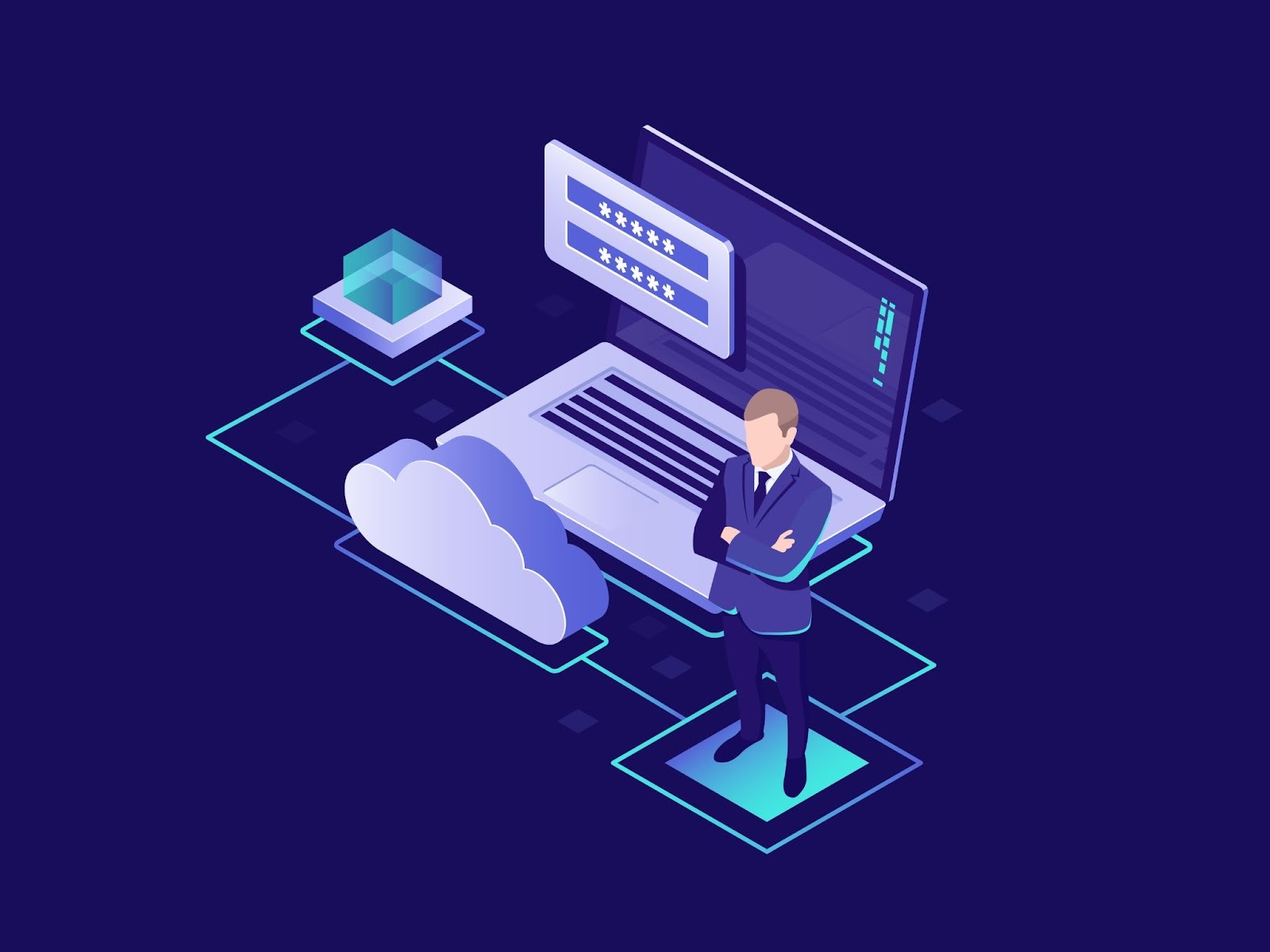
The way businesses track employee attendance has fundamentally changed with the arrival of cloud technology. Gone are the days when attendance records lived only on office computers or in filing cabinets, accessible only to people physically present at specific locations. Today's cloud attendance system solutions store all attendance data on secure internet servers, making information available instantly from anywhere in the world through any device with internet connection.
This transformation matters because modern work itself has changed. Employees work remotely, travel between multiple locations, and need flexible arrangements that traditional attendance systems cannot support. Managers need to check workforce status while away from their desks. Business owners want to review attendance reports from home or while traveling.
Understanding how cloud attendance works, what advantages it provides, and how to implement it helps businesses modernize their operations and manage distributed workforces effectively. Platforms like[ OpenTimeClock](https://www.opentimeclock.com/) demonstrate how cloud technology delivers professional workforce tracking accessible from anywhere while remaining simple enough for any business to implement.
### Understanding Cloud Attendance Systems
A cloud attendance system is a digital solution that records and manages employee or student attendance using cloud-based technology. Instead of relying on paper registers or local software, attendance data is stored securely on remote servers and can be accessed anytime through the internet. These systems often use tools such as mobile apps, biometric devices, RFID cards, or web portals to mark attendance in real time. One of the key advantages of cloud attendance systems is accuracy, as they reduce manual errors and prevent proxy attendance.
They also save time by automating reports, payroll integration, and data analysis. Additionally, cloud-based systems are scalable, cost-effective, and easy to update, making them suitable for organizations of all sizes. By providing transparency and real-time insights, cloud attendance systems help improve workforce management and operational efficiency.
### Key Advantages of Cloud-Based Attendance
The benefits of cloud attendance system technology extend far beyond simple convenience, delivering real business value across multiple dimensions. Anywhere access allows checking attendance data from any location with internet connectivity. Managers traveling for business can review team attendance from airports or hotels. Business owners can monitor workforce status from home. This flexibility supports modern work patterns where leaders are not always physically present at offices.
Real-time updates provide instant visibility into current workforce status. Traditional systems often required waiting until day's end or week's end to see attendance data. Cloud systems show who is currently working, who arrived late, and who has not yet clocked in, enabling immediate response to attendance issues.
Automatic backup and disaster recovery protect attendance data from loss. Cloud providers maintain multiple copies of data across different geographic locations. If one server fails, others immediately take over. This redundancy ensures attendance records are never lost due to hardware failures or disasters.
Multi-device compatibility means the same system works on computers, tablets, and smartphones without requiring different software for each device type. Employees clock in using whatever device is convenient, and managers check data using their preferred devices. Automatic software updates happen seamlessly without user involvement. When cloud providers release improvements or security patches, all users automatically get updated versions. There are no manual installations or system downtime for updates.
### How Cloud Attendance Works
Understanding the technical process helps demystify cloud technology and build confidence in its reliability. Employee clock-in from any authorized device sends data to cloud servers. When workers tap clock-in buttons on their phones or computers, the app transmits time, date, employee ID, and optionally location information to cloud servers over encrypted internet connections.
Data storage on cloud servers happens instantly upon receipt. The servers record all information in secure databases designed for reliability and speed. This data joins historical records, creating comprehensive attendance histories.
Manager access through dashboards provides visual interfaces showing attendance information. Authorized supervisors log into web-based dashboards displaying current status, recent clock-ins, and attendance summaries. These dashboards work identically whether accessed from office computers or personal devices at home.
Report generation happens on cloud servers which compile requested attendance data into formatted reports. When managers request reports showing weekly hours by employees, the cloud system generates these documents and makes them available for download or viewing.
### Mobile Access Revolution
The combination of cloud technology with mobile devices has transformed attendance tracking for distributed workforces. Smartphone attendance apps allow employees to clock in from anywhere using devices they already carry. Mobile apps designed for cloud attendance systems provide simple interfaces optimized for small screens, making time tracking as easy as tapping a button.
GPS verification capabilities in mobile apps record employee locations when they clock in. This feature confirms remote workers are actually at assigned job sites and prevents employees from clocking in from home when they should be at customer locations.
Push notifications alert employees about schedules, remind them to clock in, and notify them of schedule changes. These instant mobile alerts ensure important information reaches workers immediately regardless of where they are.
Photo capture at clock-in using phone cameras adds visual verification. Some cloud attendance systems take employee photos when they clock in via mobile apps, creating documentation that authorized employees actually recorded the time.
Offline functionality in quality mobile apps allows clocking in when internet is temporarily unavailable. The app stores data locally and automatically syncs to cloud servers when connectivity resumes, ensuring tracking continues even in areas with poor cellular coverage.
### Remote Work and Distributed Teams
Cloud attendance particularly shines for businesses with employees working outside traditional office environments. Remote employee tracking through cloud systems works identically whether workers are at headquarters or home offices. Remote employees clock in through web browsers or mobile apps, and their attendance data appears in the same dashboards as office-based workers.
Multiple location management becomes simple when all locations feed data to the same cloud system. Businesses with offices in different cities or countries see attendance across all locations through unified dashboards. No need to check separate systems for each location. Time zone handling in quality cloud attendance system platforms automatically adjusts displayed times based on user locations. An employee clocking in at nine AM in New York appears correctly in dashboards viewed by managers in Los Angeles or London.
Virtual team coordination improves when managers have real-time visibility into distributed team availability. Knowing who is currently working across different locations and time zones helps coordinate projects and meetings effectively.
### Security and Data Protection
Storing attendance data in the cloud raises understandable security questions that quality providers address through multiple protective measures.
Encryption in transit protects data as it travels between employee devices and cloud servers. Industry-standard SSL encryption, the same technology securing online banking, ensures attendance information cannot be intercepted during transmission.
Encryption at rest protects stored data on cloud servers. Even if someone somehow accessed the servers, encrypted data is unreadable without proper authorization keys. This protection ensures attendance records remain confidential.
Access controls limit who can view different types of attendance information. Employees typically see only their own records while managers access their team's data and administrators control the entire system. These permission levels prevent unauthorized access.
Regular security audits by reputable cloud providers ensure systems remain protected against emerging threats. Major providers invest heavily in security, often providing better protection than most businesses could achieve maintaining their own systems.
Compliance certifications from cloud providers demonstrate adherence to security standards. Look for providers with certifications like SOC 2, which verify proper security controls and practices.
Data ownership clarity ensures businesses retain rights to their attendance data. Reputable providers clearly state that customer data belongs to customers, not the
### Implementation Process
Moving to cloud attendance involves straightforward steps that most businesses complete quickly.
System selection starts with evaluating cloud attendance options based on your specific needs. Consider how many employees you have, whether you need mobile access, what integrations matter, and what budget you can allocate. Platforms like[ OpenTimeClock](https://www.opentimeclock.com/) offer free trials allowing testing before committing.
Account setup requires providing basic business information and creating your organization's account. This process typically takes just minutes through simple online registration forms. Employee enrollment involves adding worker information to the cloud system. Import employee lists from spreadsheets or add individuals manually. The system generates login credentials for each employee.
Mobile app deployment means directing employees to download attendance apps from app stores or providing direct download links. Most employees complete app installation in minutes.Training delivery ensures everyone understands how to use the new cloud system. Brief sessions showing employees how to clock in and managers how to access dashboards prepare teams for successful adoption.
Cost Comparison With Traditional Systems
Understanding total cost of ownership helps evaluate whether cloud attendance makes financial sense for your business. Upfront costs for cloud attendance system solutions are typically minimal. Most cloud systems require no hardware purchases or software licenses, just monthly subscriptions. This low initial investment makes professional attendance tracking accessible to small businesses.
Monthly subscription fees usually range from five to fifteen dollars per employee depending on features and provider. These predictable ongoing costs simplify budgeting and include software updates, data storage, and support.
Hardware savings accumulate because cloud systems work on existing devices. No need to purchase dedicated time clocks or servers. Employees use computers and phones they already have, and managers access dashboards through standard web browsers.
IT cost reduction results from eliminated server maintenance, software updates, and technical support requirements. The cloud provider handles all infrastructure management, freeing internal resources for other priorities.
Scalability economics favor cloud systems that add users simply by adjusting subscription levels. Growing from twenty to forty employees just means paying for twenty additional users. No new hardware or complex installations required.
Total cost calculations over multiple years typically show cloud systems costing less than traditional alternatives when including all factors. Initial savings, ongoing maintenance elimination, and scalability advantages create compelling financial cases for cloud adoption.
### Future of Cloud Attendance
Emerging technologies continue advancing cloud attendance capabilities in exciting directions. Artificial intelligence integration will bring predictive analytics to attendance tracking. AI systems will forecast staffing needs, identify attendance patterns indicating problems, and suggest schedule optimizations.
Biometric authentication through phone fingerprint sensors or facial recognition will verify employee identity when clocking in via mobile apps. This added security prevents buddy punching. Voice-activated attendance might allow employees to clock in through virtual assistants. Simply saying "clock in to work" could record attendance through smart speakers or phone assistants.
Wearable device integration could enable automatic attendance tracking through smartwatches or fitness trackers. Devices might detect when employees arrive at work locations and automatically record clock-ins.
### Conclusion
Cloud attendance system technology has revolutionized workforce tracking by eliminating the location and device limitations of traditional methods. The ability to access attendance data anywhere, anytime, from any device transforms how businesses manage employees and respond to attendance issues.
The benefits extend far beyond convenience to encompass real-time visibility, automatic backups, seamless scalability, and reduced IT requirements. Quality platforms like[ OpenTimeClock](https://www.opentimeclock.com/) demonstrate how modern cloud technology delivers enterprise capabilities at prices accessible to small businesses.
Adopting cloud attendance requires minimal initial investment but delivers ongoing benefits every day. Organizations that embrace this technology position themselves for success in an increasingly distributed and mobile work environment.
### Frequently Asked Questions
#### Is cloud attendance data safe from hackers and cyber threats?
Reputable cloud attendance providers invest heavily in security, often providing better protection than individual businesses could achieve. Data encryption during transmission and storage, regular security audits, access controls, and compliance certifications protect against threats.
#### What happens if internet connection is lost and employees cannot clock in?
Quality cloud attendance systems include offline capabilities that store clock-in data locally when the internet is unavailable. Once connectivity resumes, stored data automatically syncs to cloud servers.
#### Can employees access cloud attendance systems from personal devices?
Yes, cloud attendance systems work on personal smartphones, tablets, and computers through web browsers or mobile apps. Many businesses allow employees to use personal devices for clocking in, though some restrict access to company-provided devices for security reasons.
#### How much does cloud attendance typically cost for small businesses?
Cloud attendance pricing usually ranges from five to fifteen dollars per employee monthly, making it affordable for small businesses. Many providers offer free tiers supporting limited users, perfect for very small teams.
#### Can we export our attendance data if we decide to switch cloud providers?
Reputable cloud attendance providers allow exporting your data in standard formats like CSV or Excel spreadsheets. This data portability ensures you are not locked into any provider and can switch if needed.
---
# Agent Instructions
This documentation is published with GitBook. GitBook is the documentation platform designed so that both humans and AI agents can read, navigate, and reason over technical content effectively. Learn more at gitbook.com.
## Querying This Documentation
If you need additional information that is not directly available in this page, you can query the documentation by asking a question.
Perform an HTTP GET request on the following URL with the `ask` and `goal` query parameters:
```
GET https://www.opentimeclock.com/docs/blog2/february-2026/access-your-data-anywhere-the-power-of-cloud-attendance.md?ask=&goal=
```
`ask` is the immediate question: it should be specific, self-contained, and written in natural language.
`goal` is what the user is ultimately trying to achieve, the reason they need the answer. Sharing it helps GitBook give you a better, more relevant answer. A goal is most helpful when it describes the outcome the user wants rather than restating the question. For example, with `ask=how do I create an API token`, a goal like `automate deployments from our CI pipeline` lets GitBook tailor the answer to that use case.
The response will contain a direct answer to the question and relevant excerpts and sources from the documentation.
Use this mechanism when the answer is not explicitly present in the current page, you need clarification or additional context, or you want to retrieve related documentation sections.